How to enable all activity notifications in Slack
Here is how to enable all activity notifications in slack
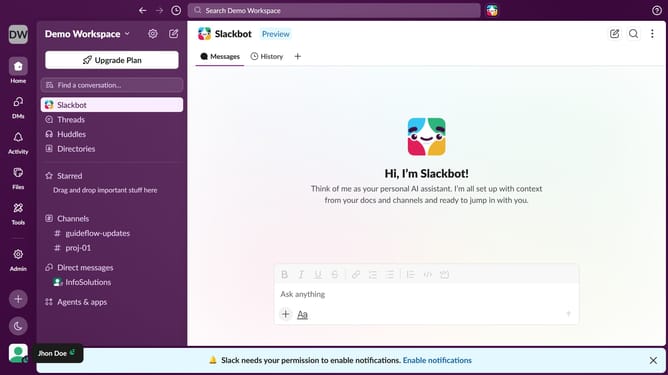
- First click on the user profile icon in the bottom left sidebar
- Then click on "Preferences" in the sidebar menu
- Next click on the "Notifications" option in the Preferences menu
- Then click dropdown for the "What to notify you about"
- Click on the "Everything" option from the dropdown
- Finally click the close button in the top right corner of the window
Why should you enable all activity notifications in Slack
Slack is a dynamic communication platform designed to enhance team collaboration and streamline work processes.
Enabling all activity notifications in Slack ensures you never miss key updates, helping to maintain seamless communication.
This feature fosters real-time awareness, allowing users to respond promptly and stay informed about important team actions, conversations, and decisions.
By utilizing all activity notifications, teams can boost productivity and maintain a well-connected, agile work environment.
Last update