Slack
Slack is a business communication platform that organizes team conversations into channels and direct messages.
Website
Industry
Collaboration
Share this article:

How to send a welcome message in a channel in Slack

Here is how to send a welcome message in a channel in slack

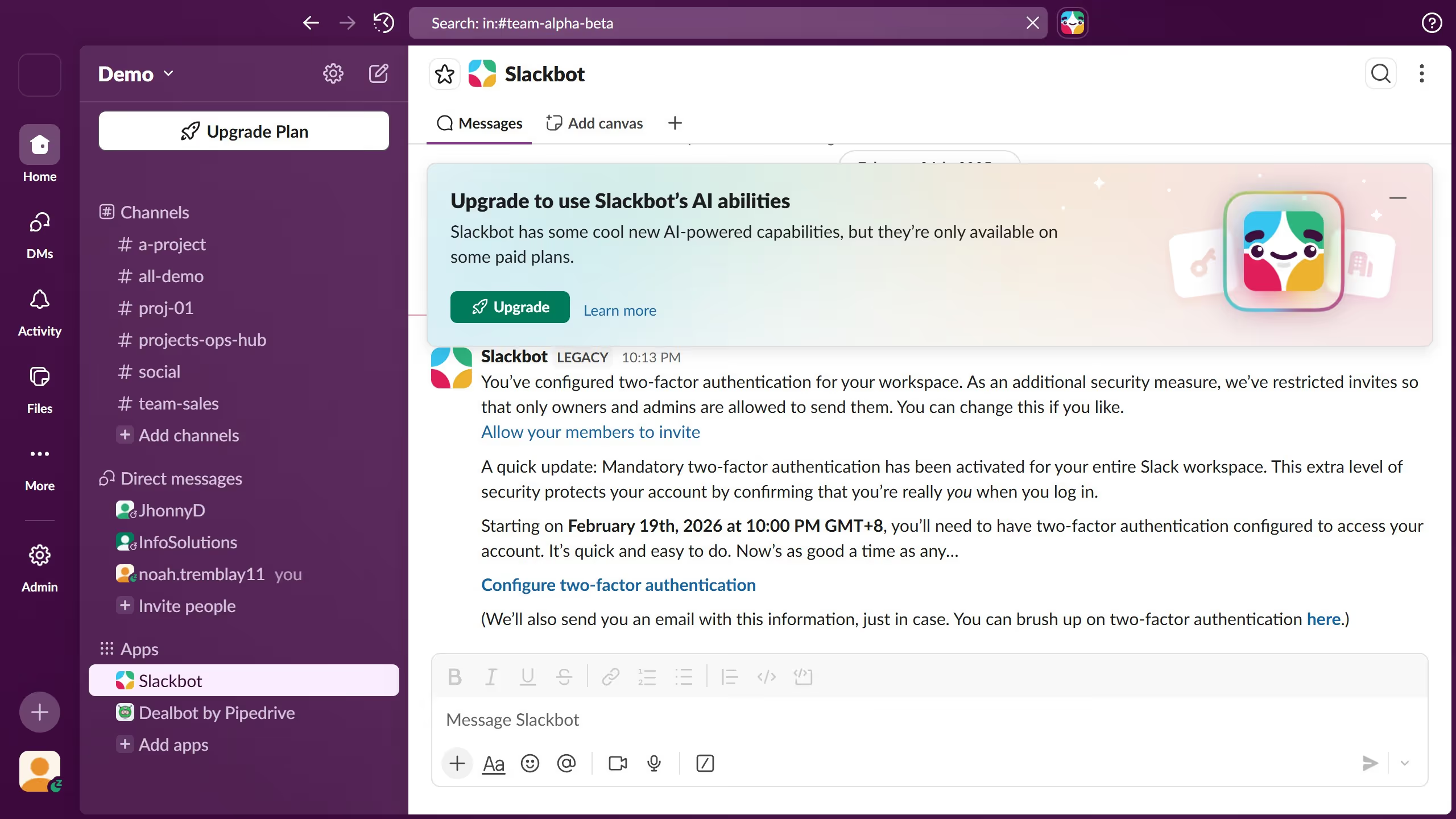
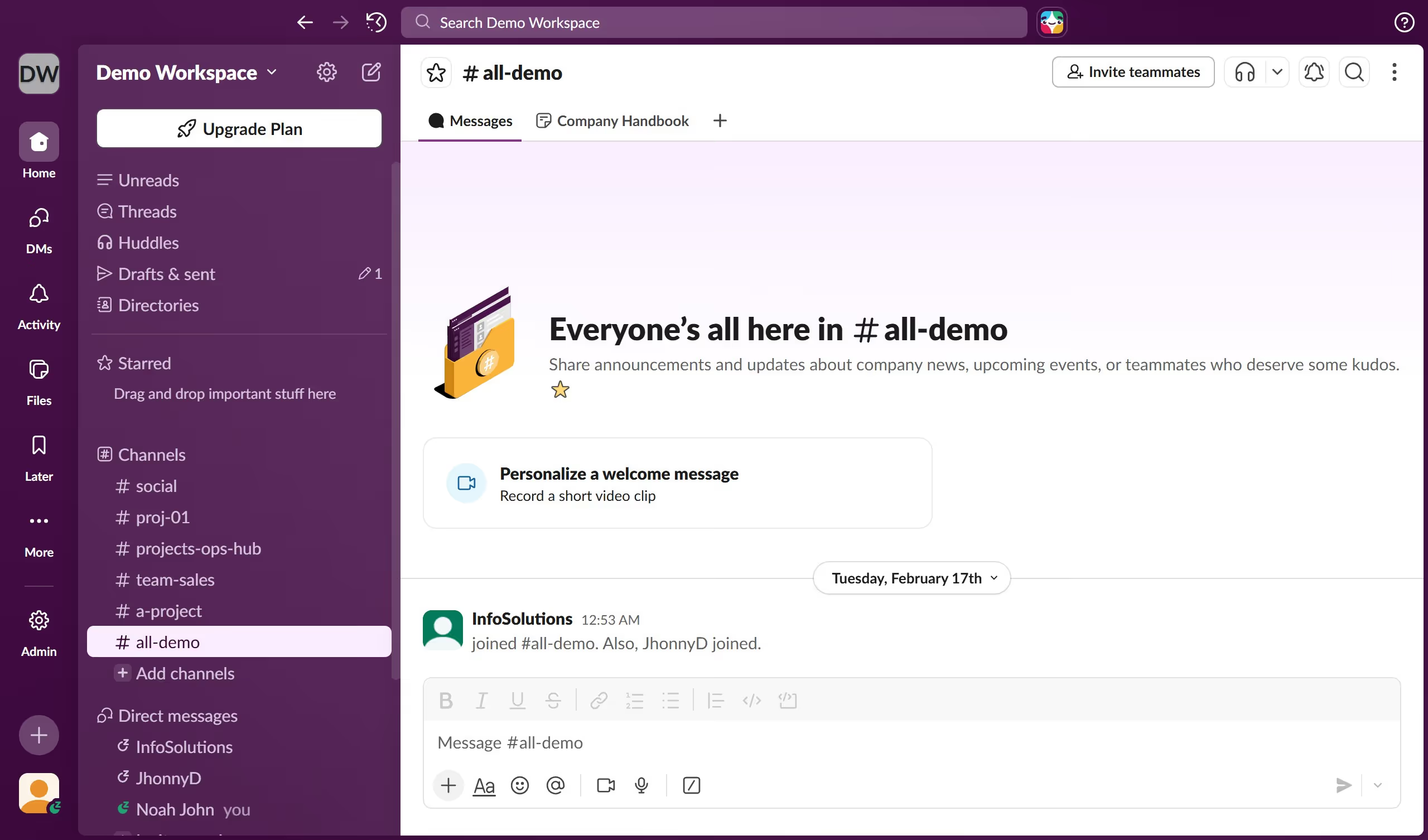
  1. First click on the channel name in the sidebar to open it
  2. Then click on the more options menu button (three dots) in the top-right corner of the header
  3. Next select "Add a workflow" from the dropdown menu
  4. Then click on the "Welcome message" workflow option in the Add workflow dialog
  5. Finally click on the "Add" button to confirm adding the workflow

Create your own interactive guide with Guideflow

Why should you send a welcome message in a channel in Slack

Slack is a dynamic tool designed to facilitate seamless communication and collaboration within teams.

Sending a welcome message in a channel in Slack serves as a delightful introductory gesture to new team members. It sets a positive tone and nurtures a sense of belonging from the outset.

This feature encourages open communication, making newcomers feel valued and involved. Moreover, it helps establish an inclusive culture where everyone is informed and engaged right from the start.

By using this feature, teams can foster unity and ensure that new members are aligned with the group’s objectives.

Last update
March 16, 2026
Cursor MariaA cursor points to a button labeled "James."

Create your first demo in less than 30 seconds.