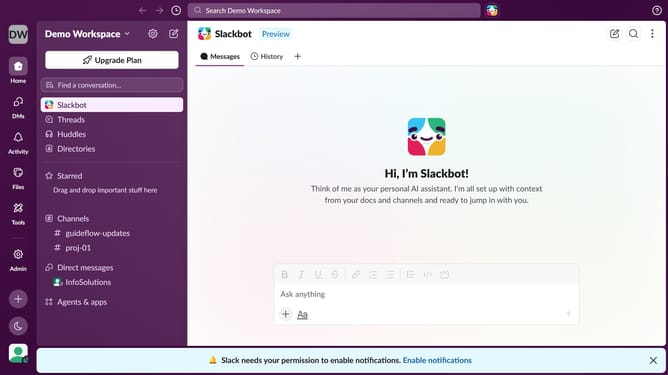
How to create a channel in Slack
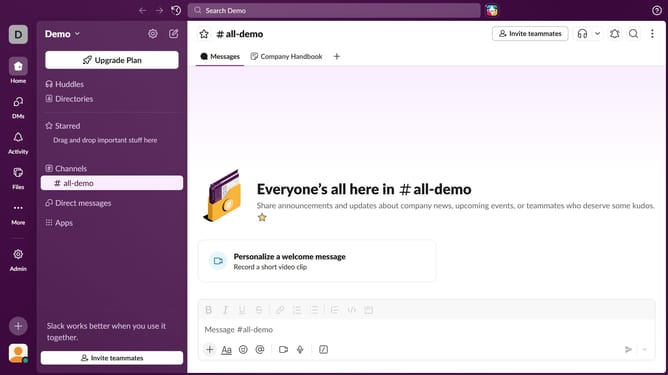
Here is how to create a channel in slack
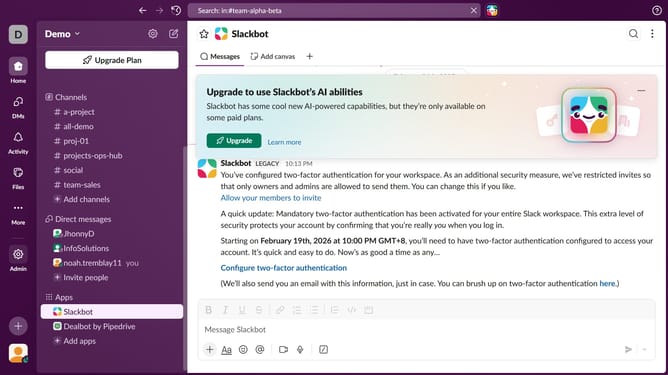
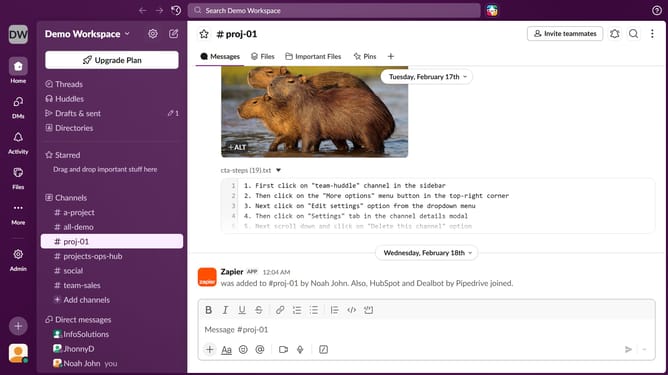
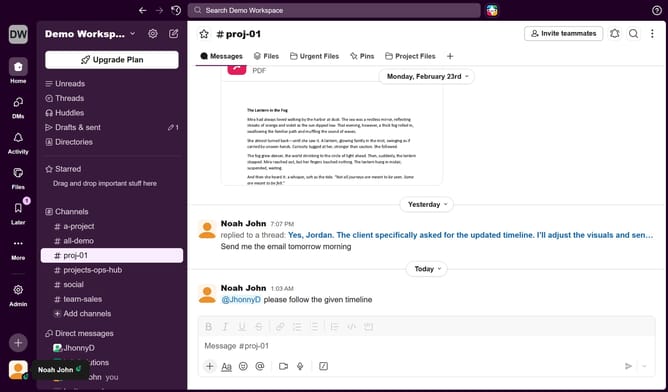
- First click on the '+' icon in the left sidebar
- Then click on "Channel" to start a new channel conversation
- Next, type a channel name in the "Name" input field
- Then click on the "Next" button
- Click on the "Create" button
- Finally, click on "Done" to complete channel creation
Why should you create a channel in Slack
Slack is a dynamic communication platform designed to enhance workplace collaboration.
Creating a channel in Slack is a powerful feature that organizes discussions into focused spaces, ensuring clarity and purpose. Channels can be created with ease to cater to specific teams, projects, or interests.
This leads to improved workflow and the elimination of cluttered chats. By segmenting topics into dedicated channels, team members can easily access relevant information, boosting productivity and alignment.
Last update