Slack
Slack is a business communication platform that organizes team conversations into channels and direct messages.
Website
Industry
Collaboration
Share this article:

How to save a message for later in Slack

Here is how to save a message for later in slack

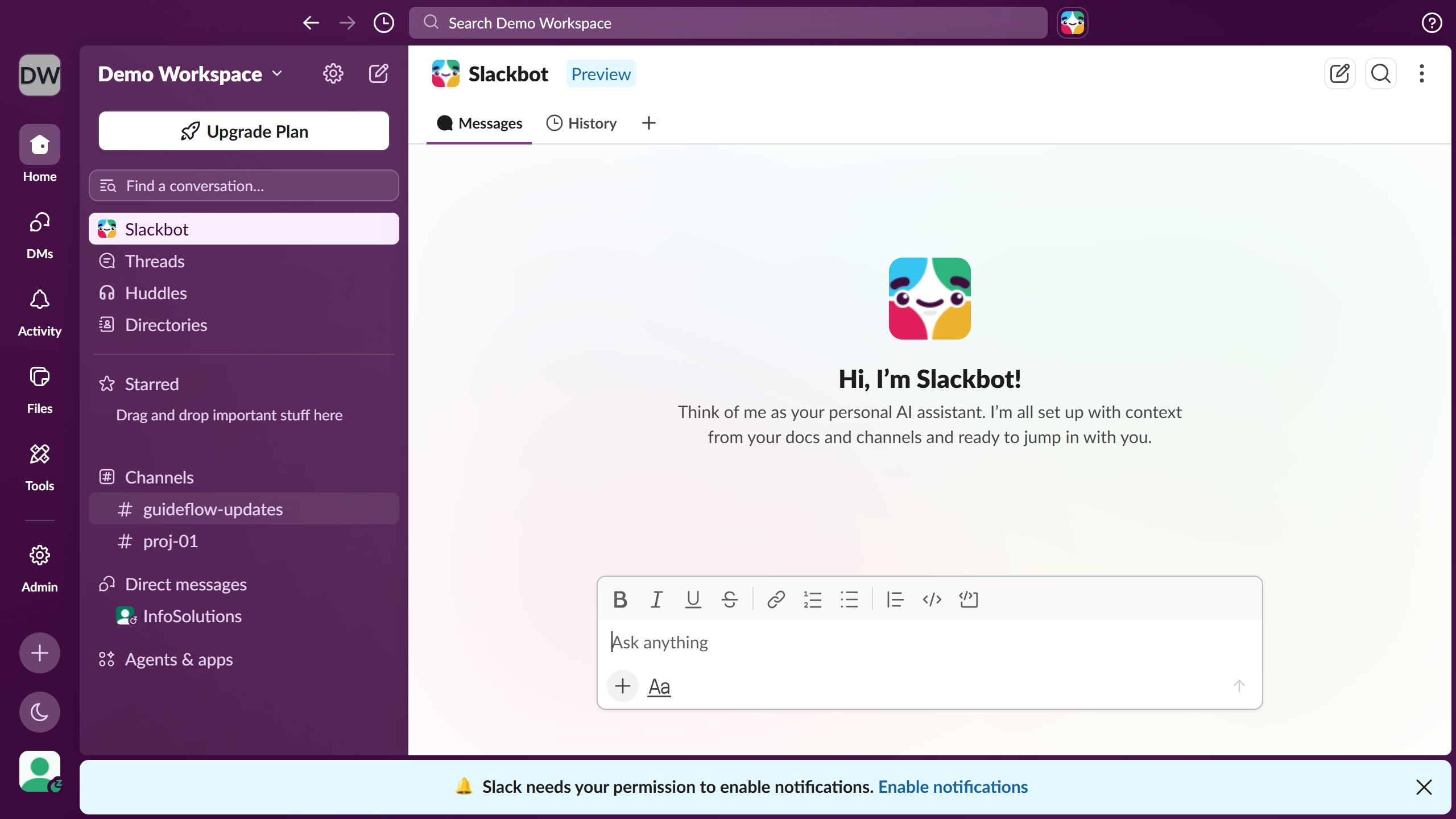
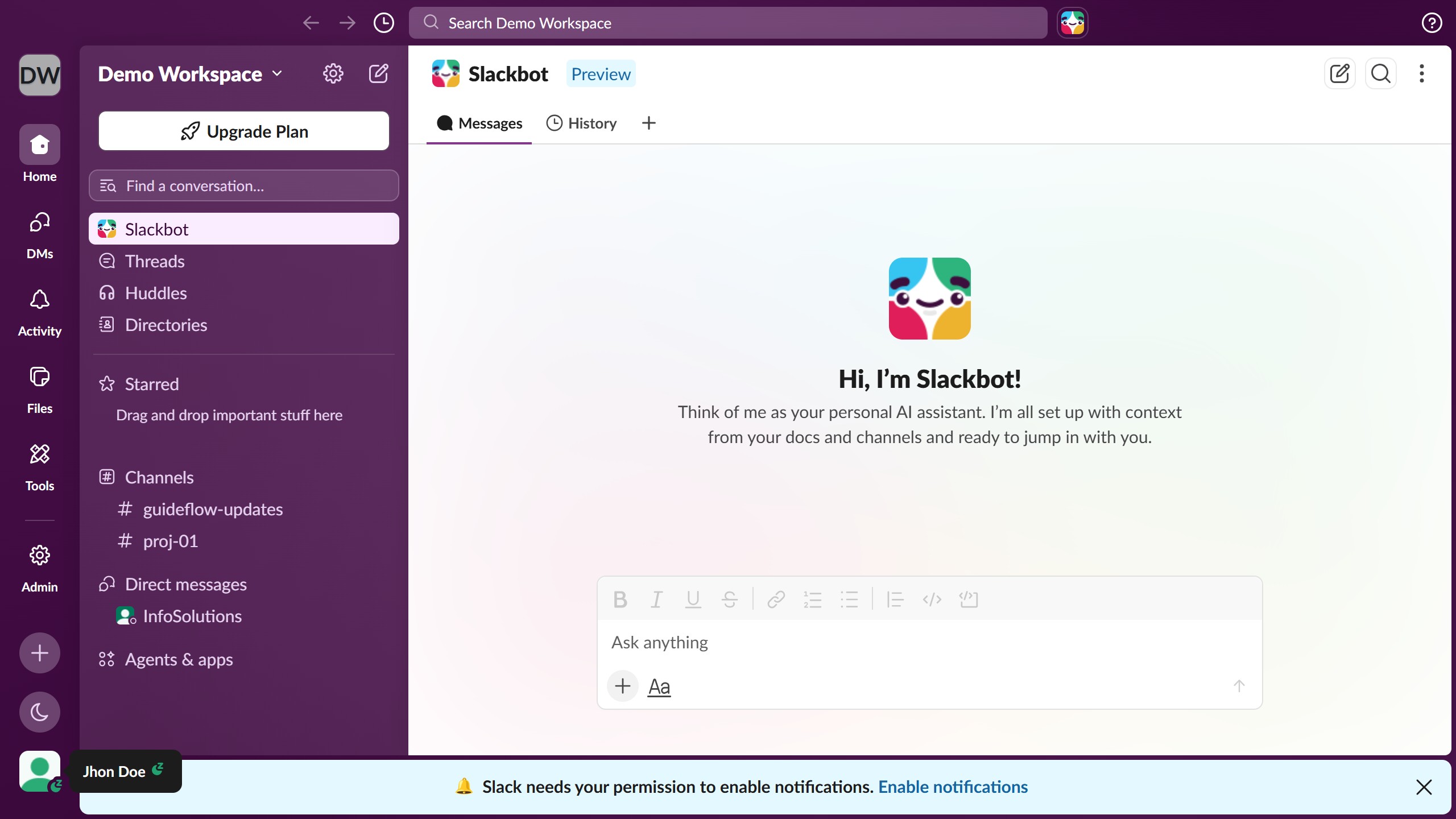
  1. First click on the contact's name in the Direct messages section of the sidebar
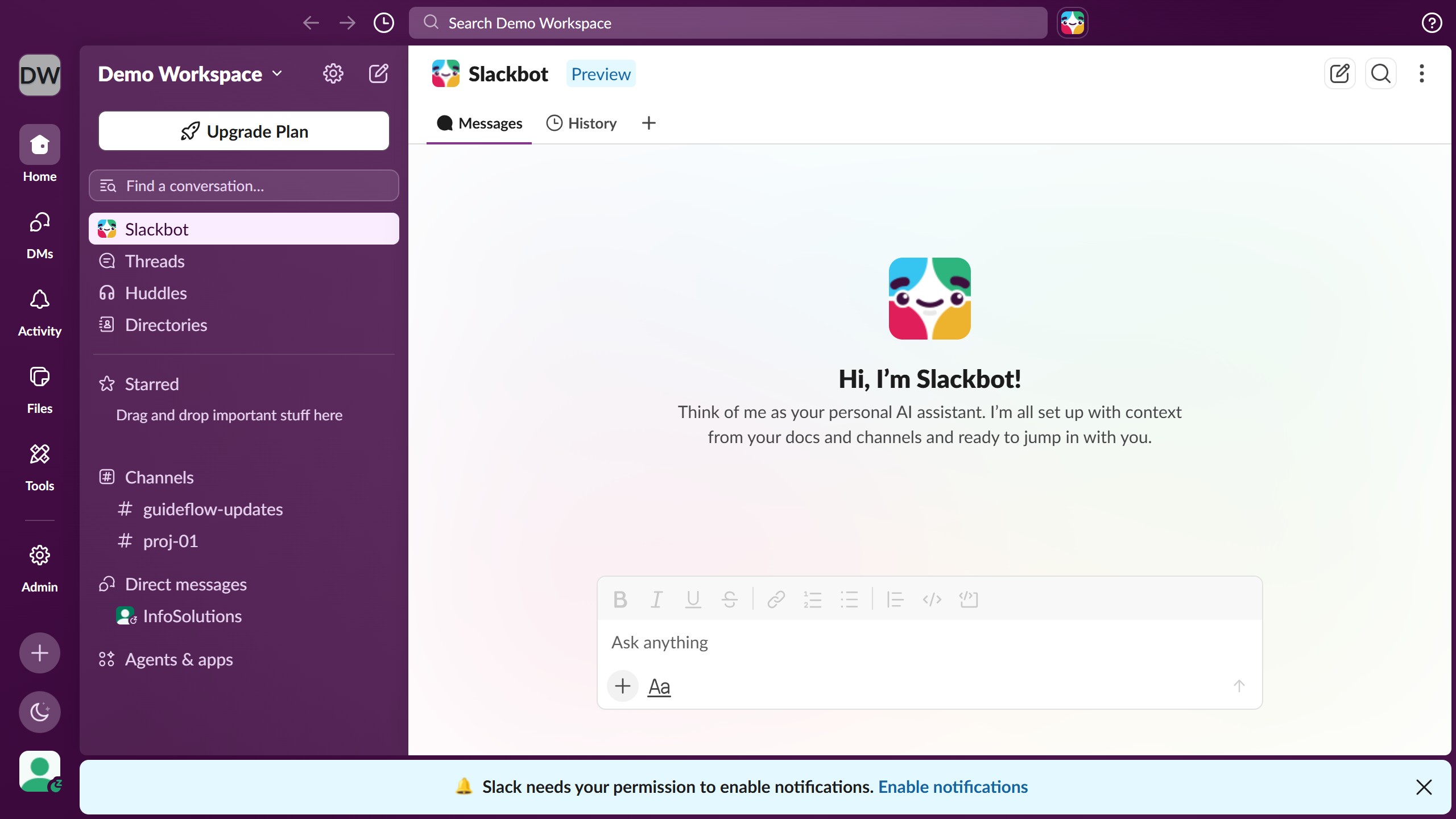
  2. Then click on the message that you want to save from the conversation thread
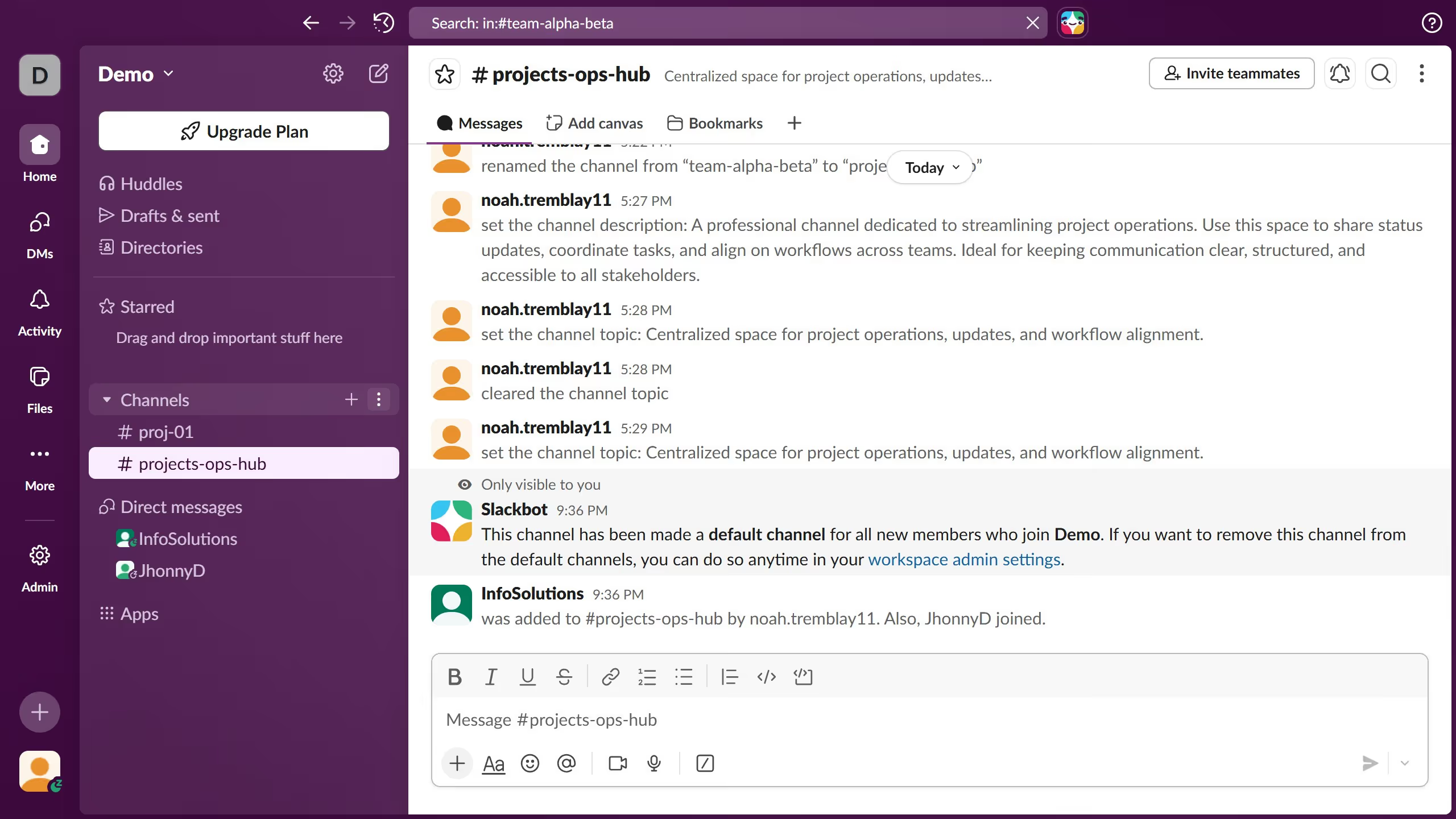
  3. Finally click on the bookmark icon in the message action toolbar to save the message for later

Create your own interactive guide with Guideflow

Why should you save a message for later in Slack

Slack is the ultimate tool for team collaboration, streamlining communication and boosting productivity in workplaces.

Saving messages for later in Slack ensures you never lose track of important information amidst bustling conversations.

This feature helps you organize your workflow, allowing you to revisit critical details at your convenience.

By marking messages for later, you maintain focus and enhance efficiency, ensuring nothing crucial slips through the cracks.

Last update
March 16, 2026
Cursor MariaA cursor points to a button labeled "James."

Create your first demo in less than 30 seconds.