Slack
Slack is a business communication platform that organizes team conversations into channels and direct messages.
Website
Industry
Collaboration
Share this article:

How to insert a code in a channel in Slack

Here is how to insert a code in a channel in slack

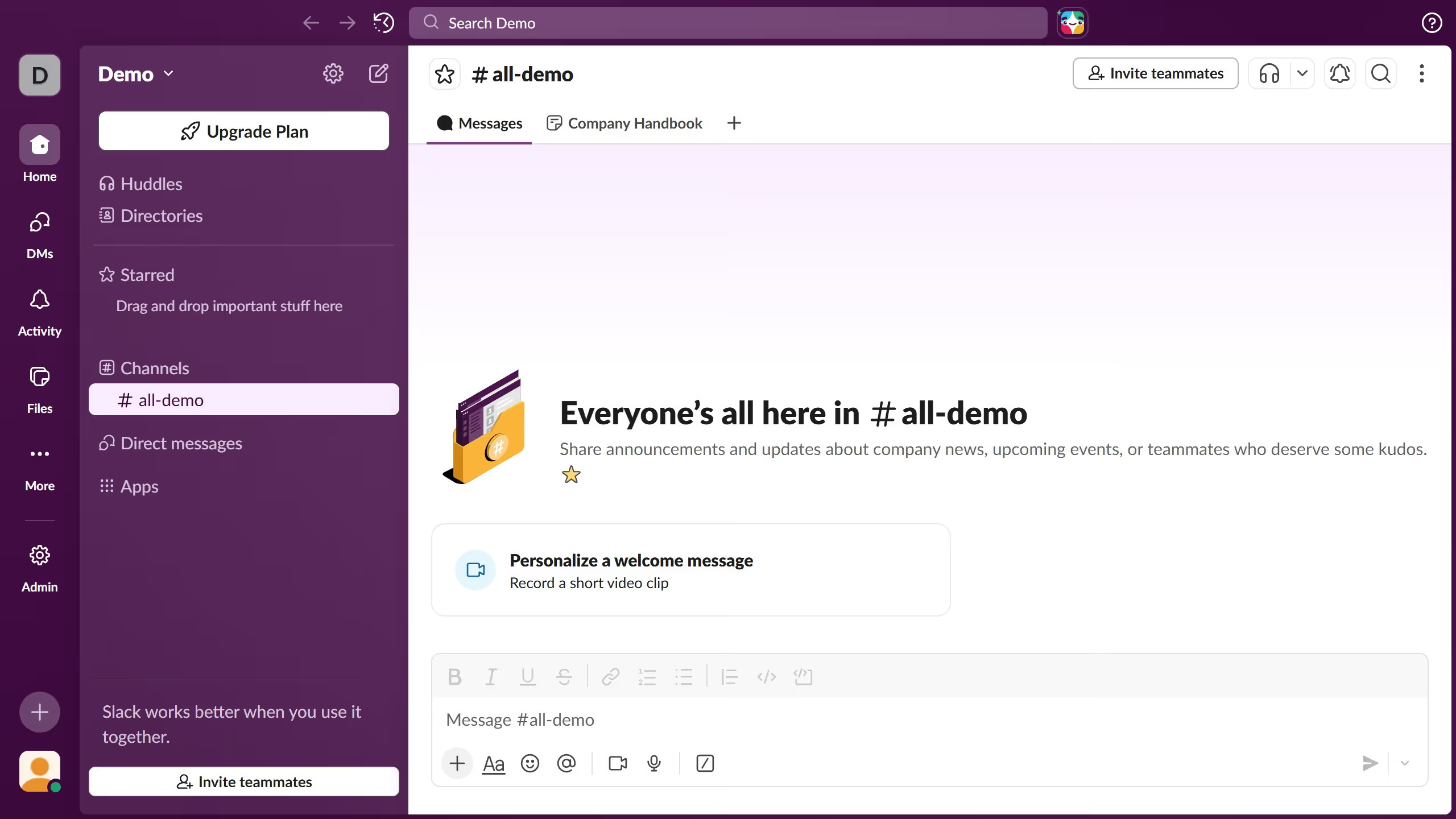
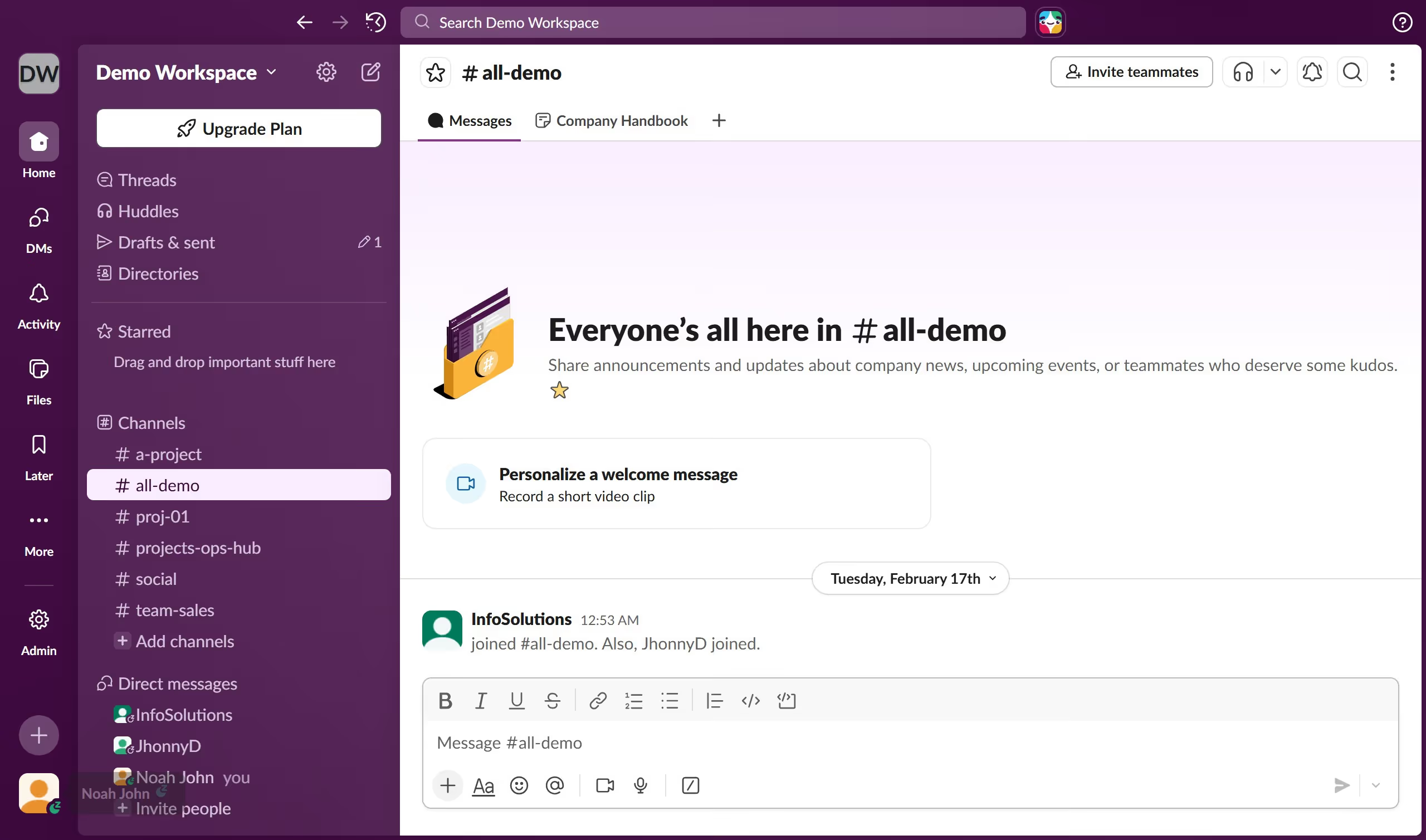
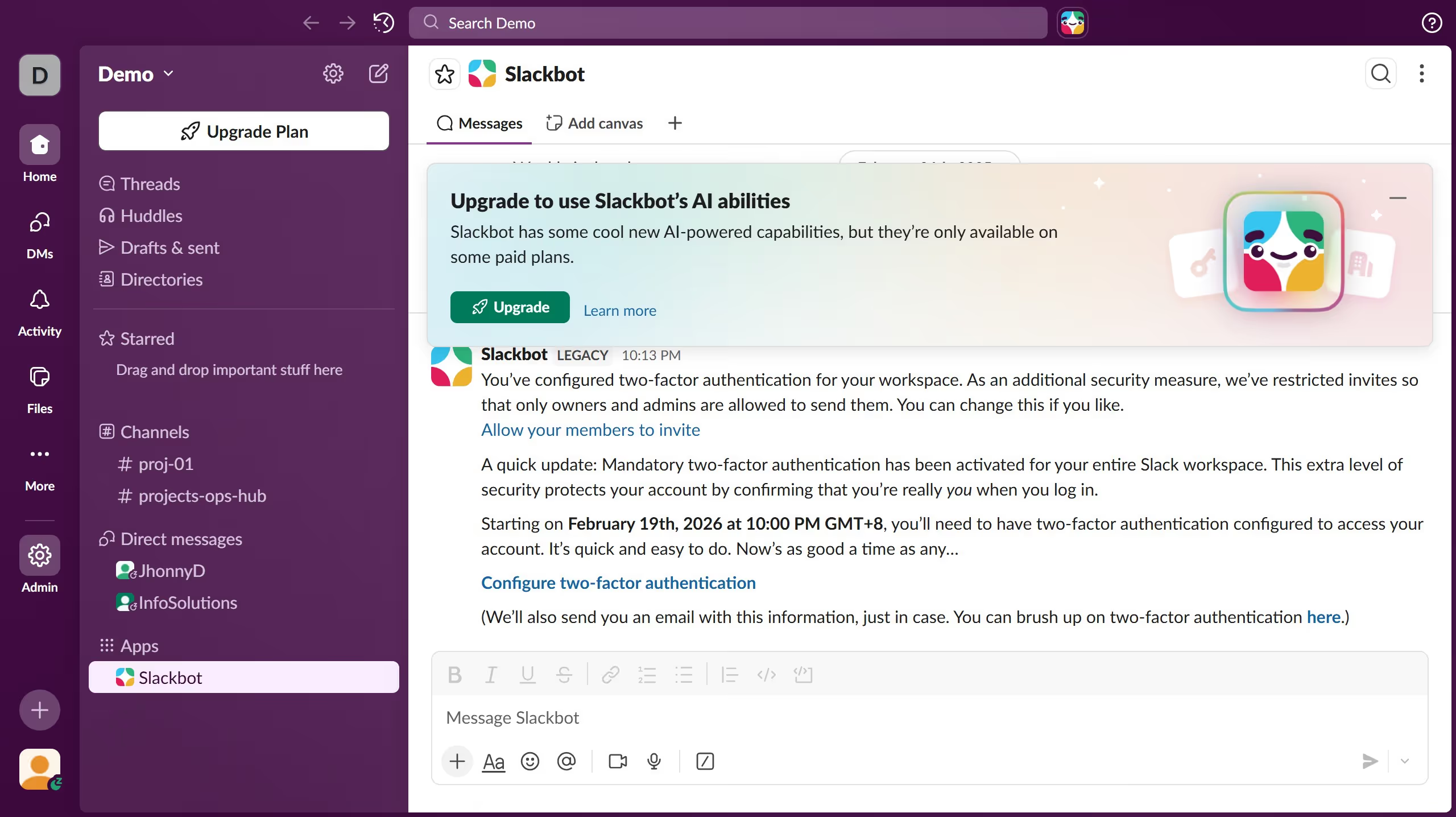
  1. First click on the channel name in the sidebar under the Channels section
  2. Then click on the code snippet button in the message formatting toolbar
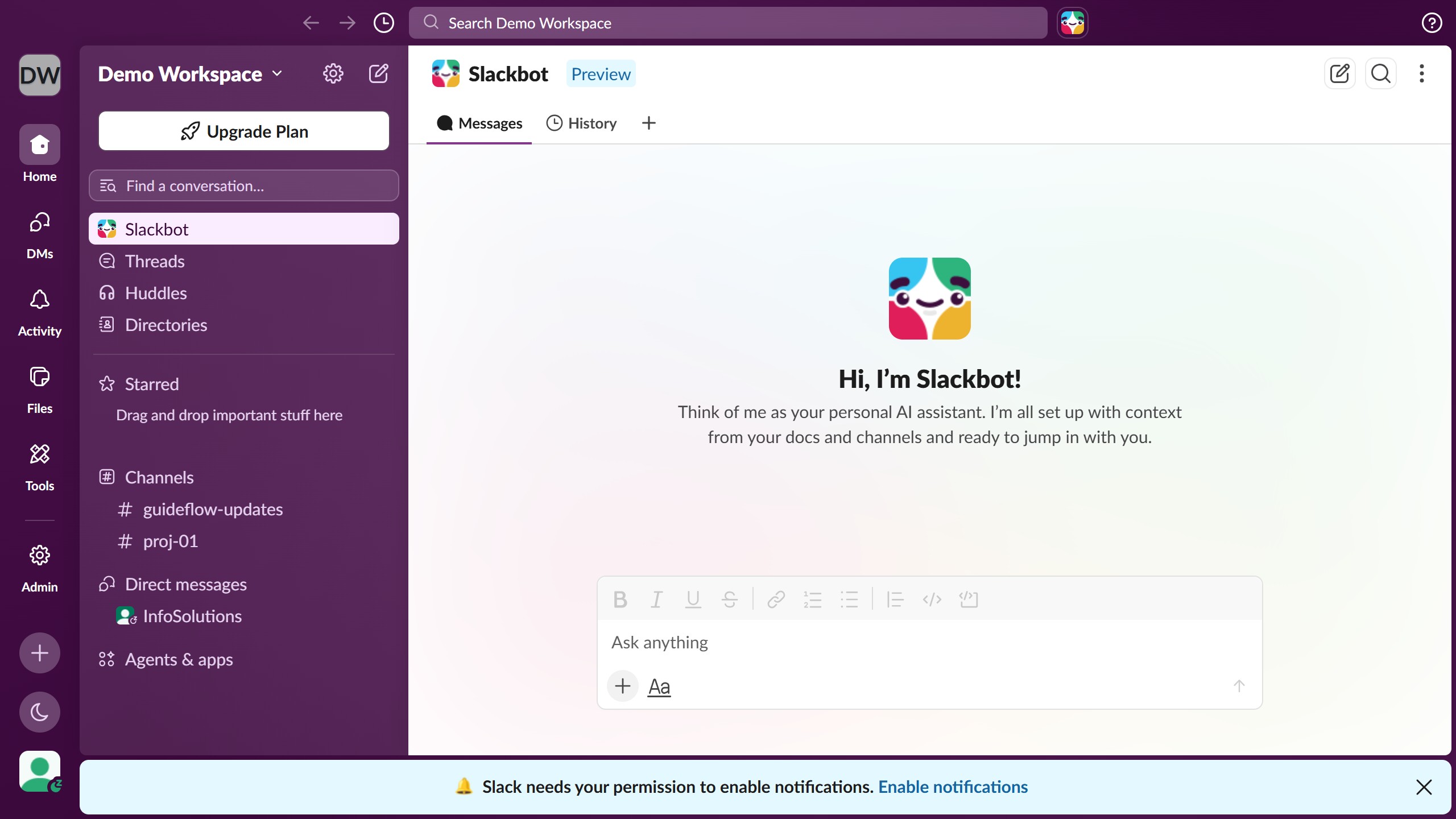
  3. Next click in the message input field to begin typing
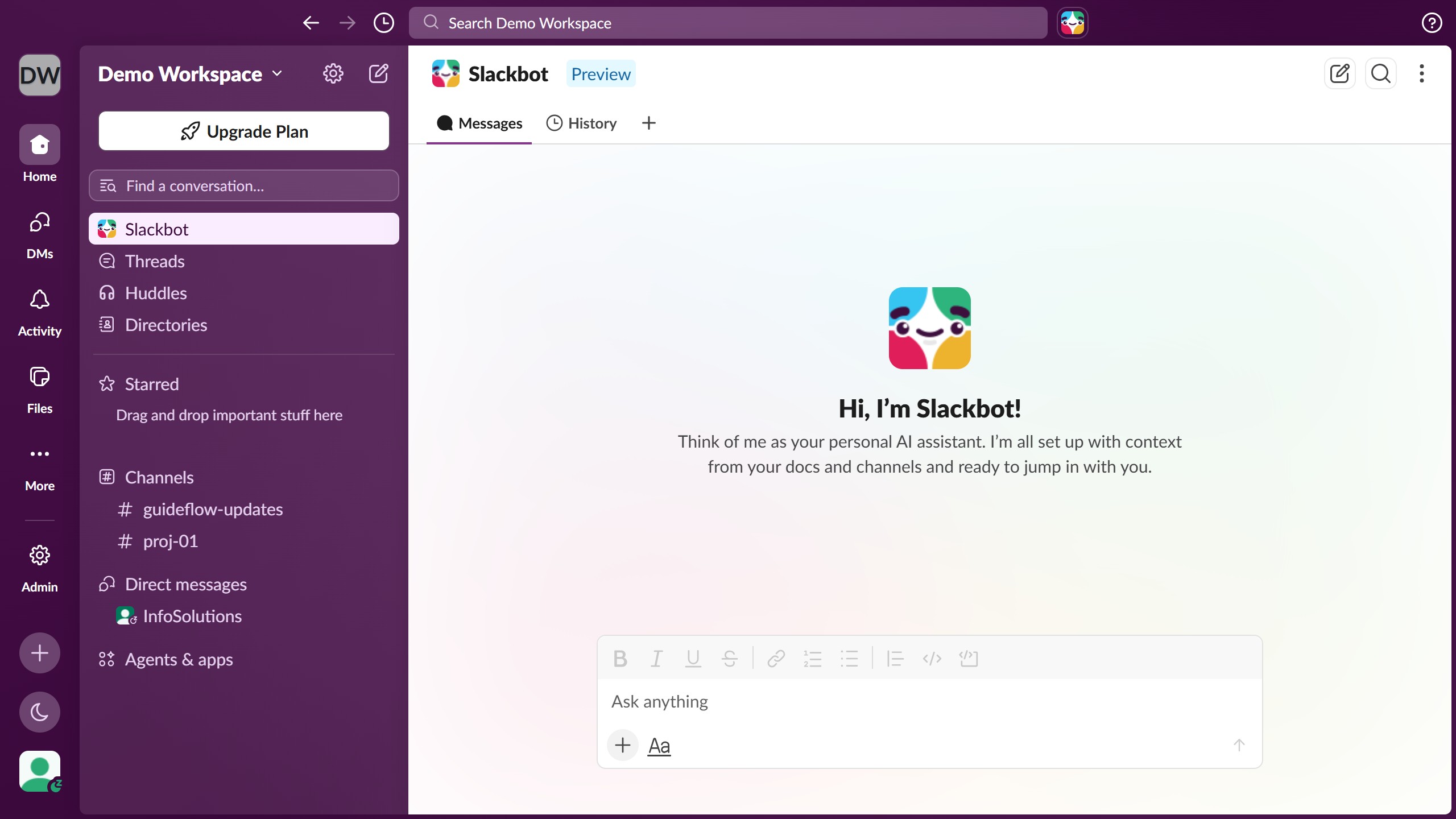
  4. Finally click on the "Send" button to submit the message

Create your own interactive guide with Guideflow

Why should you insert a code in a channel in Slack

Slack is a powerful communication platform designed to streamline teamwork and enhance collaboration.

Integrating code directly within a Slack channel transforms the workspace by making complex information easy to share and review. This feature enables coding teams to present, discuss, and troubleshoot their work in real-time, fostering a more effective and cohesive development process.

Using this feature reduces misunderstandings and speeds up solution-finding, as the team can visually digest and respond to code snippets quickly and efficiently.

Last update
March 16, 2026
Cursor MariaA cursor points to a button labeled "James."

Create your first demo in less than 30 seconds.