Slack
Slack is a business communication platform that organizes team conversations into channels and direct messages.
Website
Industry
Collaboration
Share this article:

How to sort conversations in Slack

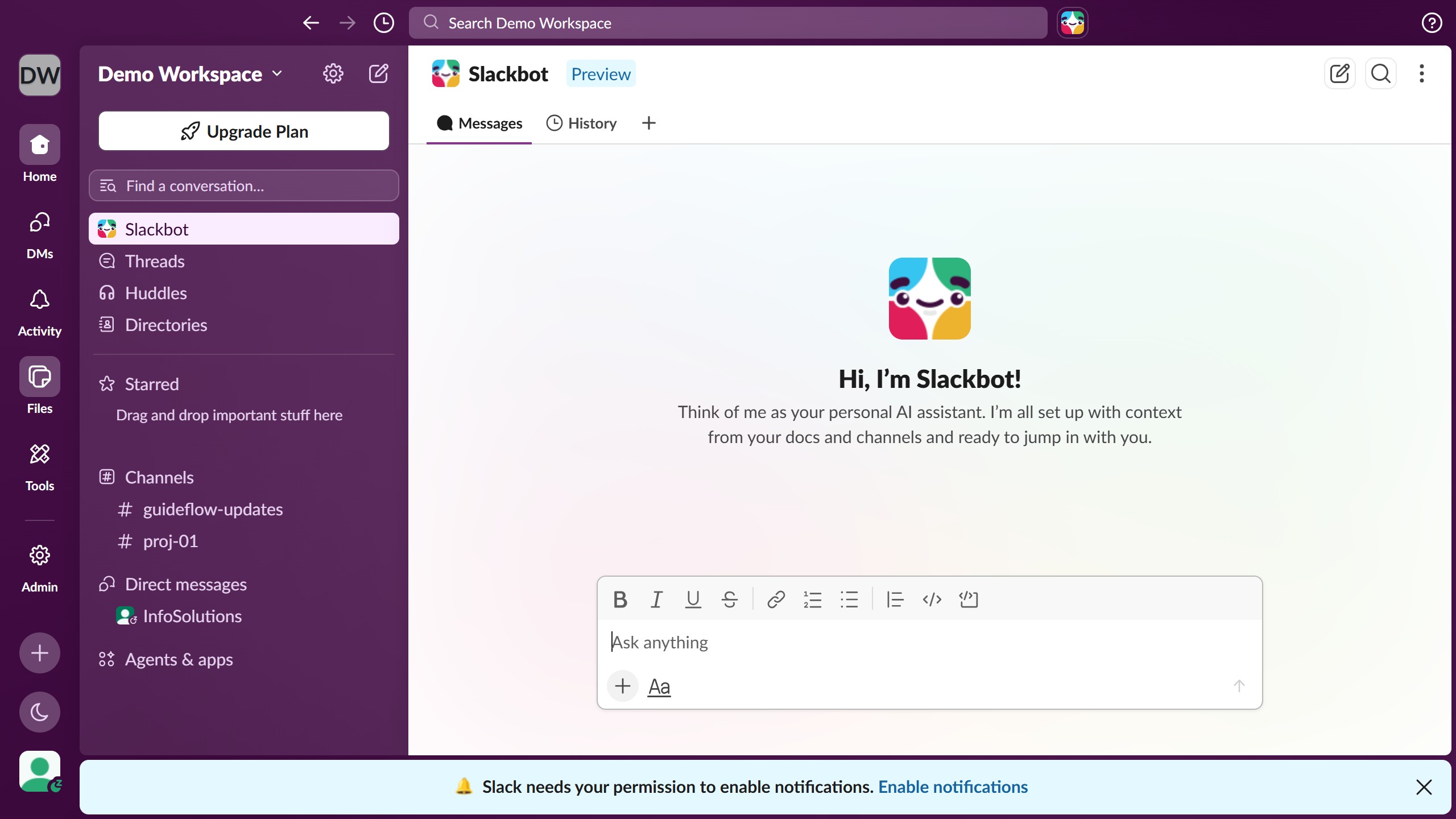
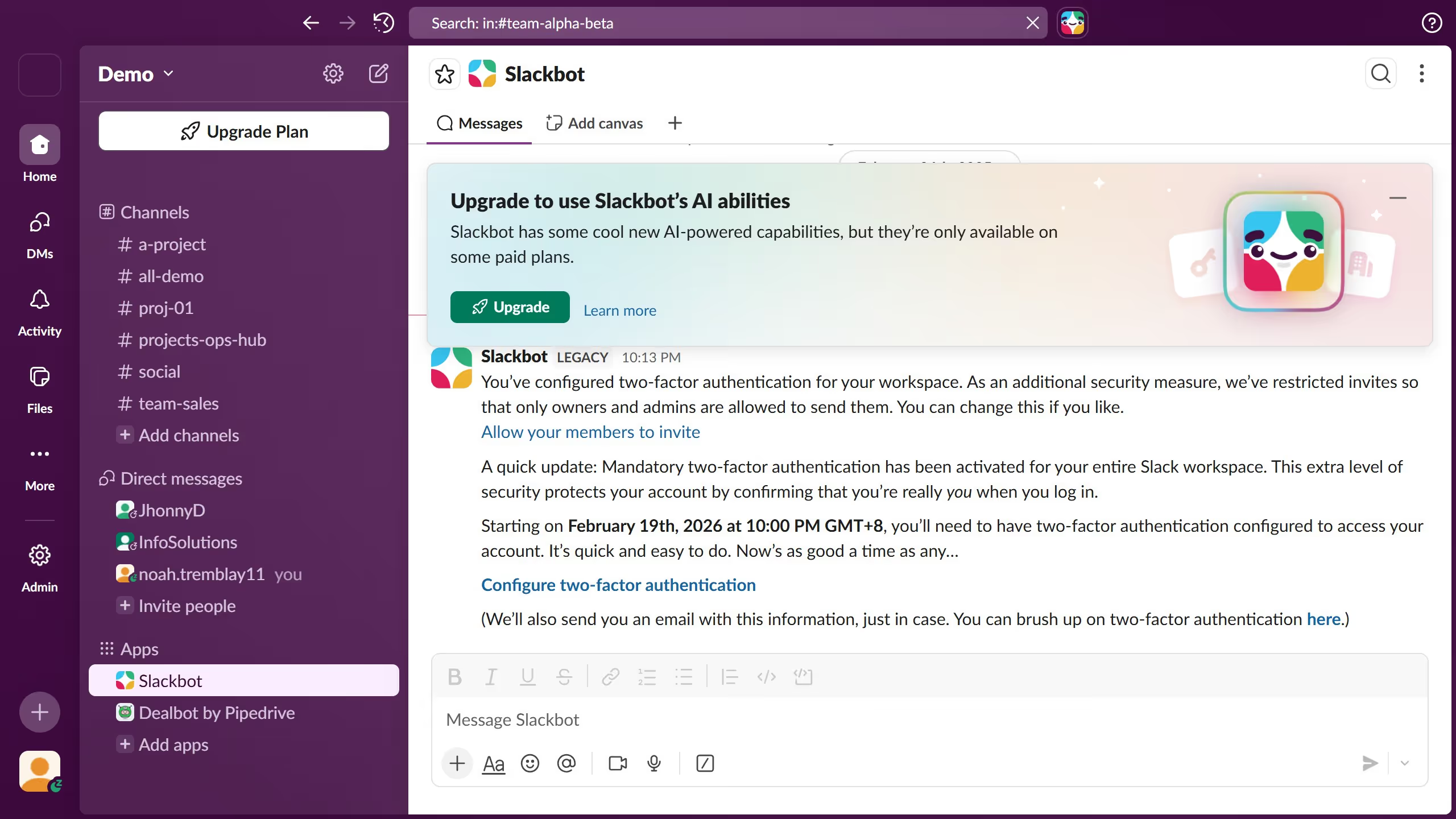
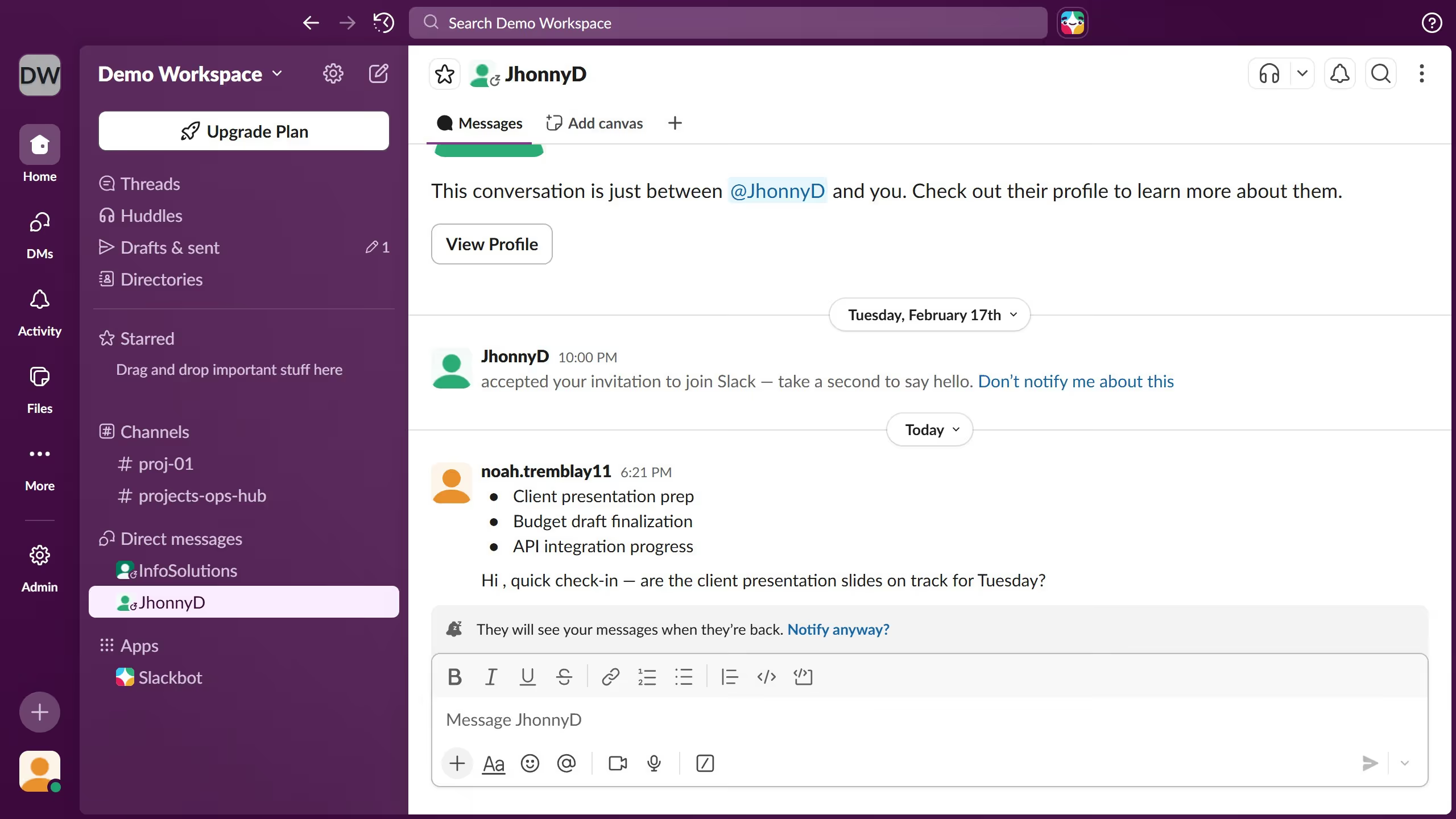
Here is how to sort conversations in slack

  1. First click on the profile icon in the bottom left corner of the sidebar to open the account menu
  2. Then click on "Preferences" option from the account menu
  3. Next click on "Home" section in the left navigation panel of the Preferences modal
  4. Then select the "Channels alphabetically and DMs by recent activity" radio button option in the Sort conversations by section
  5. Finally click on the close button in the top right corner of the Preferences modal

Create your own interactive guide with Guideflow

Why should you sort conversations in Slack

Slack is a versatile platform designed to enhance team communication and streamline collaboration.

One of its powerful features is the ability to sort conversations, helping users stay organized and efficient.

By sorting conversations, you can prioritize what matters most, ensuring that you never miss critical updates or important messages.

This feature enables seamless navigation through various channels and direct messages, boosting productivity by keeping your workspace clutter-free and focused.

Last update
March 16, 2026
Cursor MariaA cursor points to a button labeled "James."

Create your first demo in less than 30 seconds.