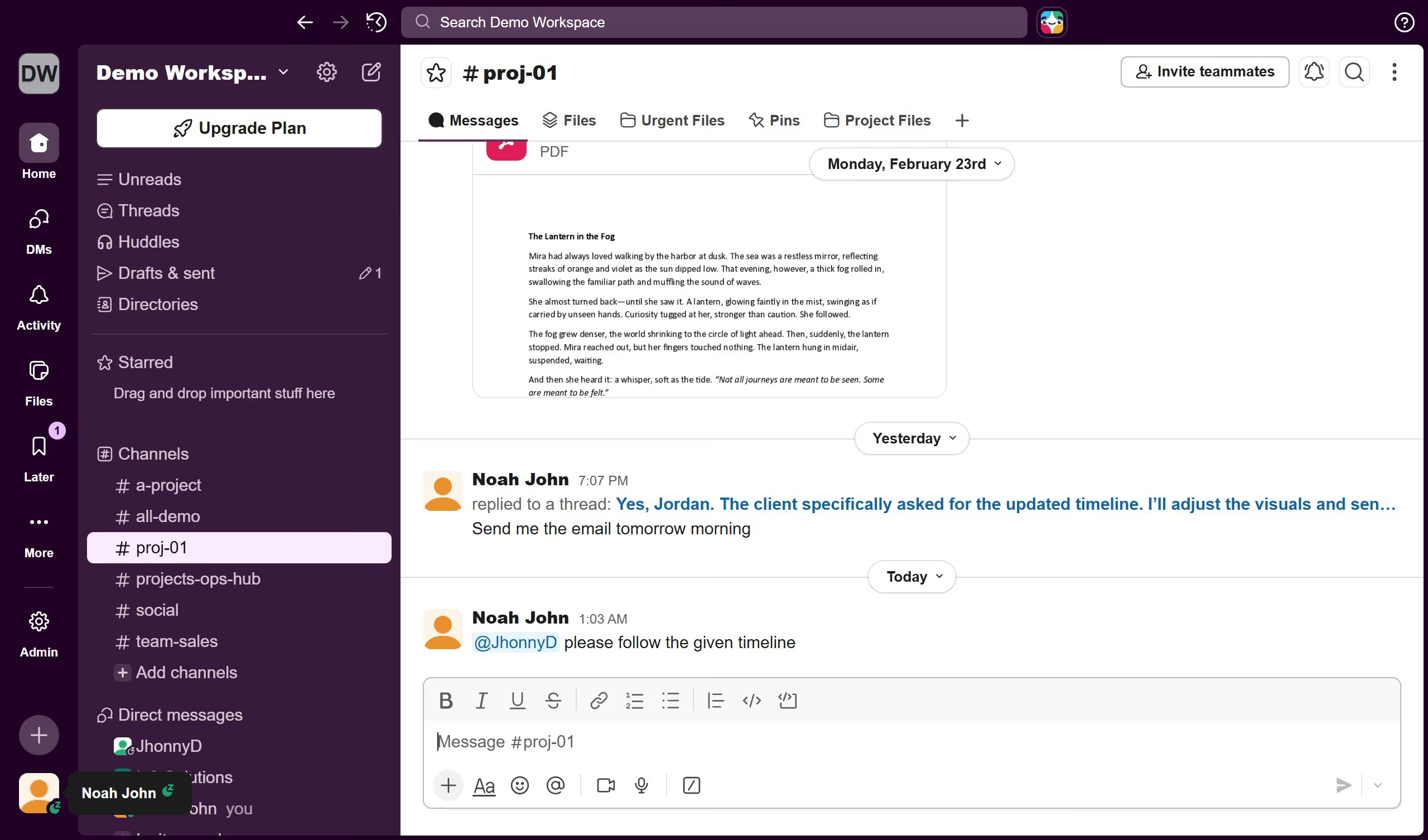
Here is how to manage notification sound when receiving a message while in the conversation in slack
- First click on the profile icon in the bottom left sidebar
- Then click on "Preferences" option from the user menu
- Next scroll down in the Notifications section of the Preferences modal
- Then click on the "Notification sound (receiving a message while in the conversation)" dropdown menu
- Next select an option from the notification sound dropdown
- Finally click on the close button at the top right corner of the Preferences modal