How to set display of full name in Slack
Here is how to set display of full name in slack
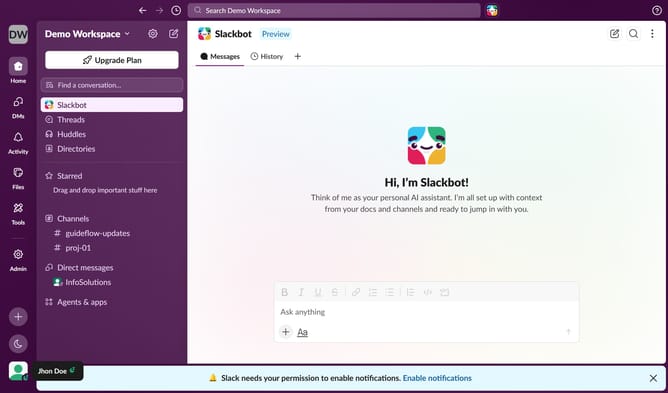
- First click on "Admin" in the left sidebar
- Then click on "Workspace settings" in the Admin Tools menu
- Then click on the "Settings" tab in the main content area
- Then click on the "Expand" button next to "Name Display"
- Then click on the checkbox next to "Show full names instead of display names"
- Finally click on the "Save" button
Why should you set display of full name in Slack
Slack is a dynamic collaboration hub designed to streamline team communication and enhance productivity.
Using the feature to display full names in Slack allows users to personalize their work environment, bringing a touch of formality and professionalism. Displaying full names aids in clear communication, removing ambiguity, especially in larger teams with multiple members sharing similar first names.
This feature fosters an environment where everyone stays recognized and acknowledged, enhancing interpersonal connections and overall team cohesion.
Last update