Slack
Slack is a business communication platform that organizes team conversations into channels and direct messages.
Website
Industry
Collaboration
Share this article:

How to add phone number in Slack

Here is how to add phone number in slack

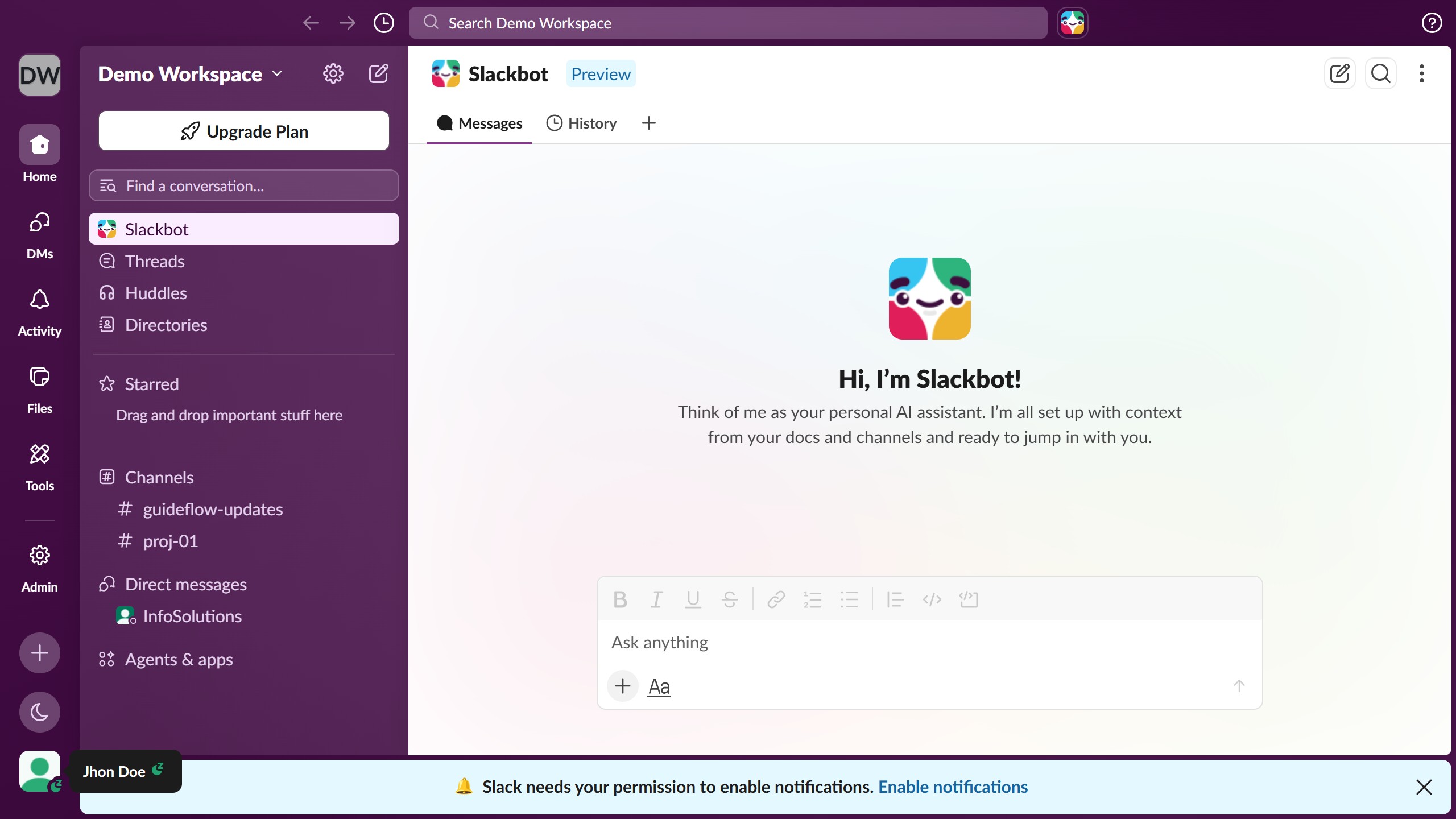
  1. First click on the profile button in the bottom-left sidebar
  2. Then click on the "Profile" option from the menu
  3. Next click on the "Add Phone" link in the Contact information section
  4. Finally click on the "Save Changes" button in the Edit Contact information modal

Create your own interactive guide with Guideflow

Why should you add phone number in Slack

Slack is your digital office hub that enhances teamwork and communication in one cohesive platform.

The feature of adding a phone number in Slack allows users to seamlessly connect their digital and telephonic communications, ensuring no message is missed. This integration supports smoother transitions between digital messages and voice calls, enhancing response times and facilitating more dynamic communication styles.

Including a phone number in Slack creates a more comprehensive profile, enabling other team members to contact you through different mediums as needed. This versatility can be crucial for remote teams or in fast-paced environments where speed and accessibility are essential.

Last update
March 16, 2026
Cursor MariaA cursor points to a button labeled "James."

Create your first demo in less than 30 seconds.