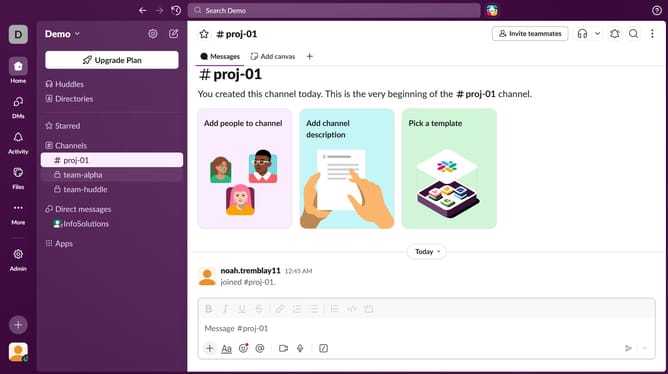
How to disable mobile notification of summarized activity after 2 weeks on inactivity in Slack
Here is how to disable mobile notification of summarized activity after 2 weeks on inactivity in slack
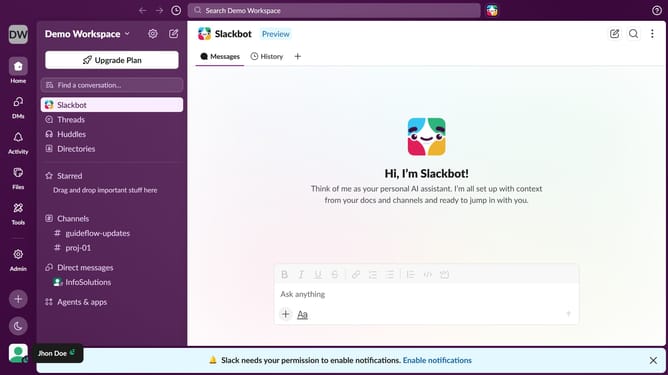
- First click on your profile icon in the left sidebar
- Then click on "Preferences" in the dropdown menu
- Next click on the "Notifications" tab in the left sidebar
- Then uncheck the "If I'm not active for more than 2 weeks, send me a mobile notification, summarizing activity I've missed" checkbox.
- Finally click the "X" button to close the Preferences window
Why should you disable mobile notification of summarized activity after 2 weeks on inactivity in Slack
Slack is a powerhouse communication platform designed to streamline team collaboration and productivity.
One of its helpful features is the ability to disable mobile notifications for summarized activity after two weeks of inactivity. This ensures users are not overwhelmed with unnecessary updates when returning to the app after a break.
Disabling these notifications can result in a less cluttered inbox, fostering a smoother transition back into work without the stress of catching up on a flood of information.
Consequently, those returning from vacations or leave can focus on current priorities, enhancing overall work efficiency.
Last update