How to mute all messaging sounds from Slack
Here is how to mute all messaging sounds from slack
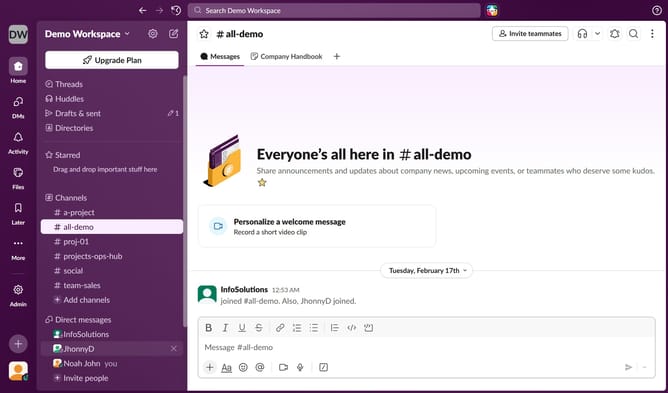
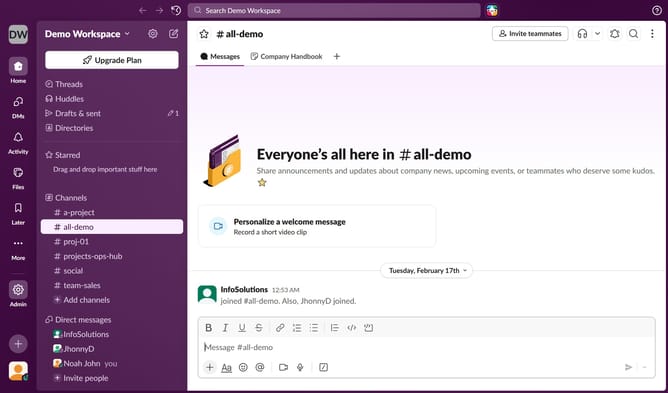
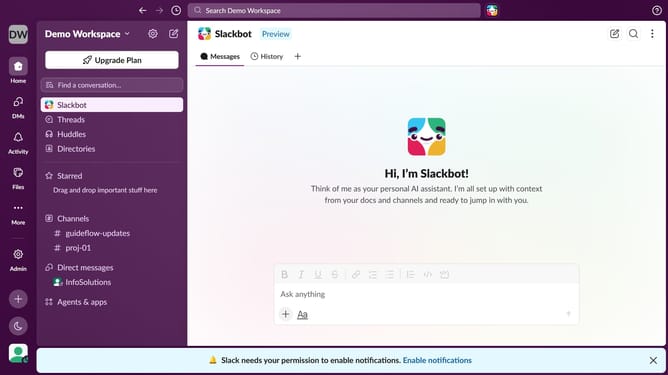
- First click on the user profile icon in the bottom left sidebar
- Then click on "Preferences" in the menu that appears
- Next, select the "Notifications" tab from the left-hand menu
- Then, ucheck the "Mute all messaging sounds from Slack" checkbox
- Finally, click on the close button to close the Preferences window
Why should you mute all messaging sounds from Slack
Slack is an innovative collaboration hub that streamlines team communication and boosts productivity.
Muting all messaging sounds in Slack enhances focus, allowing users to work seamlessly without interruptions.
This feature is particularly valuable during meetings or deep work sessions when concentration is paramount.
By minimizing auditory distractions, it fosters a quieter work environment, promoting efficiency and well-being.
Last update