Slack
Slack is a business communication platform that organizes team conversations into channels and direct messages.
Website
Industry
Collaboration
Share this article:

How to change password in Slack

Here is how to change password in slack

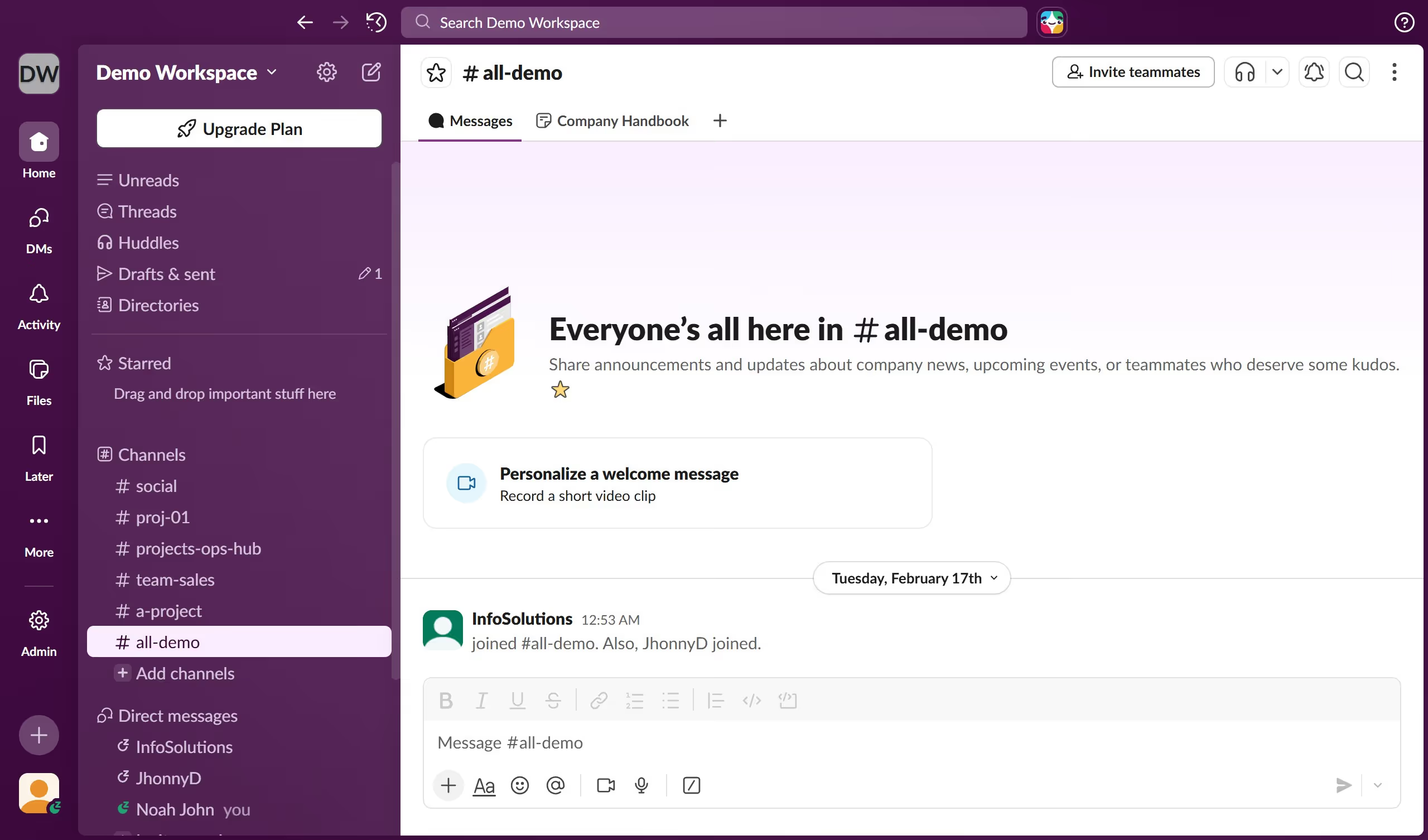
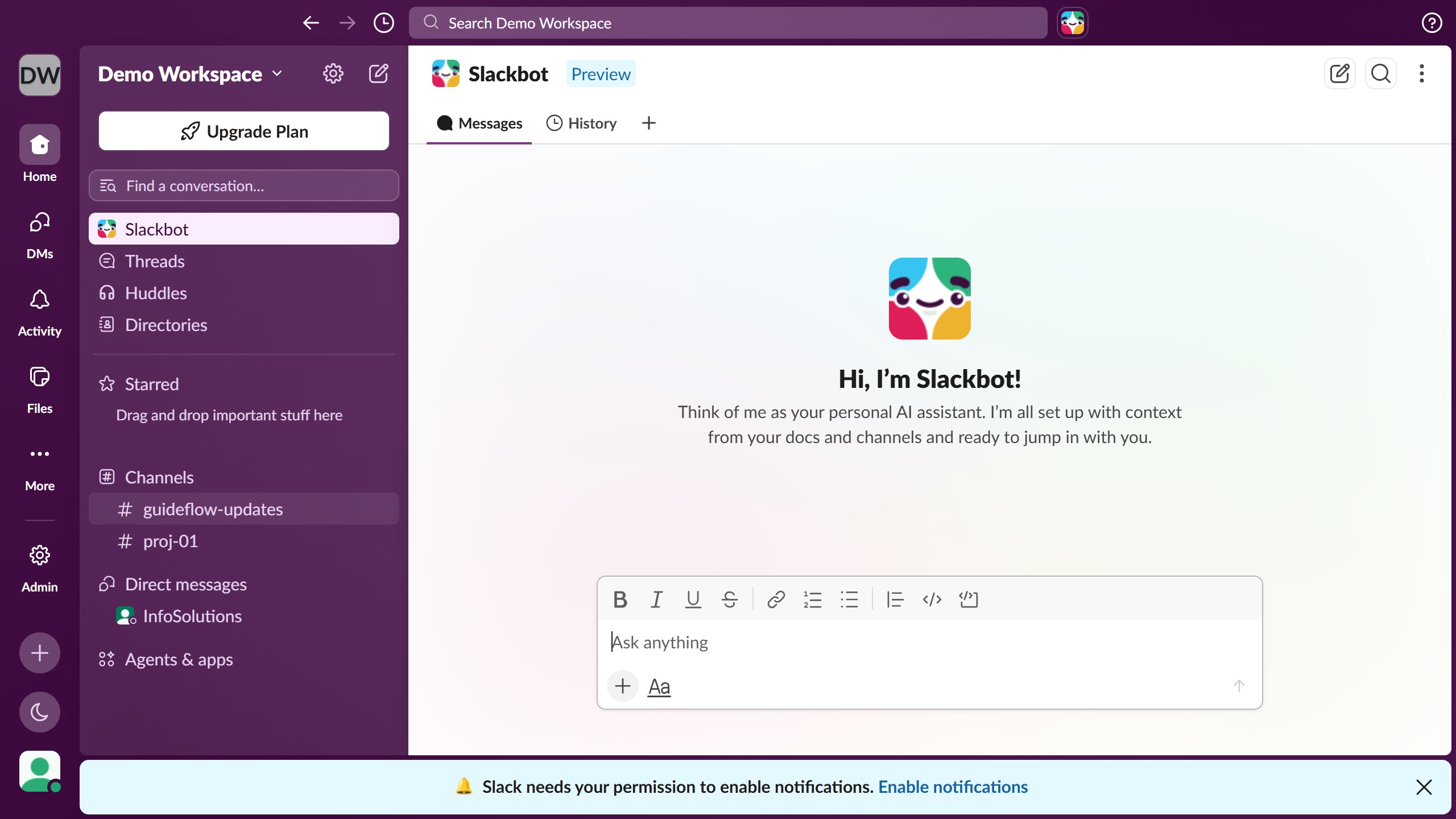
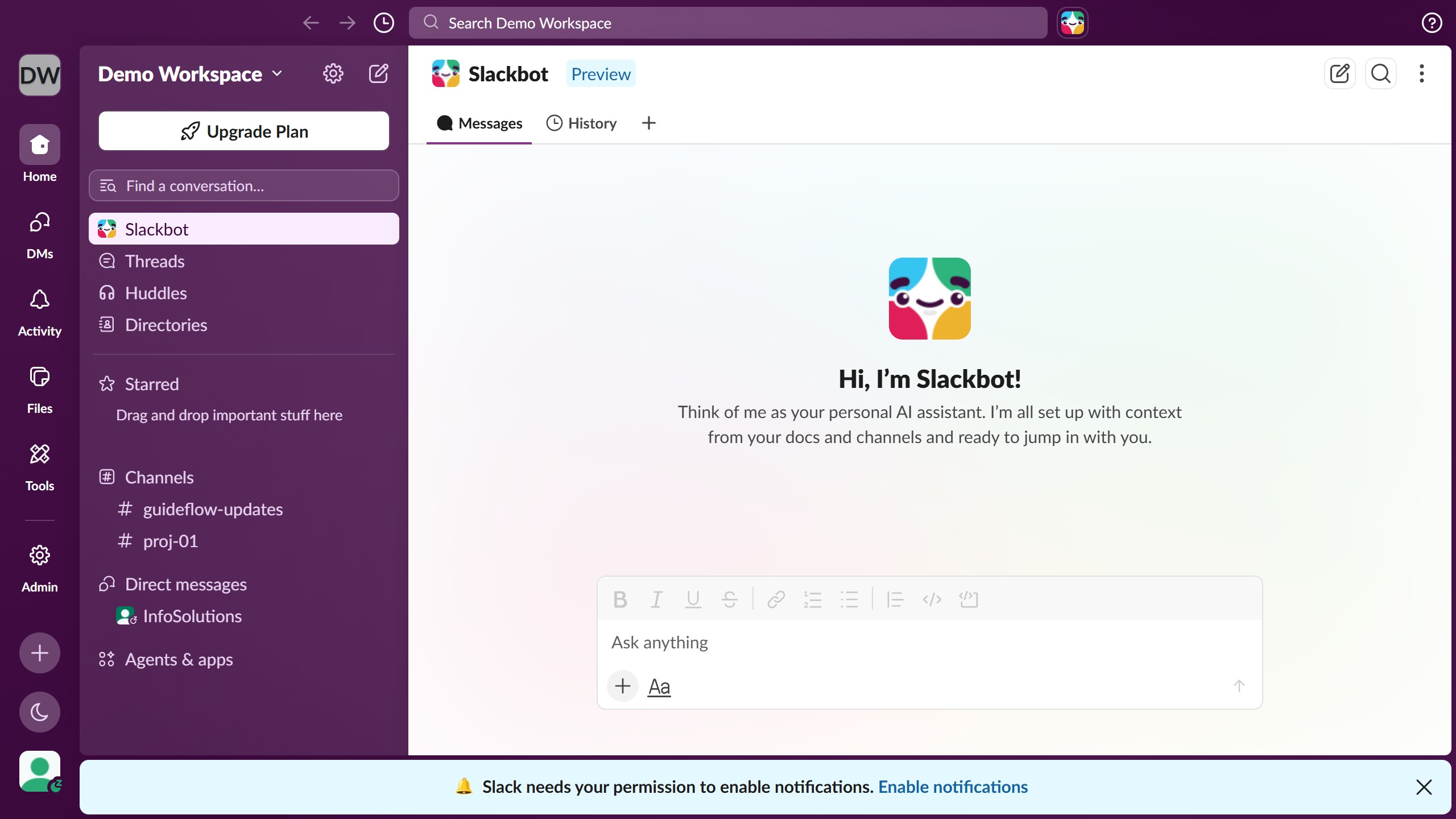
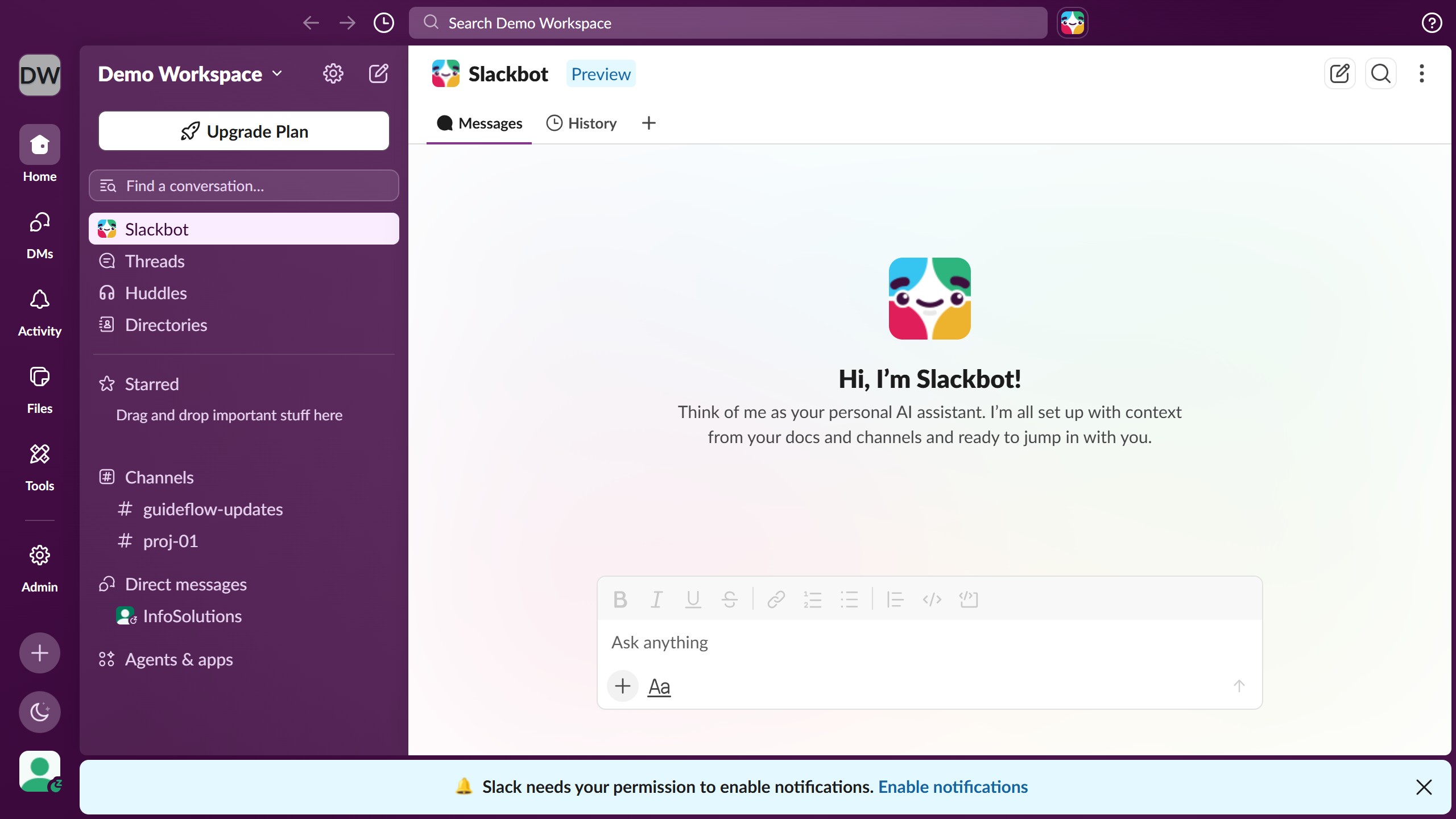
  1. First click on your profile picture in the bottom-left sidebar
  2. Then click on "Profile" option in the dropdown menu
  3. Next click on the three-dot menu button in the profile panel header
  4. Then click on "Account settings" option from the dropdown menu
  5. Next click on the "Current Password" field in the password section and enter your current password
  6. Then click on the "New Password" field in the password section and enter your new password
  7. Finally click on the "Save Password" button to update your password

Create your own interactive guide with Guideflow

Why should you change password in Slack

Slack is a powerful collaboration tool designed to streamline communication within teams.

Changing your password in Slack is an essential feature that not only enhances personal security but also contributes to safeguarding organizational data.

Regularly updating your password keeps your account protected and helps maintain the integrity of your collaborative interactions.

This simple yet vital action ensures that your workspace remains a secure environment for exchanging ideas and collaborating effectively.

Last update
March 16, 2026
Cursor MariaA cursor points to a button labeled "James."

Create your first demo in less than 30 seconds.