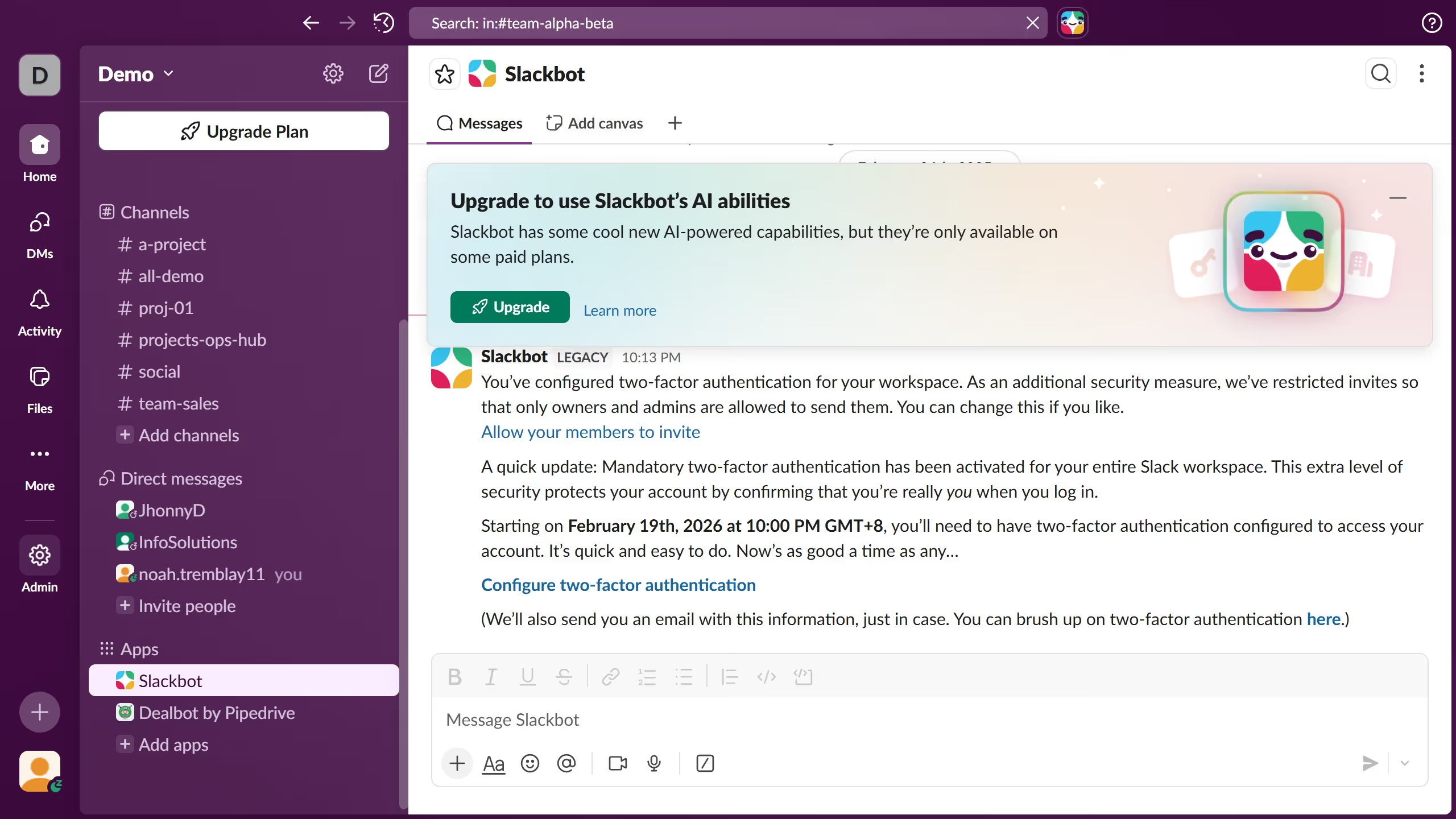
Here is how to bold text in slack
- First click on the contact name in the Direct messages section of the sidebar
- Then click in the message input field at the bottom of the conversation
- Next click on the "Bold" button in the text formatting toolbar
- Finally click in the message composition area to continue composing the message