How to enable notifications for mentions and direct messages only in Slack
Here is how to enable notifications for mentions and direct messages only in slack
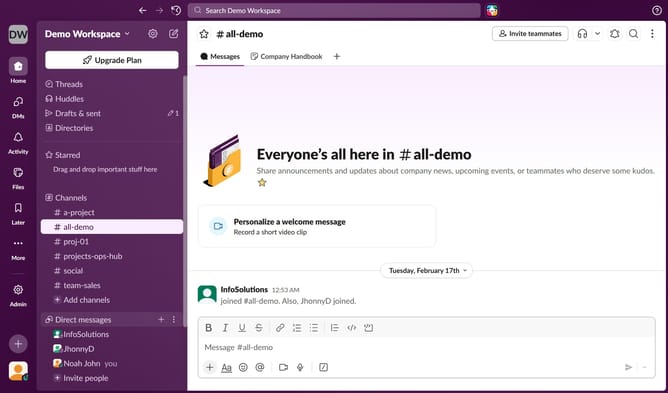
- First click on the profile icon in the left sidebar
- Then click on "Preferences" in the menu that appears
- Next, click on "Notifications" in the left pane of the Preferences window
- Click on the dropdown for "What to notify you about" section
- Then select "Mentions and direct messages" from the options
- Finally, click the close button to exit the window
Why should you enable notifications for mentions and direct messages only in Slack
Slack is a dynamic collaboration tool designed to streamline team communication and enhance productivity.
The feature allowing notifications for mentions and direct messages only ensures you are alerted to the most critical interactions without getting overwhelmed by constant alerts. With this setting, you maintain uninterrupted focus, as your attention is only drawn to messages that require your input or acknowledgment.
By customizing your notification preferences, you foster a more efficient work environment, reducing distractions and enhancing concentration. This selective alert system aids in managing time effectively, ensuring vital tasks aren't lost in the digital noise.
Last update