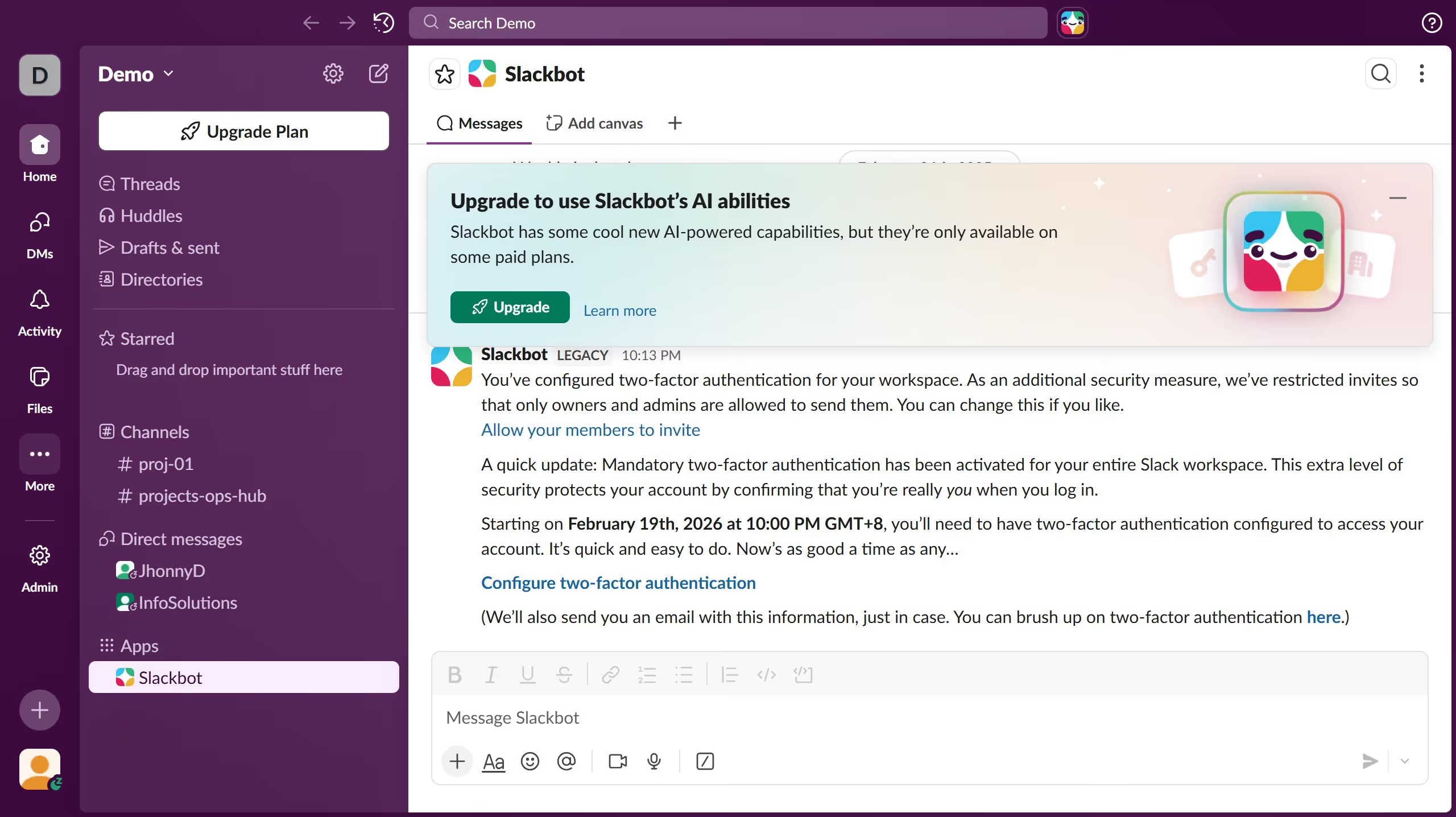
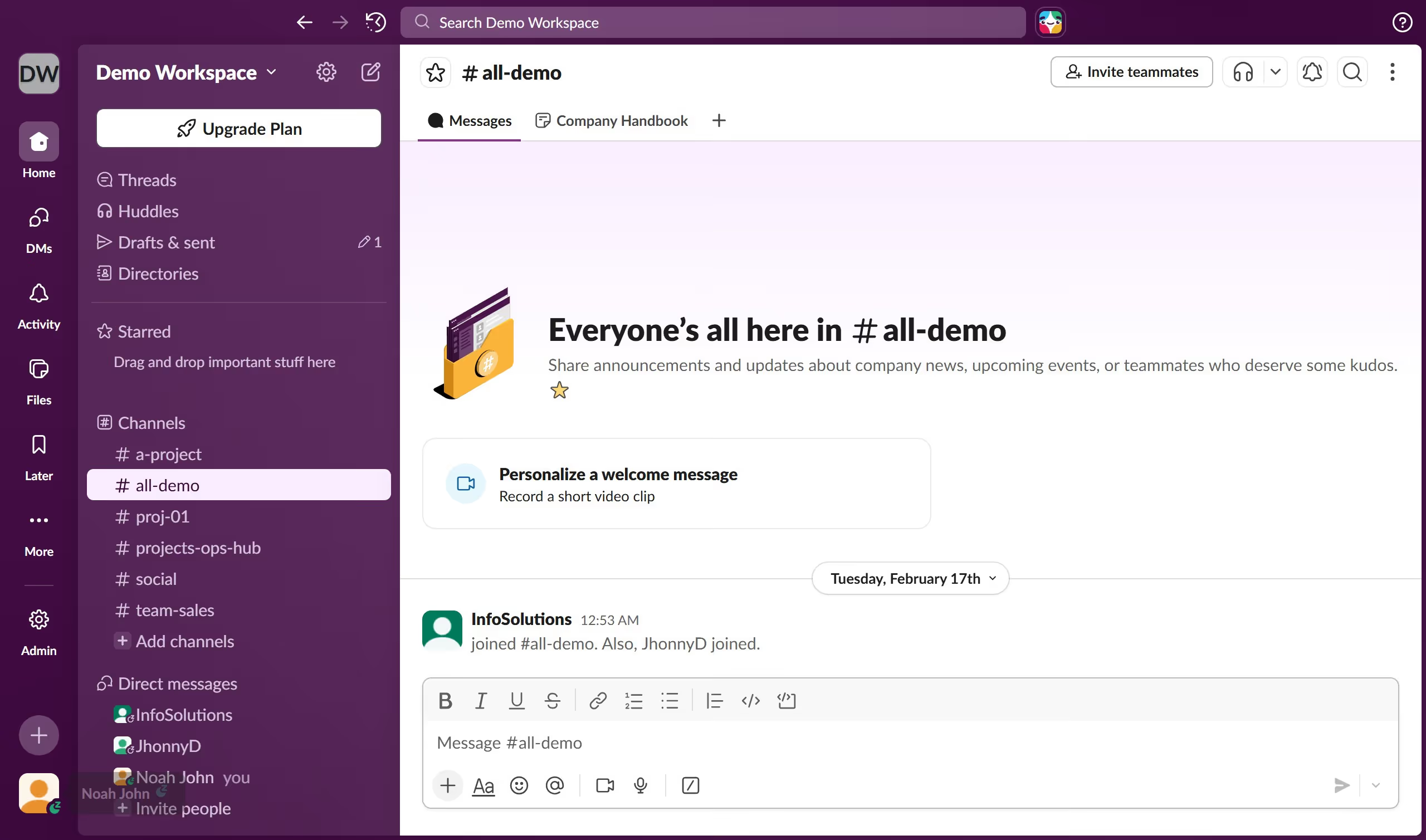
Here is how to insert a link in a channel in slack
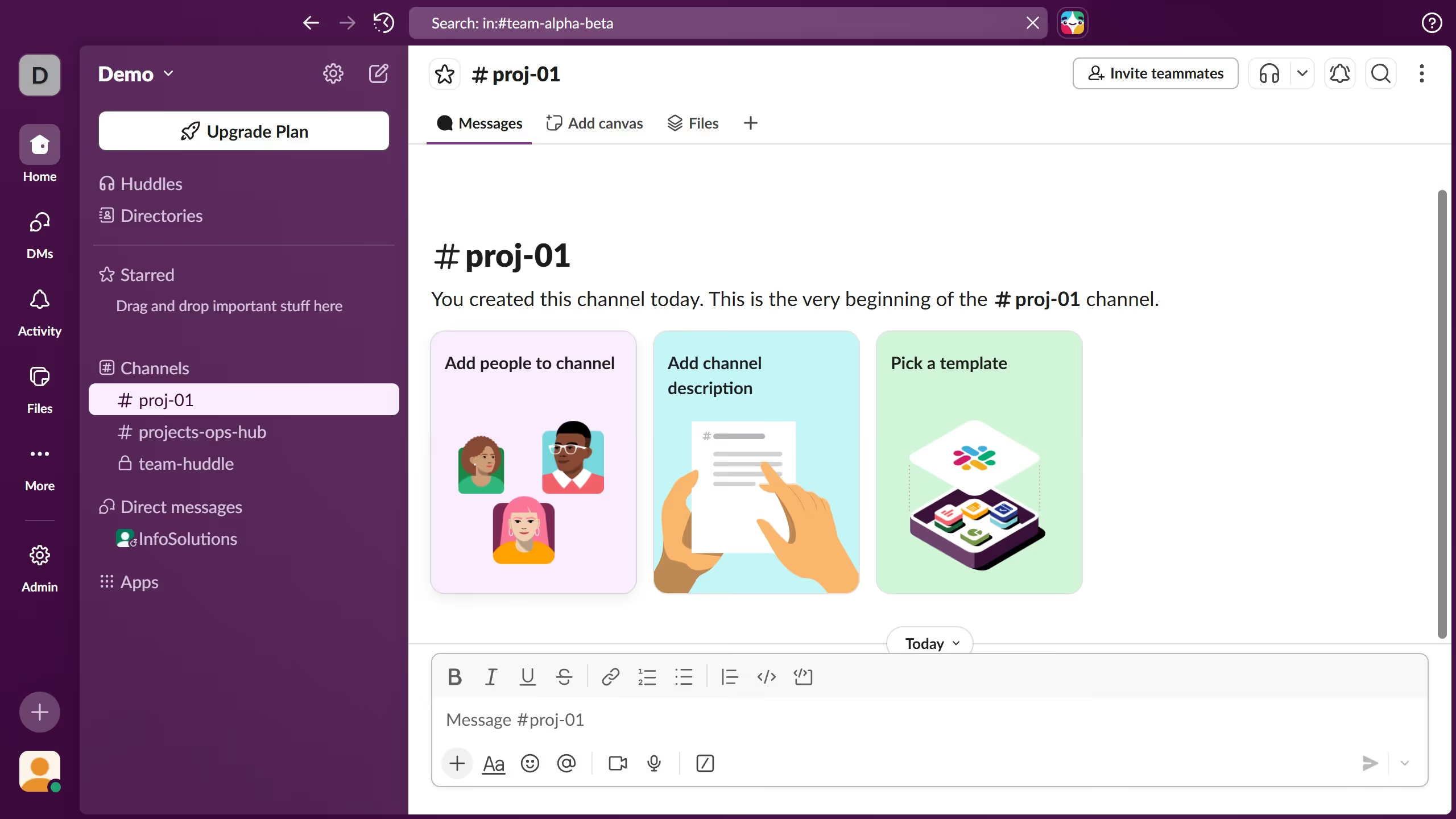
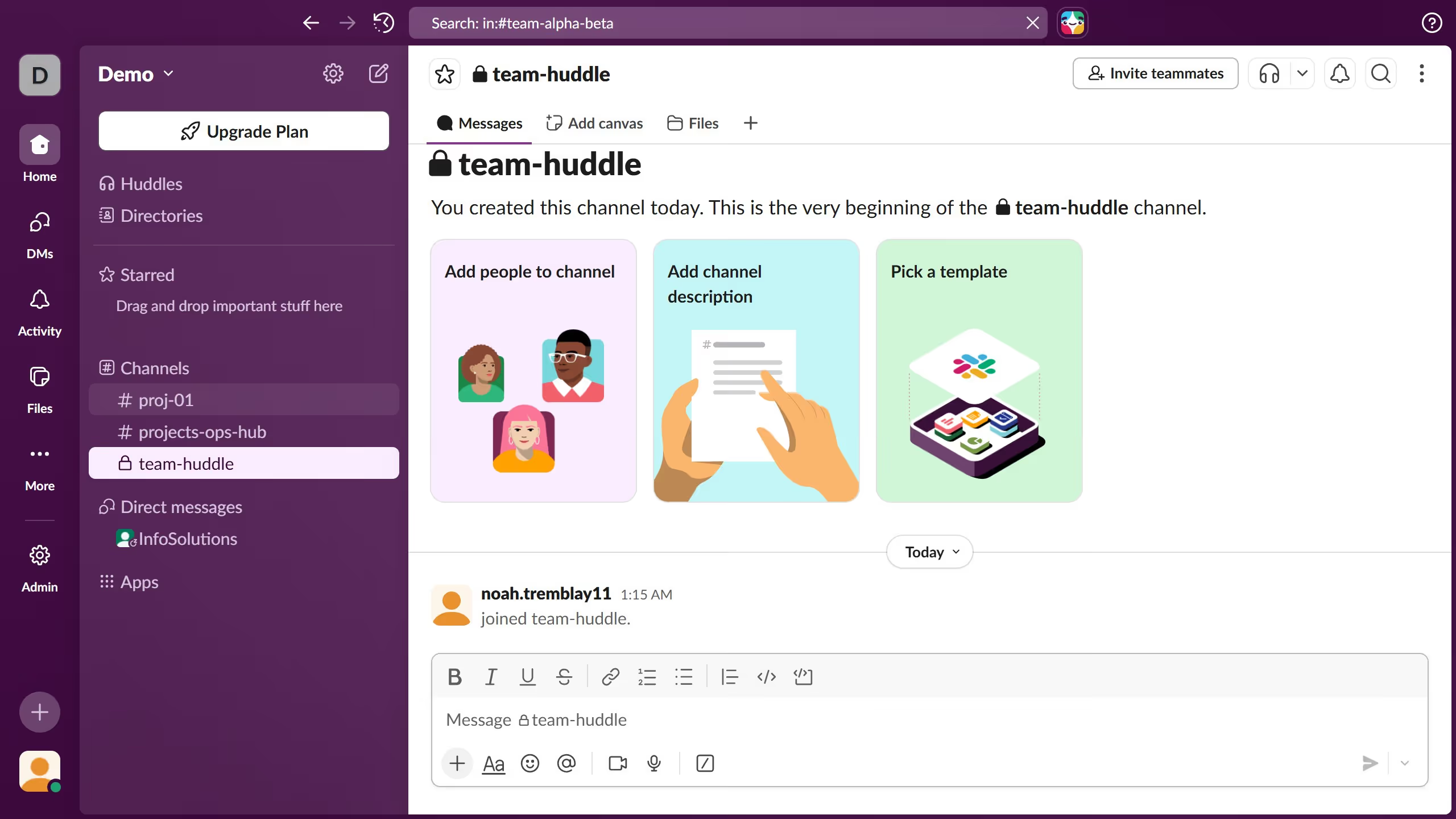
- First click on the channel name in the sidebar under the Channels section
- Then click on the "Link" button in the message formatting toolbar at the bottom
- Then click on the "Text" field in the Add link dialog box and enter your link title
- Then click on the "Link" field in the Add link dialog box and add link
- Then click on the "Save" button in the Add link dialog box
- Finally click on the "Send" button to post the message