How to create a folder in Slack
Here is how to create a folder in slack
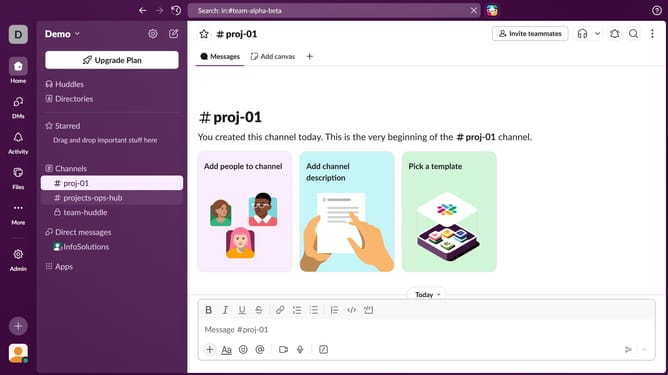
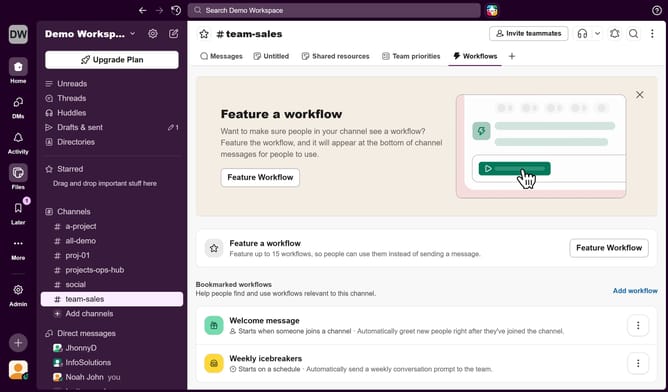
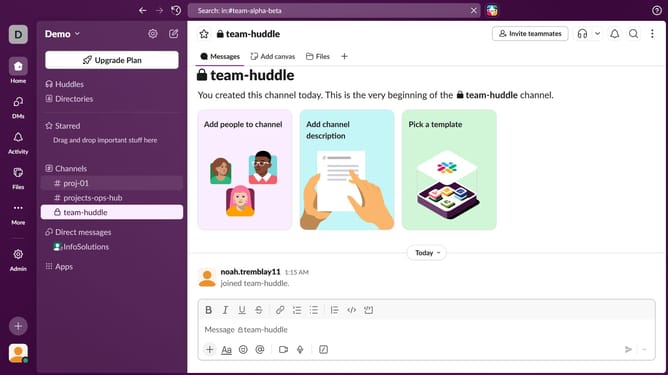
- First click on a channel in the sidebar
- Then click on the "+" icon to add a new tab
- Next, select "Folder" from the dropdown menu
- Then, click on the "Name" input field and enter folder name
- Finally click on the "Create" button
Why should you create a folder in Slack
Slack is a dynamic communication platform that streamlines collaboration for teams.
Creating a folder in Slack is a simple yet effective feature that enhances organization. It allows users to categorize important conversations and resources, making them easily accessible when needed.
This feature is beneficial for boosting productivity, as it keeps team members focused and well-organized. By utilizing folders, teams can effortlessly manage their projects and daily tasks, fostering a more efficient workflow.
Last update