How to filter file searches by last updated in Slack
Here is how to filter file searches by last updated in slack
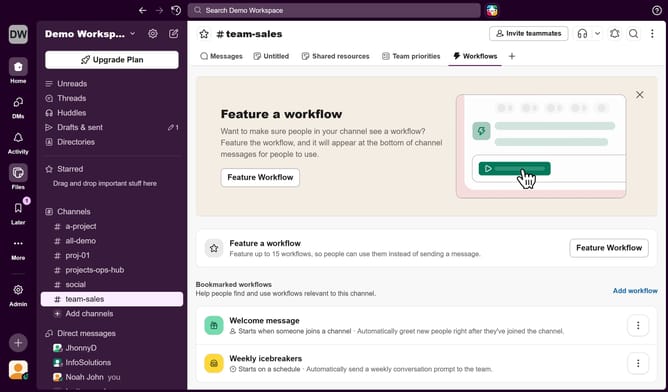
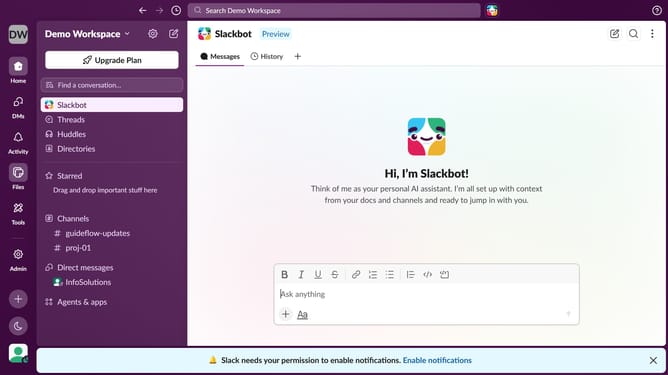
- First, navigate to the sidebar and click on the "Files" icon
- Then, in the main content area, click on the filter dropdown
- Finally, from the dropdown menu, select "Last updated"
Why should you filter file searches by last updated in Slack
Slack is a powerful collaboration hub designed to streamline team communication.
The "filter file searches by last updated" feature in Slack helps you efficiently sort through files. It allows you to quickly locate the most recent or relevant documents.
This feature is invaluable when working on dynamic projects, as it saves time and ensures access to the latest information. These optimizations contribute significantly to a smoother workflow and improved productivity.
Last update