How to allow printing of accessible canvases in Slack
Here is how to allow printing of accessible canvases in slack
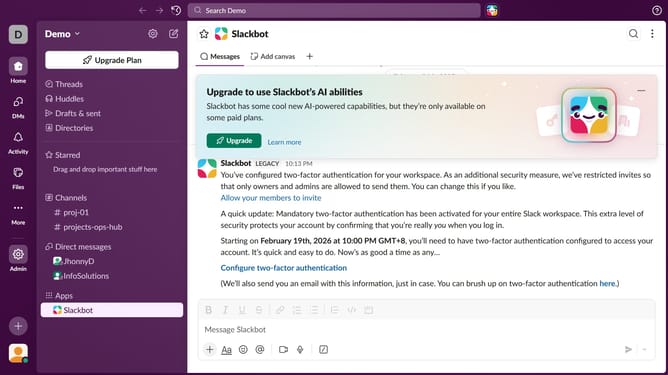
- First click on the "Admin" item in the left sidebar
- Then click on the "Workspace Settings" option within the Admin Tools menu
- Click on the "Settings" tab in the main content area
- Then click on the "Expand" button for the "Canvas printing" section
- Then select the checkbox for "Anyone with view or edit access to a canvas can print it"
- Finally click on the "Save" button
Why should you allow printing of accessible canvases in Slack
Slack is a collaborative hub designed for seamless team communication and productivity.
Enhancing accessibility, Slack’s feature allows printing of accessible canvases, ensuring teamwork documents are tangible and inclusive.
This functionality supports diverse needs, allowing ease of access beyond digital screens, catering to everyone on your team.
By facilitating this feature, Slack nurtures collaboration and inclusivity, making work more accommodating for all members.
Last update