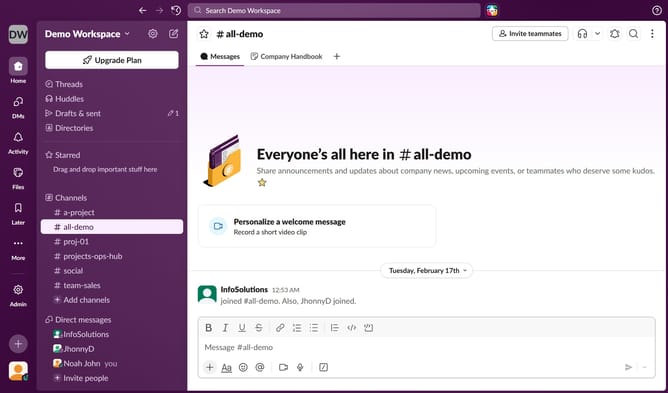
How to enable mobile notifications in Slack
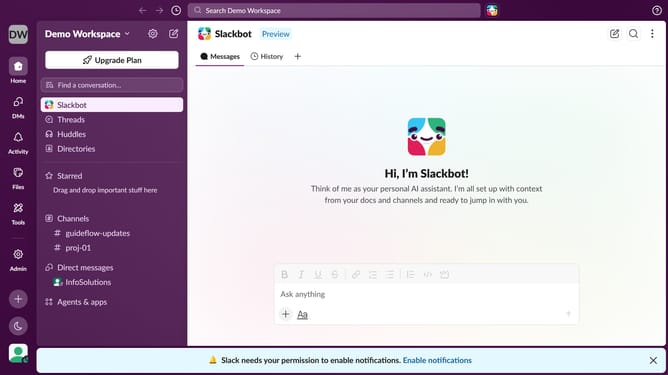
Here is how to enable mobile notifications in slack
- First click on the user profile icon in the left sidebar
- Then click on "Preferences" from the dropdown menu
- Next, click on the "Notifications" tab in the preferences menu
- Then click on the "Mobile notifications" checkbox
- Finally, click on the close button in the preferences window
Why should you enable mobile notifications in Slack
Slack is a versatile communication tool designed to streamline teamwork and increase productivity.
Enabling mobile notifications in Slack allows you to stay connected and responsive, no matter where you are. By activating this feature, you ensure that important updates and messages reach you promptly, preventing any lapse in communication.
This approach maintains the seamless flow of work and quick decision-making, enhancing efficiency and collaboration within your team. Embracing mobile notifications can truly elevate your Slack experience, keeping you in the loop with ease.
Last update