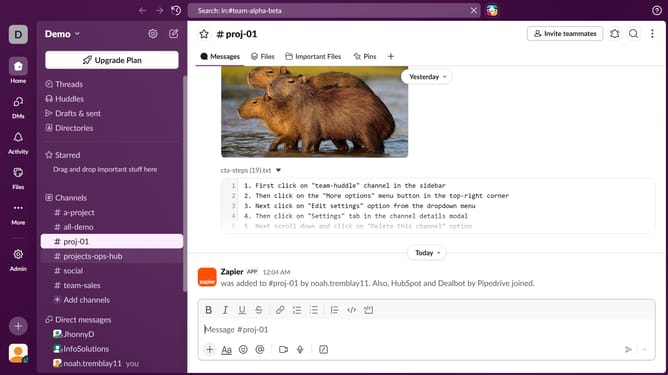
How to share files in a direct message in Slack
Here is how to share files in a direct message in slack
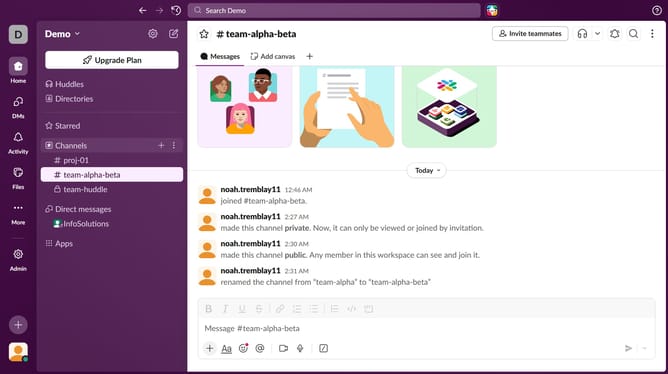
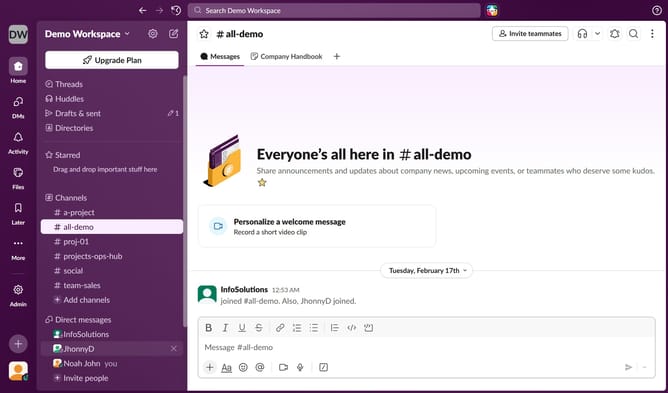
- First click on the name from the direct message in the sidebar
- Then click on the "+" button to open the attachment menu
- Next, select "Upload from your computer" from the attachment options
- Finally click on the "Send" button
Why should you share files in a direct message in Slack
Slack is a dynamic communication platform designed to streamline workplace collaboration and productivity.
One of its convenient features is the ability to share files in a direct message, making it remarkably easy to keep conversations organized and focused.
Sharing files through direct messages in Slack ensures that crucial information is delivered directly to relevant team members, eliminating the clutter and confusion of broader channels.
This feature enhances workflow efficiency by allowing for quick exchanges of documents, images, and more, fostering clear and concise communication.
Last update