Slack
Slack is a business communication platform that organizes team conversations into channels and direct messages.
Website
Industry
Collaboration
Share this article:

How to copy huddle link of a channel in Slack

Here is how to copy huddle link of a channel in slack

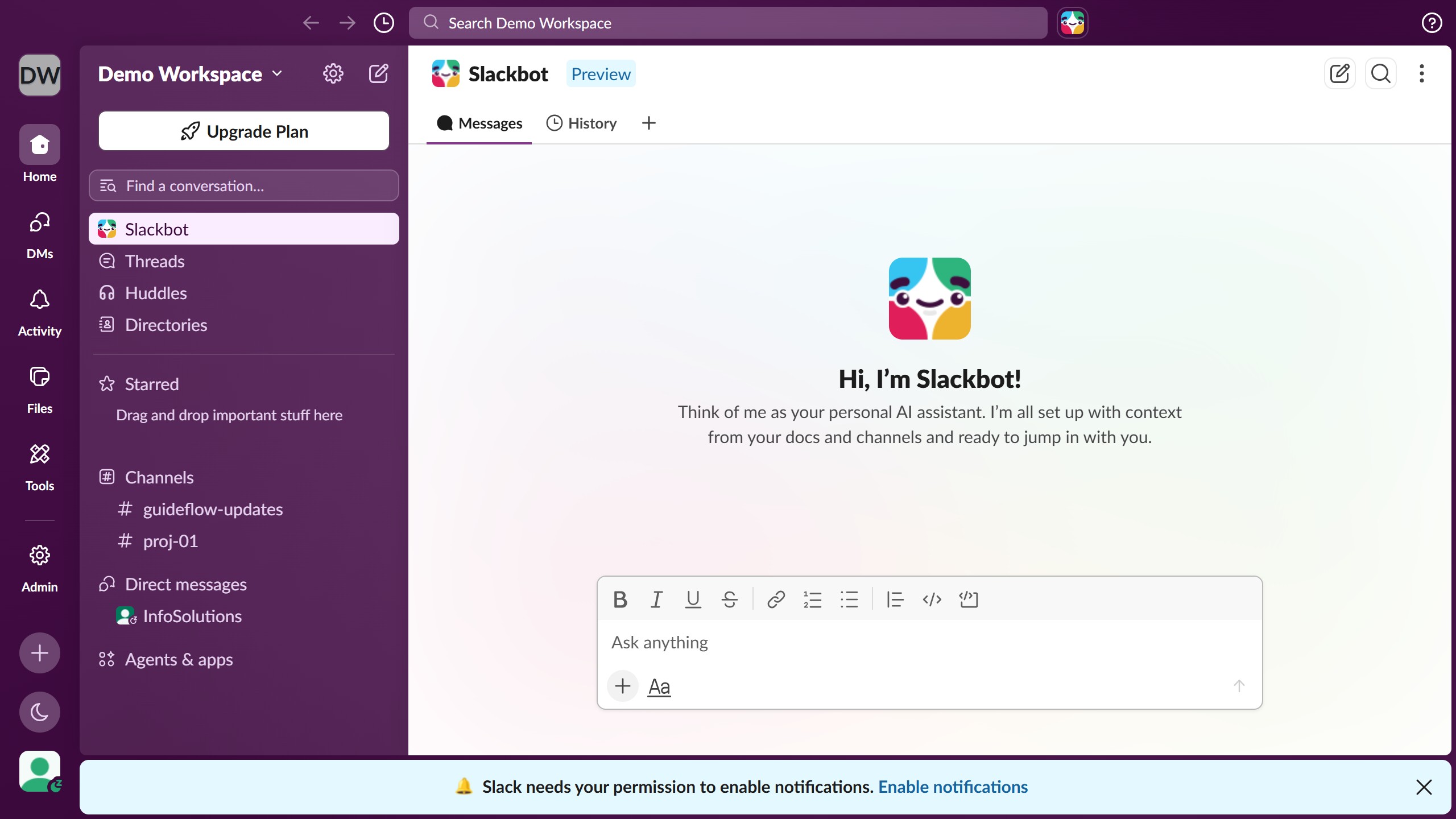
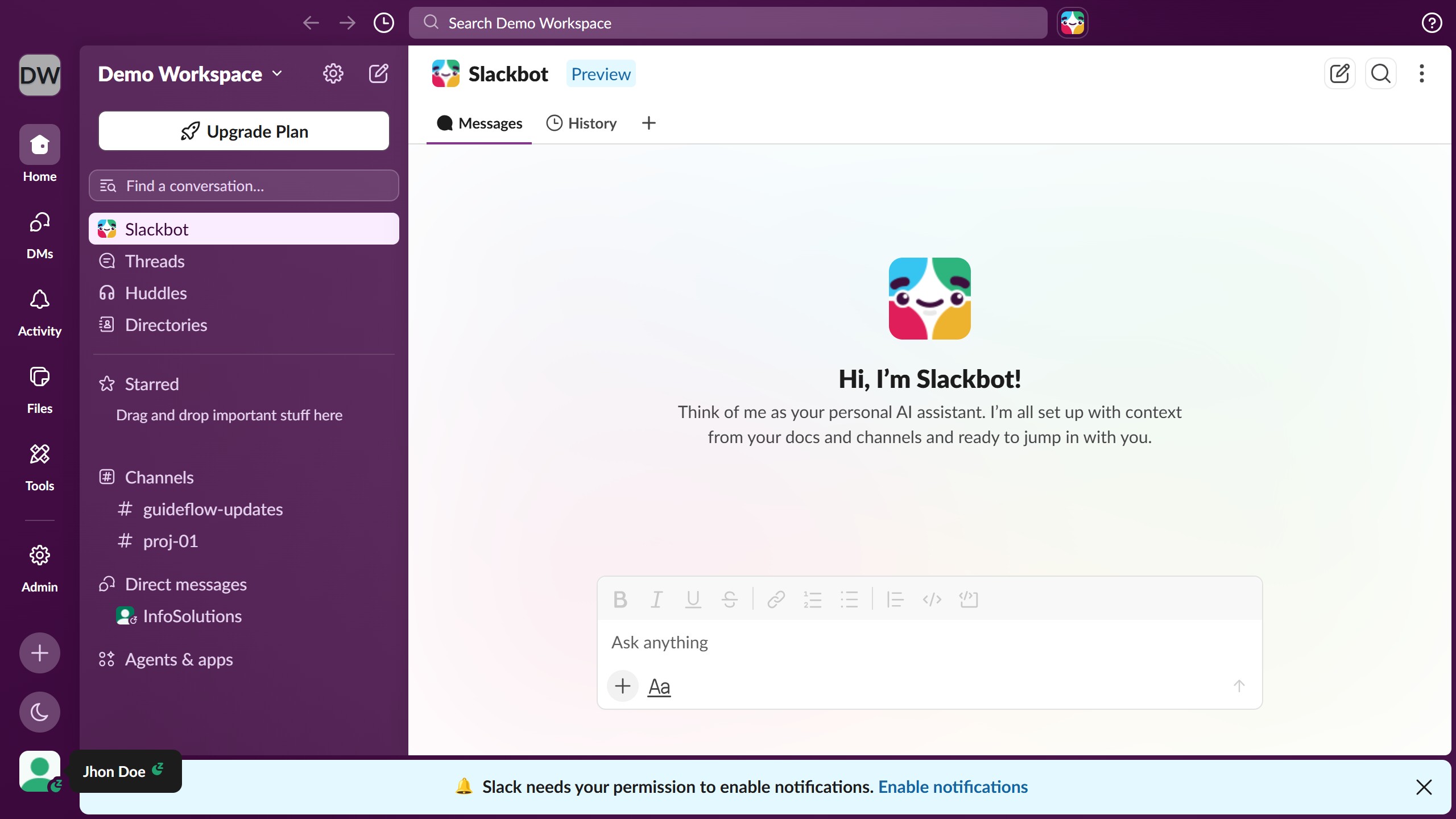
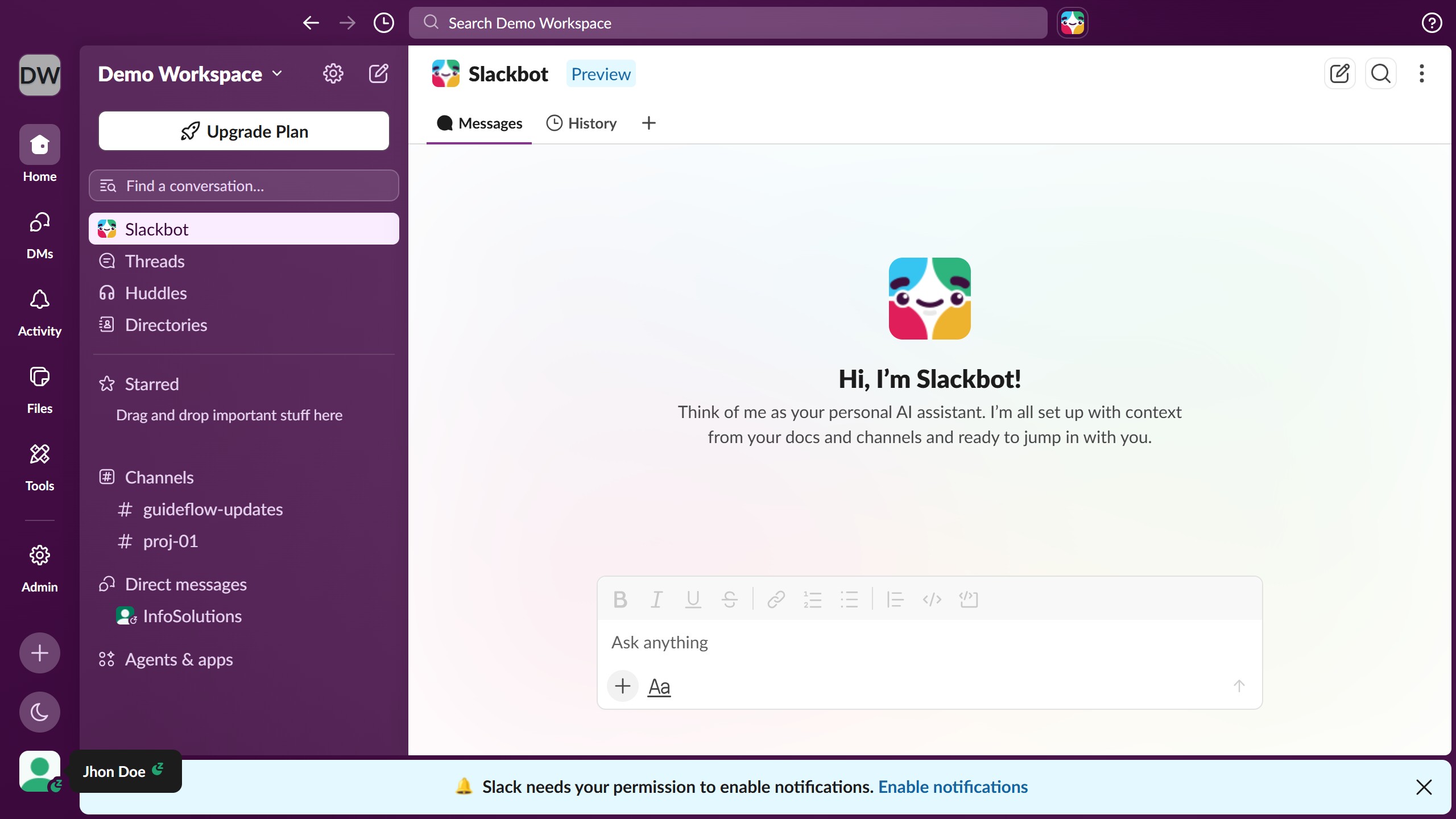
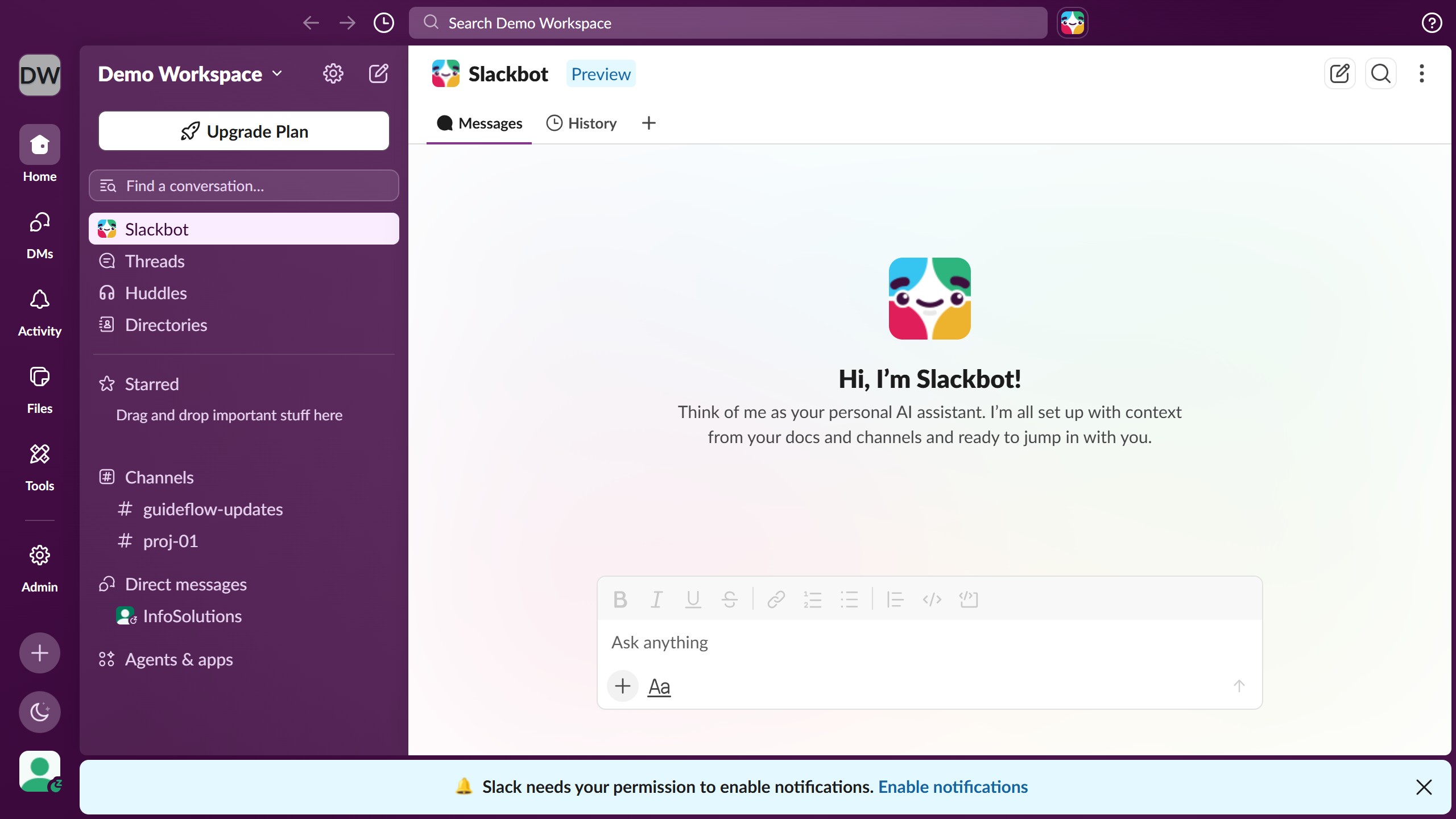
  1. First click on channel name in the sidebar
  2. Then click on the three-dot menu button in the top right header
  3. Next click on "Copy" option in the dropdown menu
  4. Then click on "Copy huddle link" option in the submenu
  5. Finally observe the "Huddle link copied" confirmation message

Create your own interactive guide with Guideflow

Why should you copy huddle link of a channel in Slack

Slack is a dynamic platform designed to streamline team communication and collaboration.

The feature to copy a huddle link in a Slack channel is exceptionally beneficial, allowing team members to join quick discussions effortlessly. This feature is instrumental in enhancing real-time collaboration and maintaining workflow continuity.

By simply sharing the huddle link, team members can easily access impromptu meetings, fostering engagement and ensuring important conversations are never missed. The ease of connecting through shared links encourages seamless and efficient teamwork.

Last update
March 16, 2026
Cursor MariaA cursor points to a button labeled "James."

Create your first demo in less than 30 seconds.