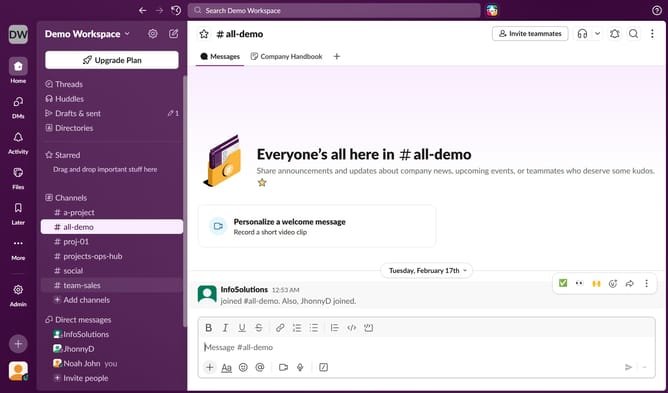
How to mute all huddle sounds from Slack
Here is how to mute all huddle sounds from slack
- First click on the user profile icon in the bottom left of the sidebar
- Then click on "Preferences" in the sidebar menu
- Next, select "Notifications" from the left-hand menu within the Preferences window
- After that, scroll down and click on the checkbox next to "Mute all messaging sounds from Slack"
- Finally, click on the close button in the top right corner of the Preferences window
Why should you mute all huddle sounds from Slack
Slack is a powerful tool designed to streamline team communication and collaboration seamlessly.
The ability to mute all huddle sounds on Slack can significantly enhance your focus, allowing immersive concentration on tasks without unexpected auditory interruptions.
In fast-paced environments, minimizing noise distractions can boost productivity and enhance the quality of work.
Using this feature provides a calm work atmosphere, empowering you to engage selectively when it aligns with your workflow priorities.
Last update