Slack
Slack is a business communication platform that organizes team conversations into channels and direct messages.
Website
Industry
Collaboration
Share this article:

How to change a channel to public in Slack

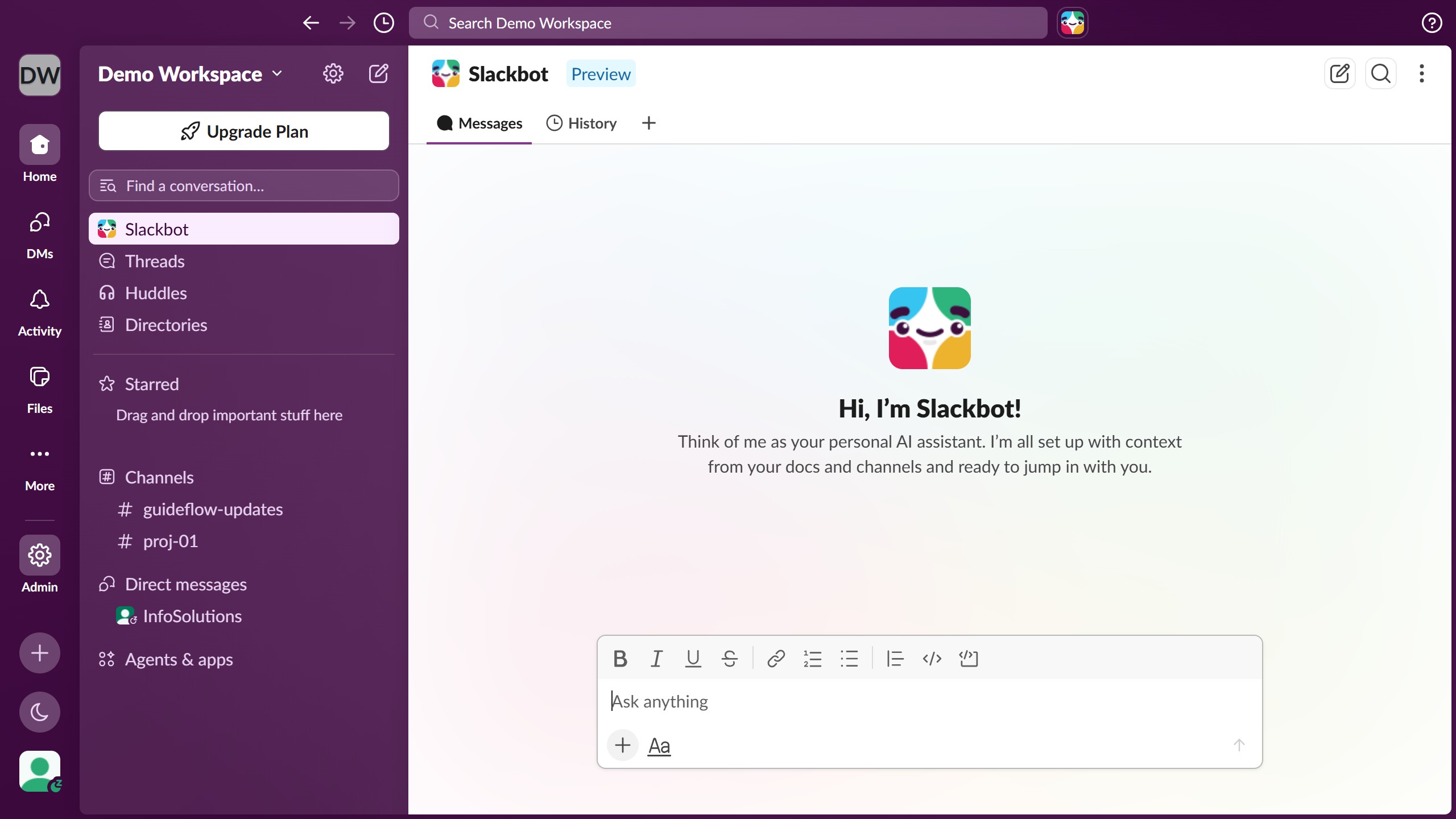
Here is how to change a channel to public in slack

  1. First click on the channel name in the sidebar under the Channels section
  2. Then click on the three-dot menu button in the top right header area
  3. Next click on "Edit settings" option from the dropdown menu
  4. Then click on "Change to a public channel" option in the Settings section
  5. Finally click on "Change to Public" button in the confirmation dialog

Create your own interactive guide with Guideflow

Why should you change a channel to public in Slack

Slack is a dynamic messaging platform designed to streamline team communication and collaboration.

Changing a channel to public in Slack allows everyone in your organization to join and view conversations within that channel.

This enhances accessibility and promotes a more transparent work environment, as team members can easily stay informed and contribute to relevant discussions.

The ability to shift channels from private to public effortlessly empowers teams to foster openness and drive collective growth.

Last update
March 16, 2026
Cursor MariaA cursor points to a button labeled "James."

Create your first demo in less than 30 seconds.