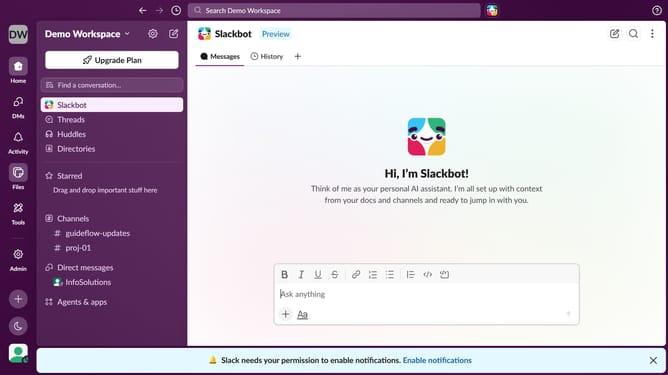
How to disable thread notifications in Slack
Here is how to disable thread notifications in slack
- First click on your profile picture in the left sidebar
- Then click on "Preferences" in the user menu
- Next, click on "Notifications" in the Preferences sidebar
- Then uncheck the "Thread replies" checkbox
- Finally click on the close button to close the Preferences window
Why should you disable thread notifications in Slack
Slack is a dynamic communication platform designed to enhance team collaboration through real-time messaging.
Among its many features, disabling thread notifications can be a game changer for managing distractions, allowing users to maintain focus.
This feature is particularly beneficial in ensuring that you are only prompted by critical updates, reducing notification clutter and promoting a more streamlined workflow.
With fewer interruptions, productivity is enhanced, time management is improved, and the quality of your work environment is elevated.
Last update