Slack
Slack is a business communication platform that organizes team conversations into channels and direct messages.
Website
Industry
Collaboration
Share this article:

How to underline a text in Slack

Here is how to underline a text in slack

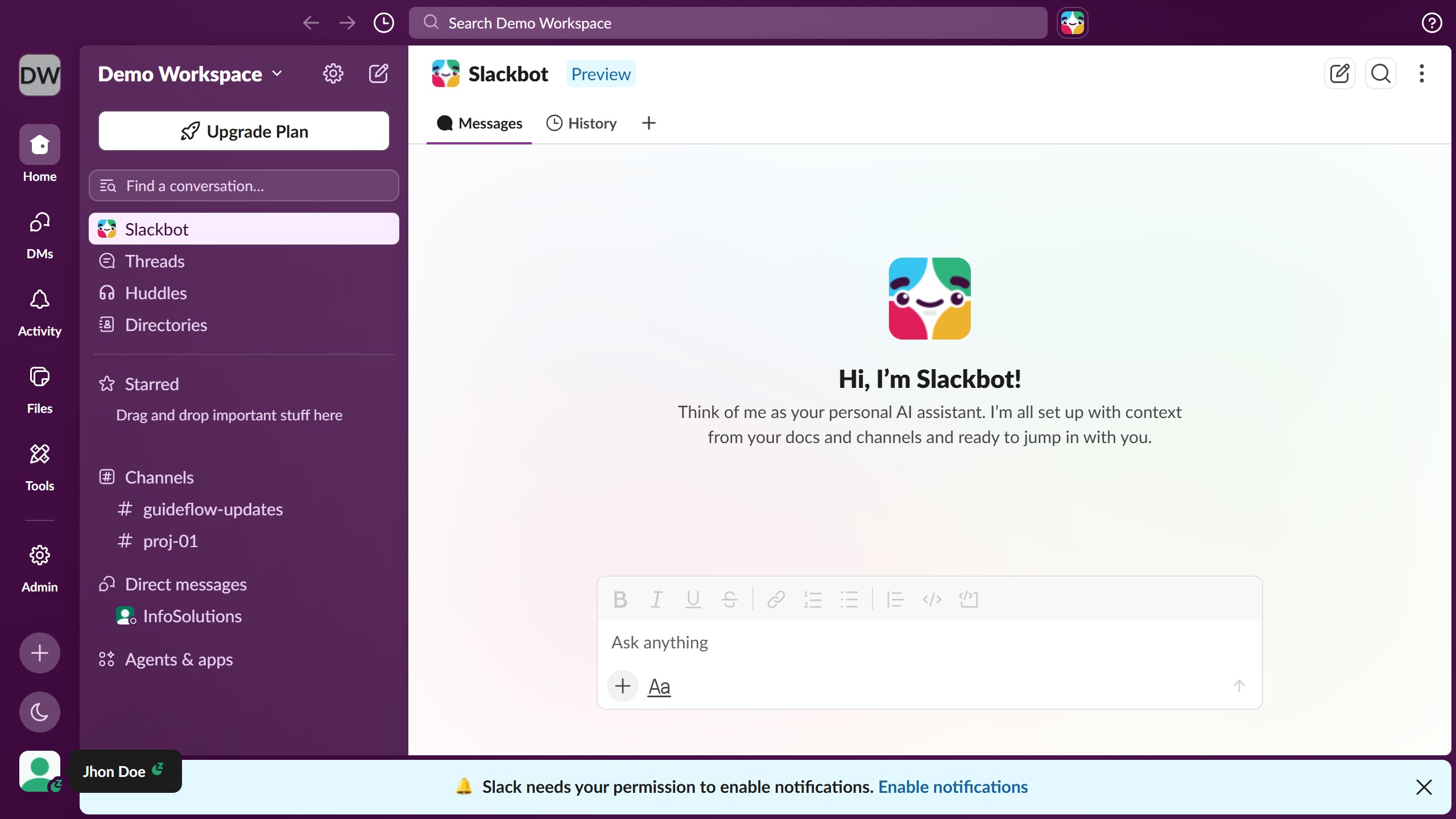
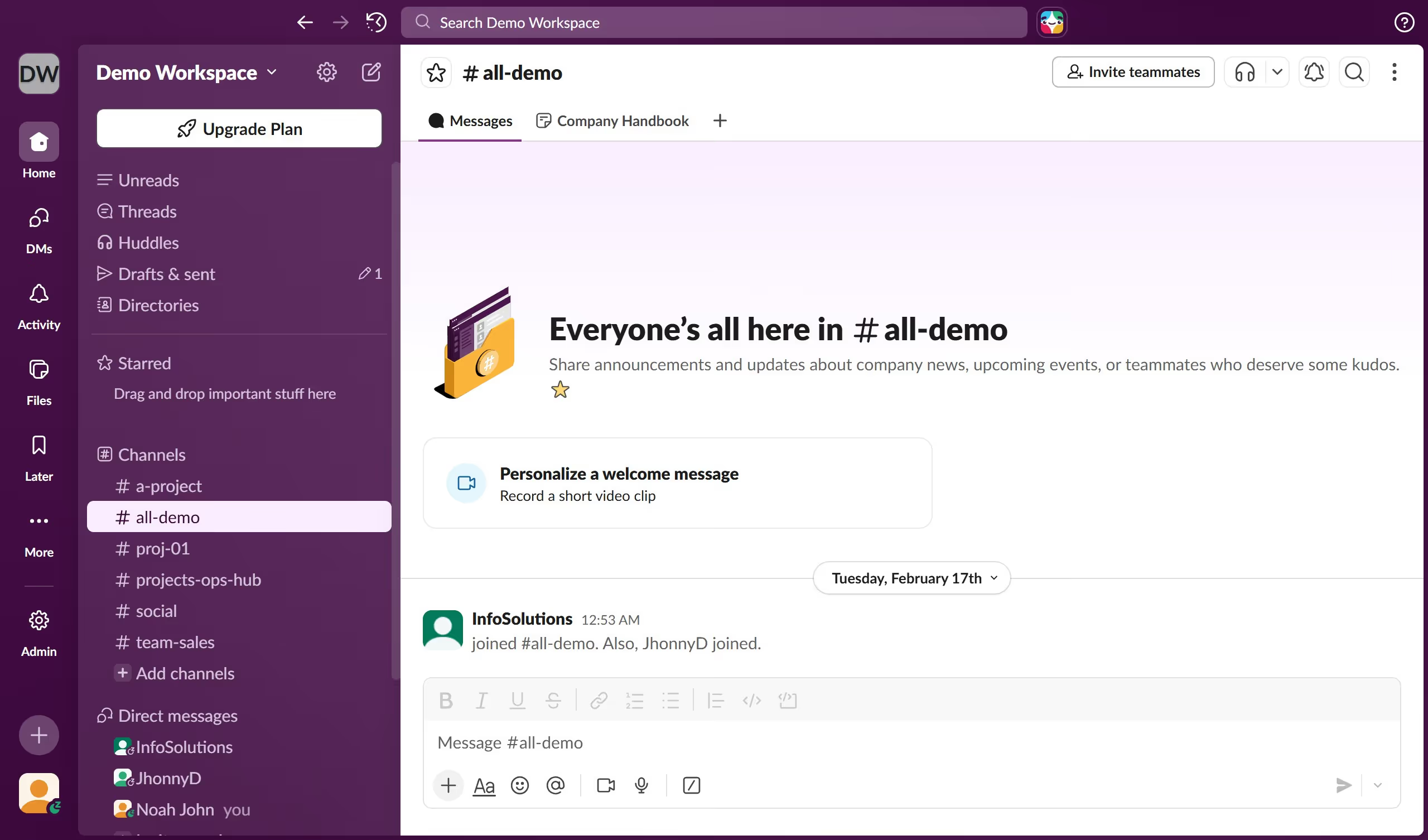
  1. First click on the channel name in the sidebar under the Channels section
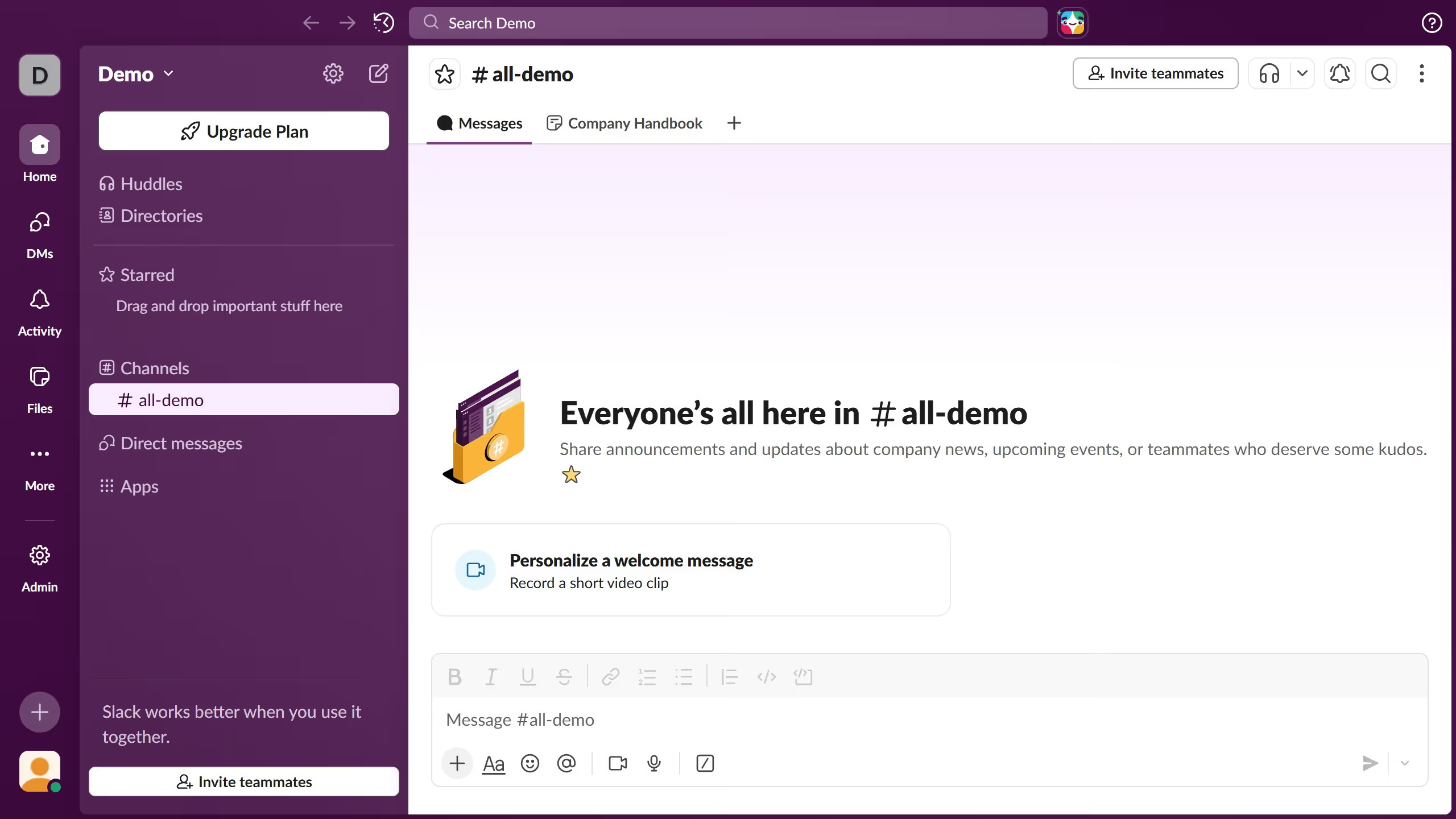
  2. Next click and type the message content into the message composition area and highlight the words that you want to underline
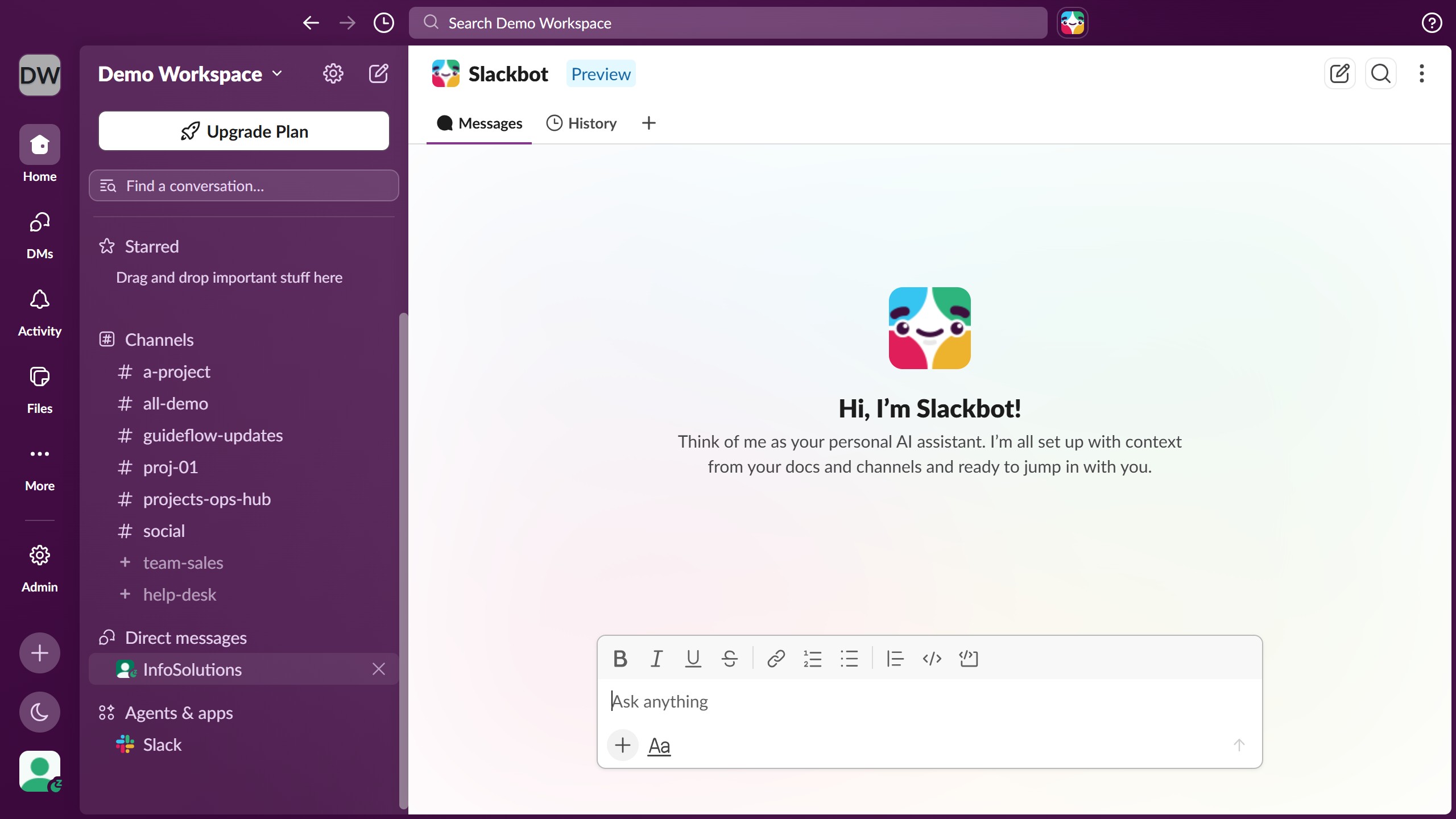
  3. Next click on the "Underline" formatting button in the message toolbar
  4. Finally click on the message text area to continue composing the message

Create your own interactive guide with Guideflow

Why should you underline a text in Slack

Slack is a dynamic platform designed to streamline team communication and collaboration in a digital workspace.

One useful feature is the ability to underline text, which can help users emphasize important points within a conversation.

Using underlining in Slack can enhance comprehension by highlighting key phrases or elements, ensuring that team members can easily identify priorities amidst a flow of information.

This small yet effective formatting tool aids in creating clearer, more impactful messages in a bustling digital communication environment.

Last update
March 16, 2026
Cursor MariaA cursor points to a button labeled "James."

Create your first demo in less than 30 seconds.