Slack
Slack is a business communication platform that organizes team conversations into channels and direct messages.
Website
Industry
Collaboration
Share this article:

How to follow a channel thread in Slack

Here is how to follow a channel thread in slack

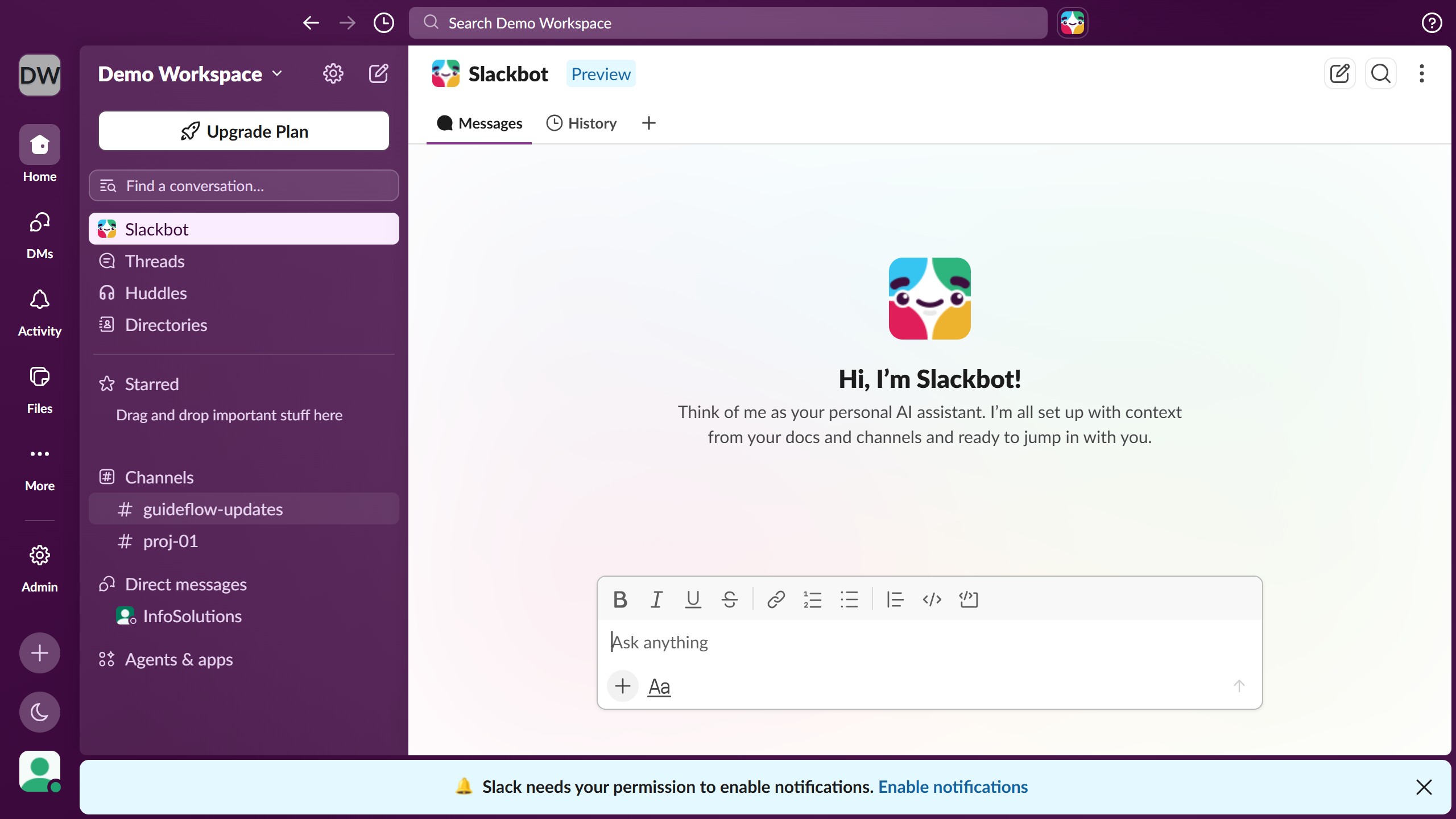
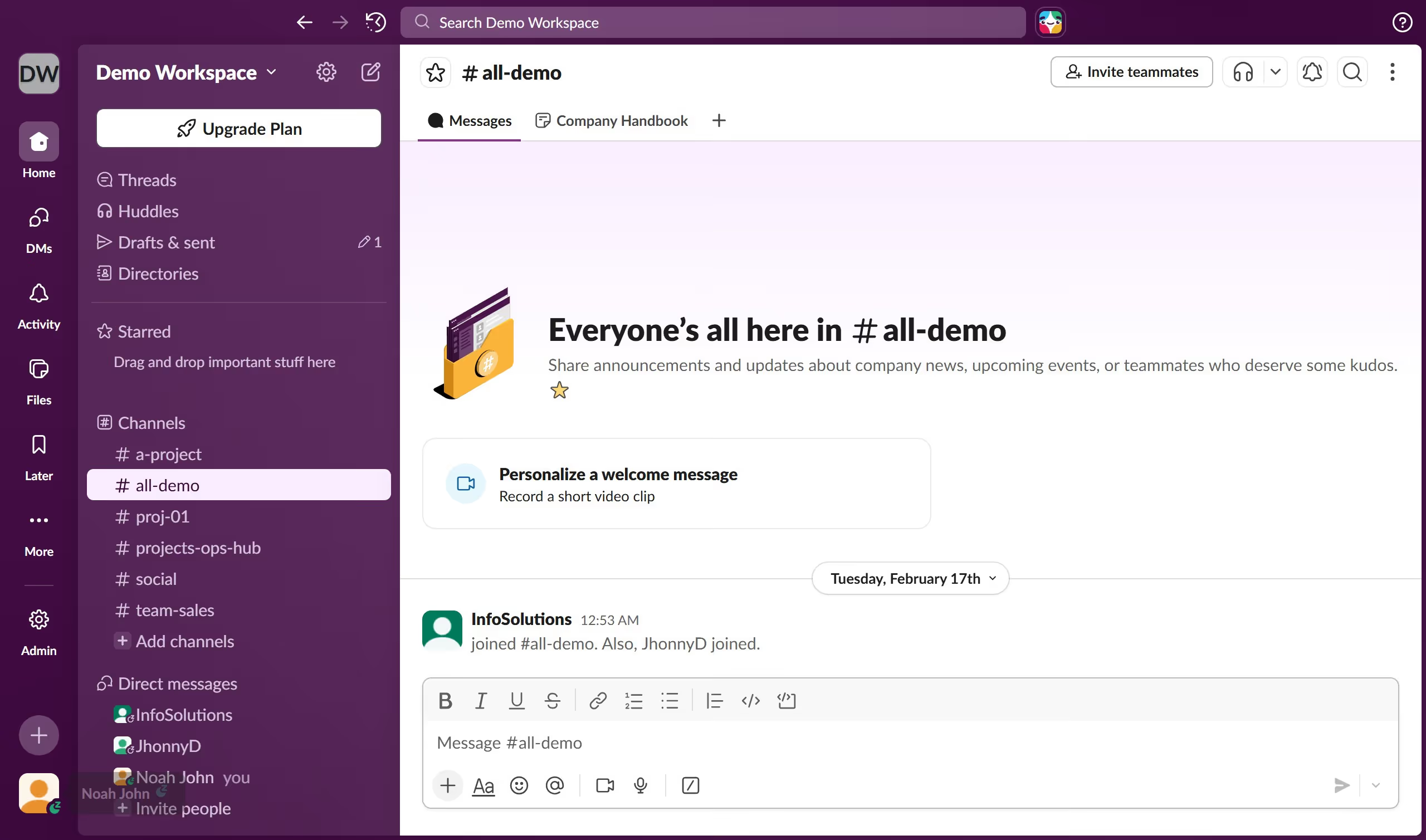
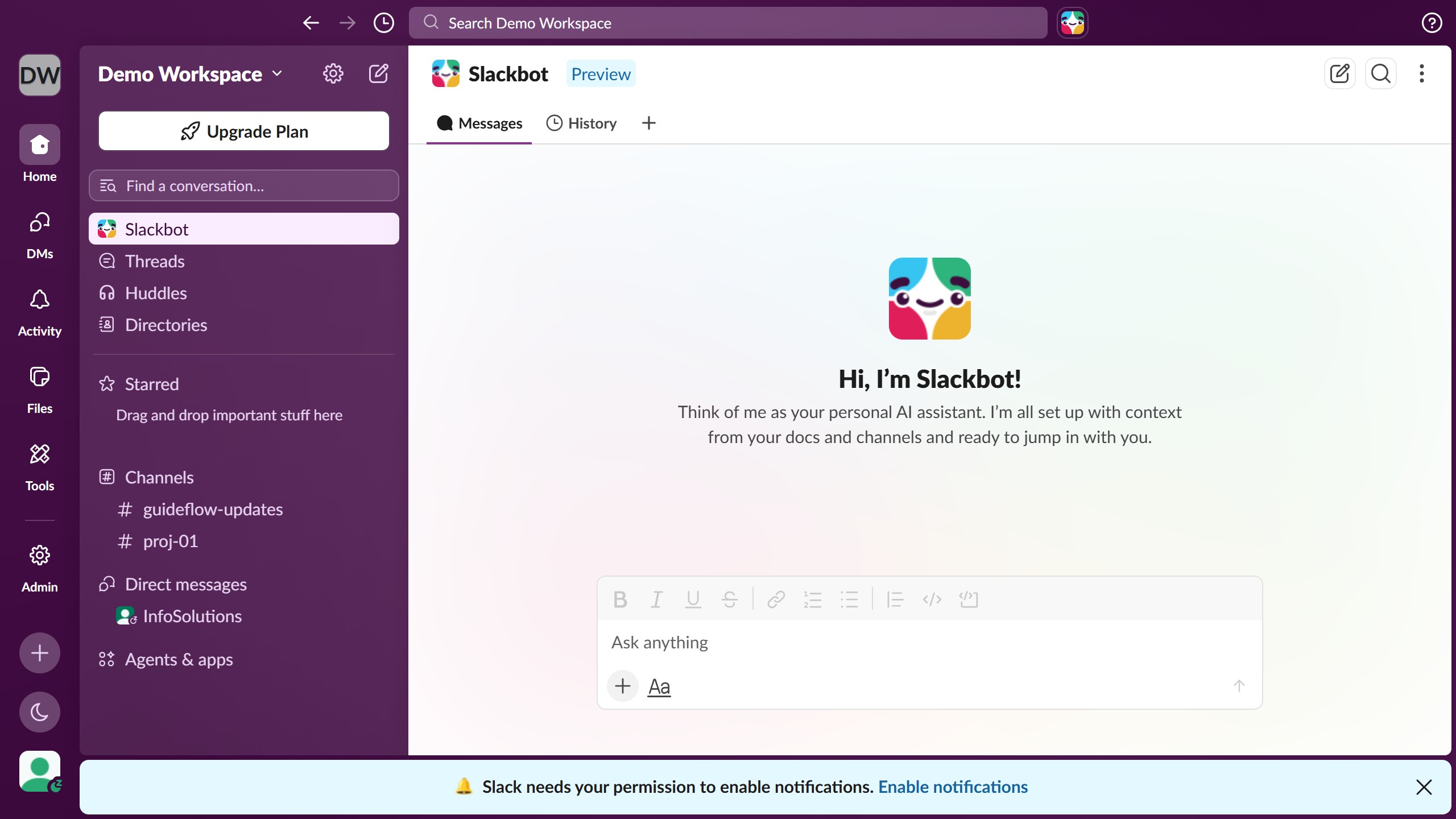
  1. First click on the channel name in the sidebar under the Channels section
  2. Then click on the "Reply in thread" button next to the message that you want to follow
  3. Next click on the "More actions" button in the thread panel header
  4. Finally click on the "Get notified about new replies" option in the dropdown menu

Create your own interactive guide with Guideflow

Why should you follow a channel thread in Slack

Slack is a powerful communication tool designed to streamline workplace collaboration.

One of its standout features is the ability to follow a channel thread, which ensures you're always updated on discussions that matter most to you without getting overwhelmed by unrelated chatter.

By following a thread, you can keep essential conversations at your fingertips, fostering enhanced focus and productivity by easily accessing pertinent information.

This feature is invaluable for maintaining clear and organized communication, ultimately boosting efficiency and team synergy.

Last update
March 16, 2026
Cursor MariaA cursor points to a button labeled "James."

Create your first demo in less than 30 seconds.