Slack
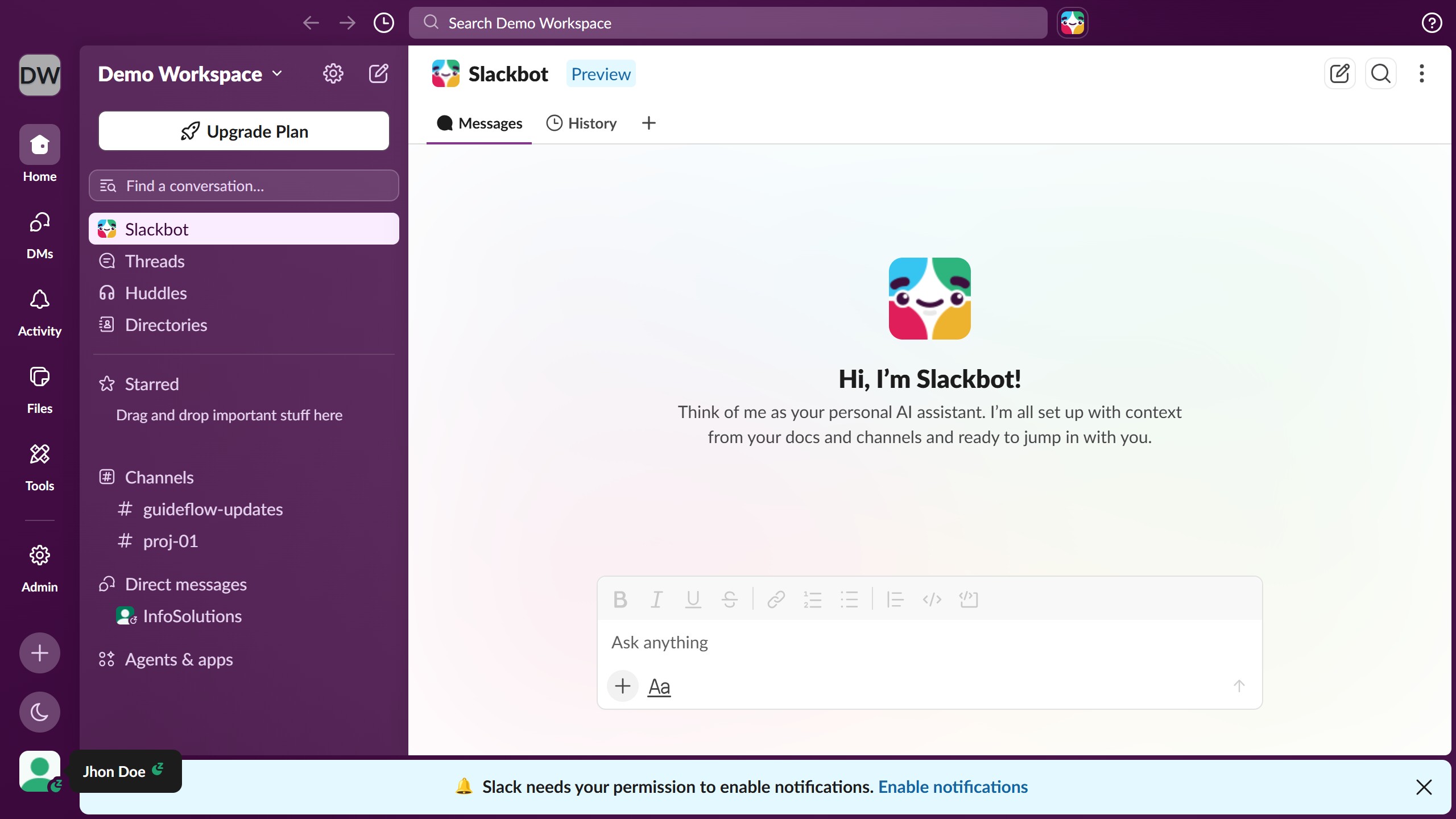
Slack is a business communication platform that organizes team conversations into channels and direct messages.
Website
Industry
Collaboration
Share this article:

How to set a reminder for a message in Slack

Here is how to set a reminder for a message in slack

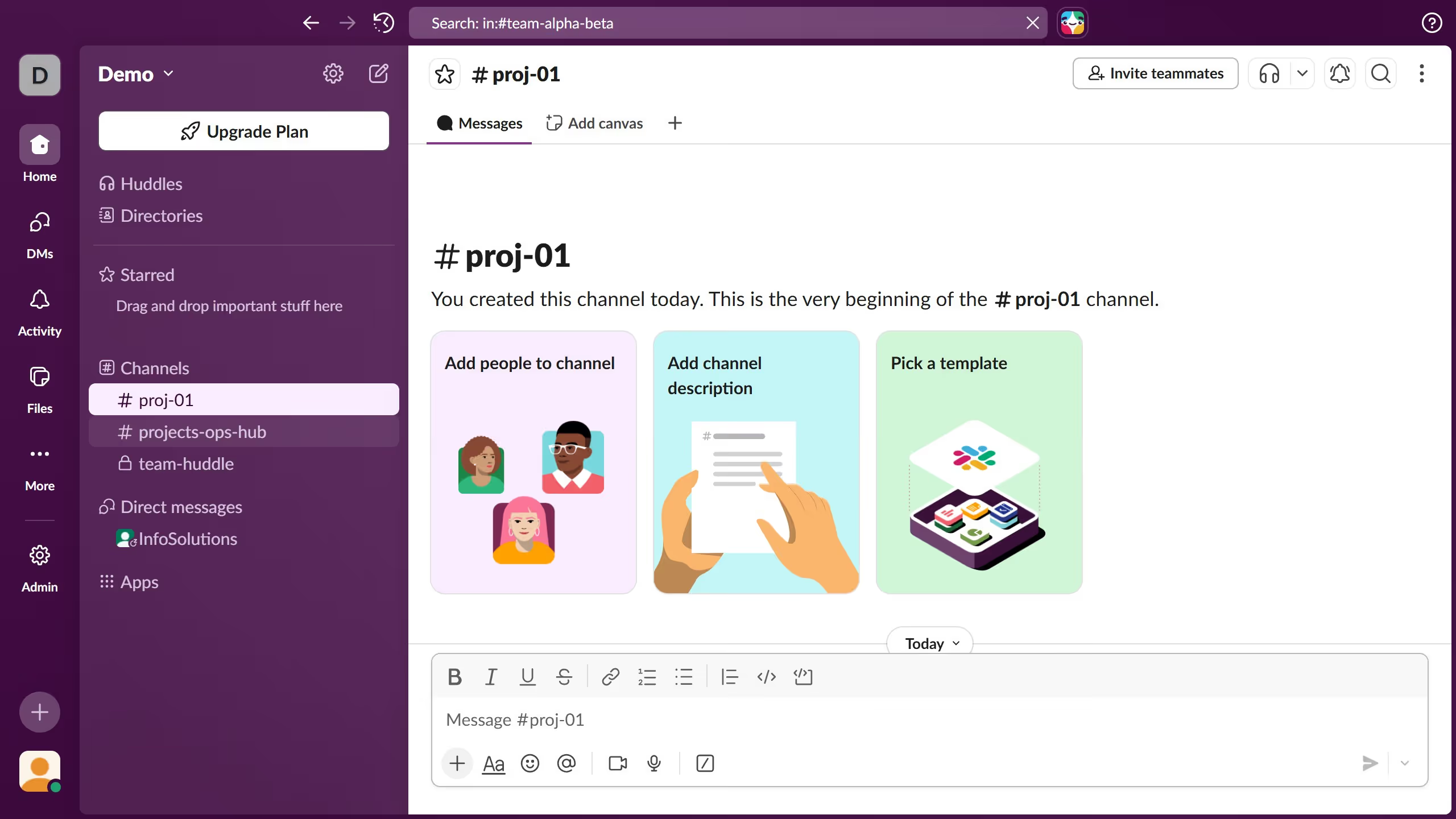
  1. First click on the channel name in the sidebar under the Channels section
  2. Then right- click on a message from the message thread to open the context menu
  3. Then click on "Remind me" option in the context menu
  4. Finally select a time period from the reminder time options submenu

Create your own interactive guide with Guideflow

Why should you set a reminder for a message in Slack

Slack is a powerful collaboration hub designed to streamline team communication and enhance productivity.

One of the standout features in Slack is the ability to set reminders for messages. This function allows users to avoid missing important tasks and deadlines by scheduling reminders for later follow-ups directly from their chat stream.

By utilizing message reminders, users can effectively manage their workflow, ensuring that priority messages are revisited and addressed promptly, fostering more effective time management.

Last update
March 16, 2026
Cursor MariaA cursor points to a button labeled "James."

Create your first demo in less than 30 seconds.