How to enable including a preview of the message in each notification in Slack
Here is how to enable including a preview of the message in each notification in slack
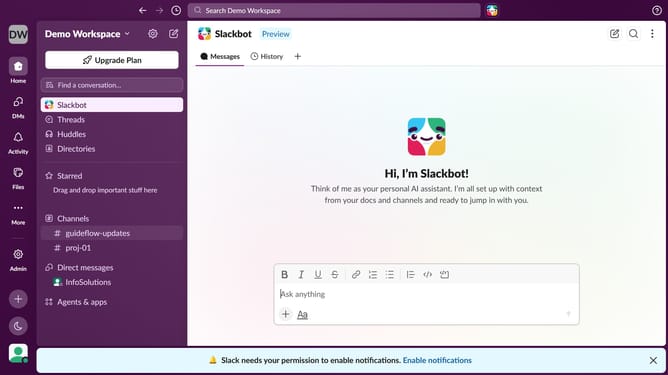
- First click on the user profile icon in the left sidebar
- Then click on "Preferences" in the user menu
- Next click on the "Notifications" tab in the Preferences window
- Then check the "Include a preview of the message in each notification" checkbox
- Finally click on the close button to close the Preferences window
Why should you enable including a preview of the message in each notification in Slack
Slack is a dynamic platform designed to streamline team communication and collaboration.
Enabling message previews in notifications enhances this experience by giving users a glimpse of their messages without needing to open the app. This feature saves time and boosts productivity by allowing quick prioritization of tasks.
By using message previews, you can stay informed and responsive, ensuring you never miss a critical update or discussion. It's an easy way to maintain focus and efficiency throughout your day.
Last update