How to add a link to a folder in Slack
Here is how to add a link to a folder in slack
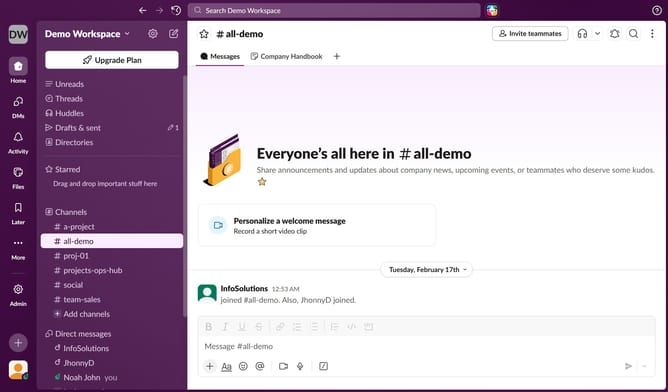
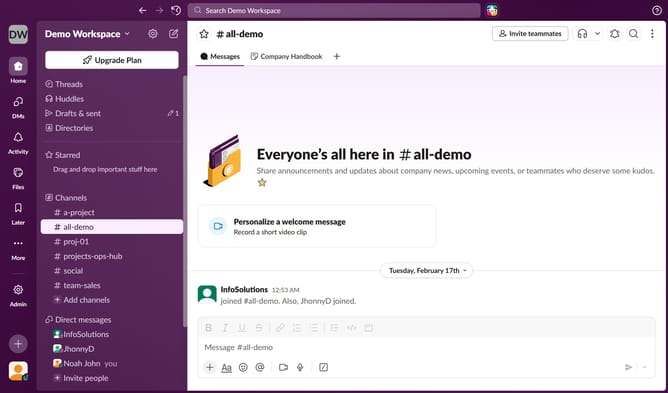
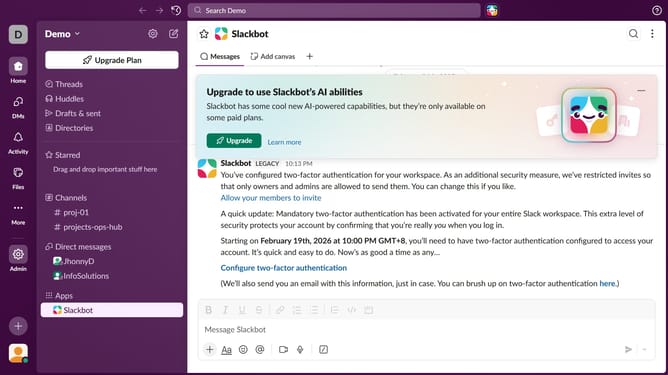
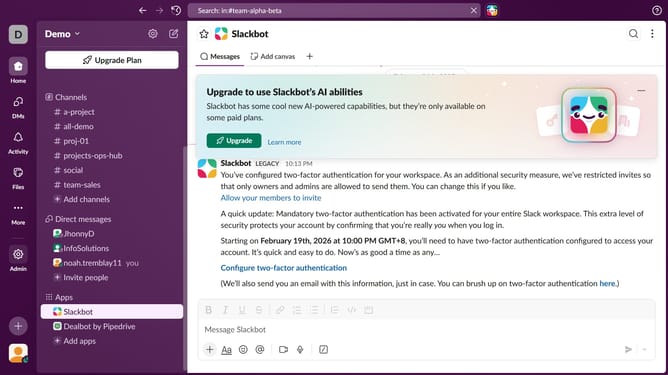
- First click on the "Channels" tab in the left sidebar
- Then click on the "Updates File" button in the top menu
- Next click on the "+" button
- Then select "Link" from the dropdown menu
- After that, paste the link into the input field
- Finally click on the "Add" button
Why should you add a link to a folder in Slack
Slack is a dynamic platform designed to streamline team communication and collaboration.
Adding a link to a folder in Slack allows team members to quickly access vital resources within the workspace without clutter. This feature aids in organizing and centralizing important files, ensuring everyone stays informed and connected.
With quick access to shared folders, productivity is enhanced as users spend less time searching and more time collaborating. Utilizing this feature can simplify task management and bolster team efficiency.
Last update