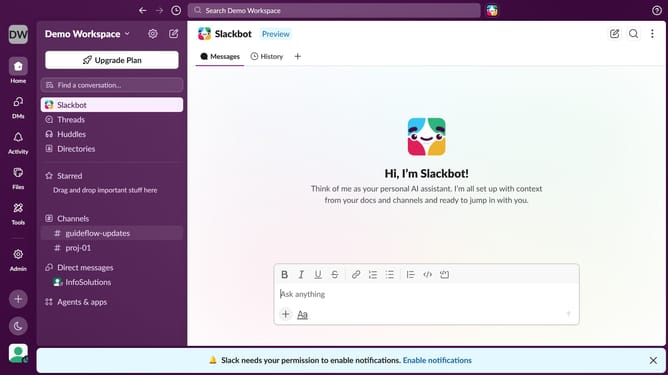
How to disable mobile notifications in Slack
Here is how to disable mobile notifications in slack
- First click on your profile picture in the sidebar
- Then click on "Preferences" in the menu
- Next click on "Notifications" in the preferences sidebar
- Then uncheck the "Mobile notifications" checkbox
- Finally click on the "Close" button
Why should you disable mobile notifications in Slack
Slack, a leading digital workspace, streamlines team communication and collaboration.
Among its numerous features is the ability to disable mobile notifications, offering significant benefits for users.
This functionality is perfect for those moments when uninterrupted focus is needed, allowing users to manage their attention and productivity effectively.
Disabling notifications is a simple yet powerful way to maintain work-life balance, ensuring that messages don't intrude during personal time or concentrated work sessions.
Last update