How to remove an app to a channel in Slack
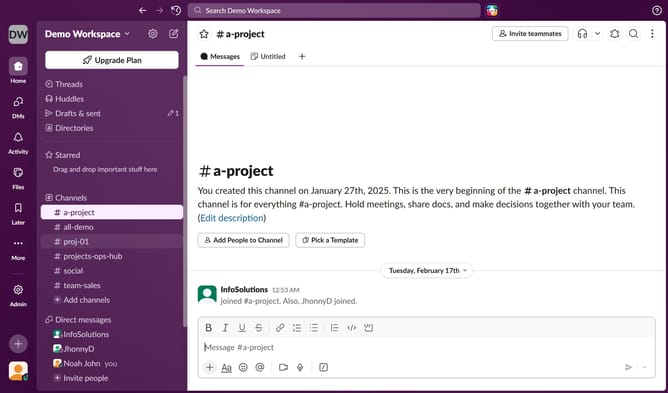
Here is how to remove an app to a channel in slack
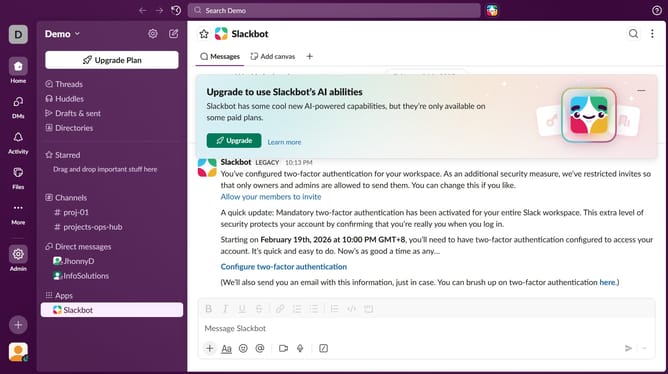
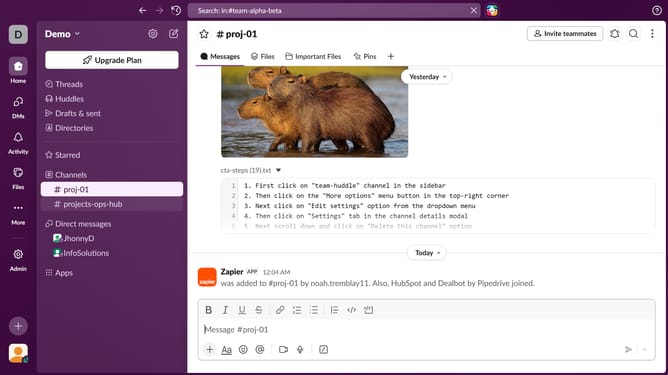
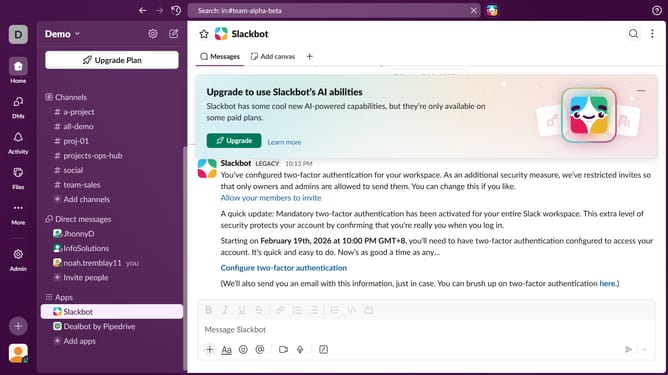
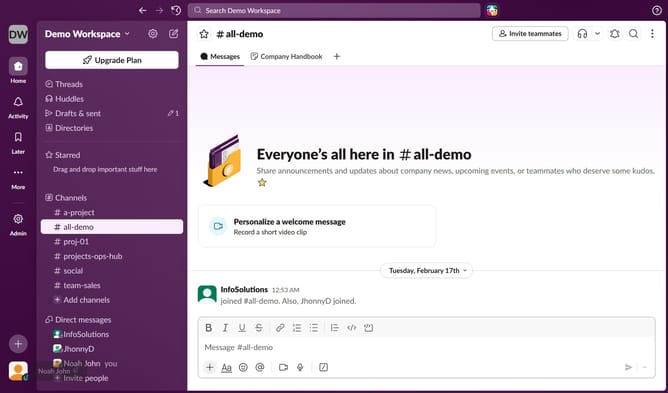
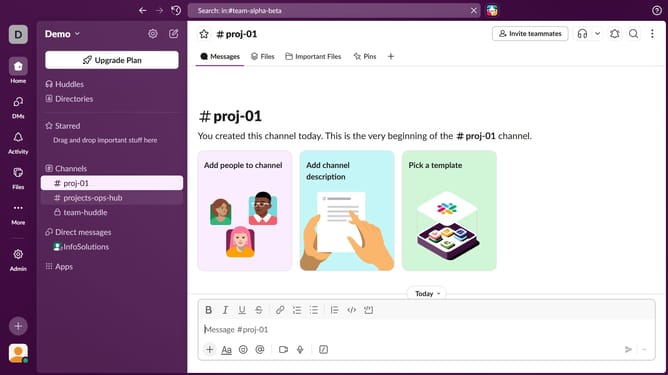
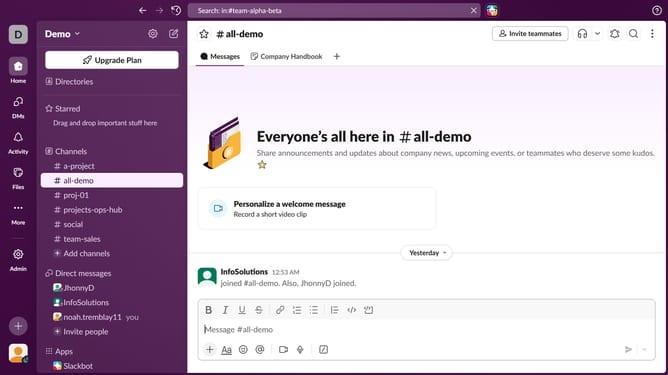
- First, navigate to the left sidebar and click on a channel from the "Channels" section header
- Then, click on the three dots icon in the top right corner of the main panel
- Next, from the dropdown menu, select "Edit settings"
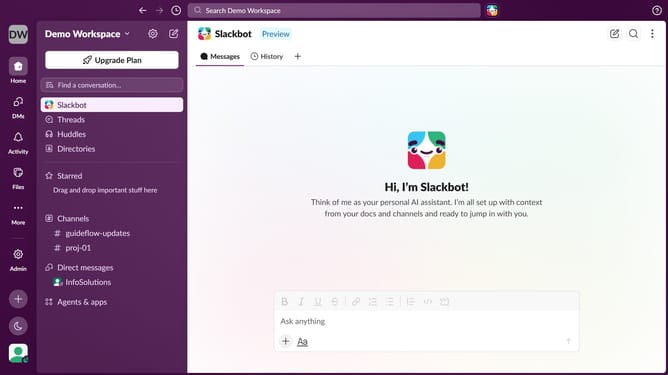
- After that, click on the "Agents & apps" tab in the channel settings
- Click on the three dots icon next to the app you want to remove
- Then, click on the "Remove from this channel" button
- Finally, in the confirmation pop-up, click the "Remove" button
- Close the channel settings window by clicking the 'X' icon in the top right corner
Why should you remove an app to a channel in Slack
Slack is an intuitive communication platform designed to streamline team collaboration and increase productivity.
One valuable feature of Slack is the ability to remove an app from a channel, which enhances your workspace's focus and efficiency.
Utilizing this feature declutters channels, focusing conversations on relevant topics. This ensures that your teams stay aligned without unnecessary distractions.
By having control over app integrations, you maintain a clean space conducive to effective collaboration and meaningful work.
Last update