Slack
Slack is a business communication platform that organizes team conversations into channels and direct messages.
Website
Industry
Collaboration
Share this article:

How to change workspace icon as an admin in Slack

Here is how to change workspace icon as an admin in slack

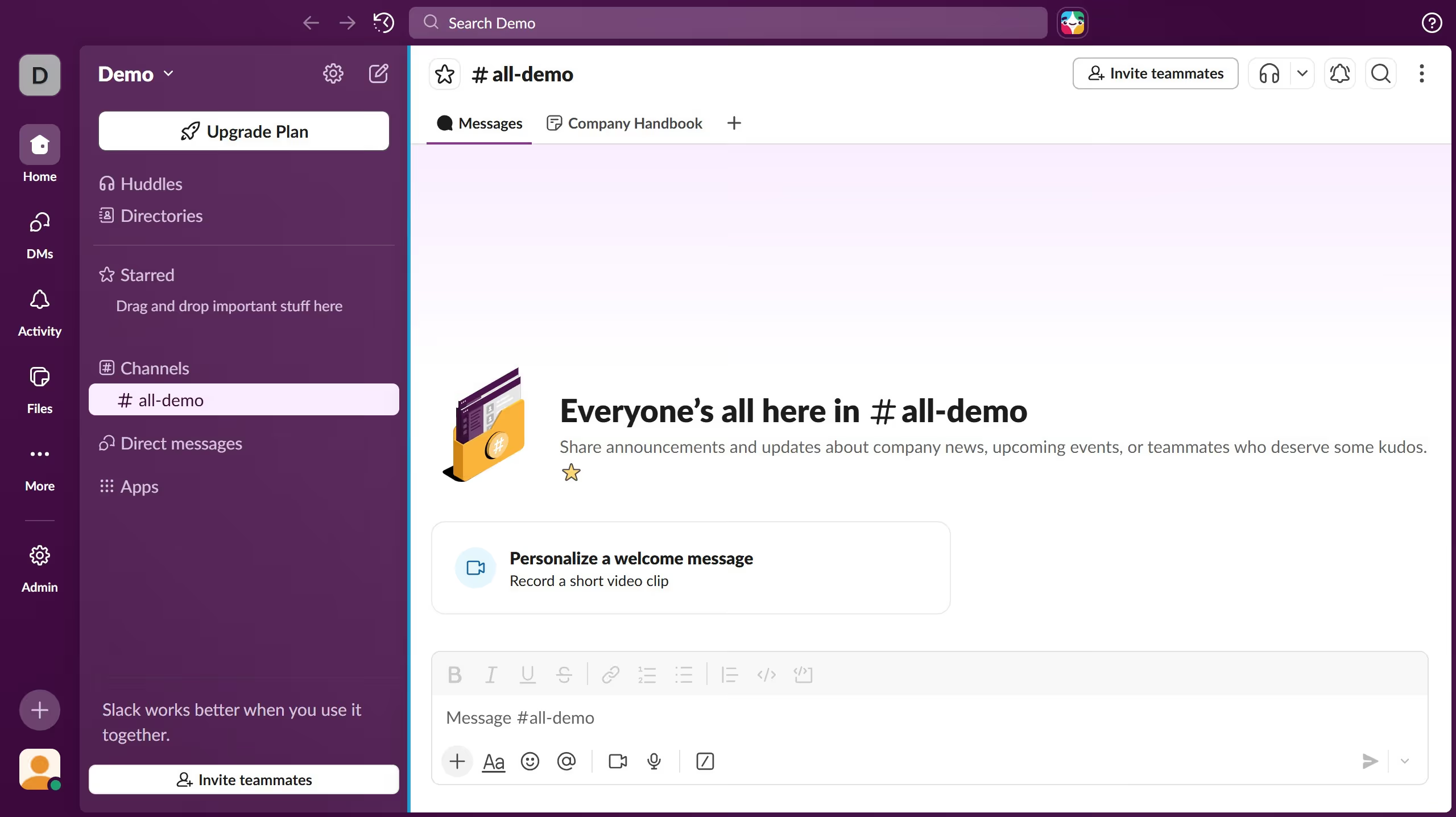
  1. First click on "Admin" button in the left sidebar
  2. Then click on "Edit workspace" option in the Admin Tools menu
  3. Next click on "Workspace icon" option in the dropdown menu
  4. Then click on "Choose File" button in the Upload a New Icon section
  5. After that click on "Upload Icon" button to upload the selected file
  6. Finally click on "Crop Icon" button to crop and finalize the workspace icon

Create your own interactive guide with Guideflow

Why should you change workspace icon as an admin in Slack

Slack is a versatile platform designed to streamline team communication and collaboration.

As an admin, the ability to change the workspace icon in Slack is a subtle yet effective feature that enhances your team’s identity. A personalized icon not only distinguishes your workspace from others but also fosters a sense of unity and pride among team members.

Updating your workspace icon can serve as a visual cue that aligns with your brand’s ethos, creating a cohesive look and feel. This small change can have a big impact on engagement and team alignment.

Last update
March 16, 2026
Cursor MariaA cursor points to a button labeled "James."

Create your first demo in less than 30 seconds.