Slack
Slack is a business communication platform that organizes team conversations into channels and direct messages.
Website
Industry
Collaboration
Share this article:

How to change Slack theme in Slack

Here is how to change slack theme in slack

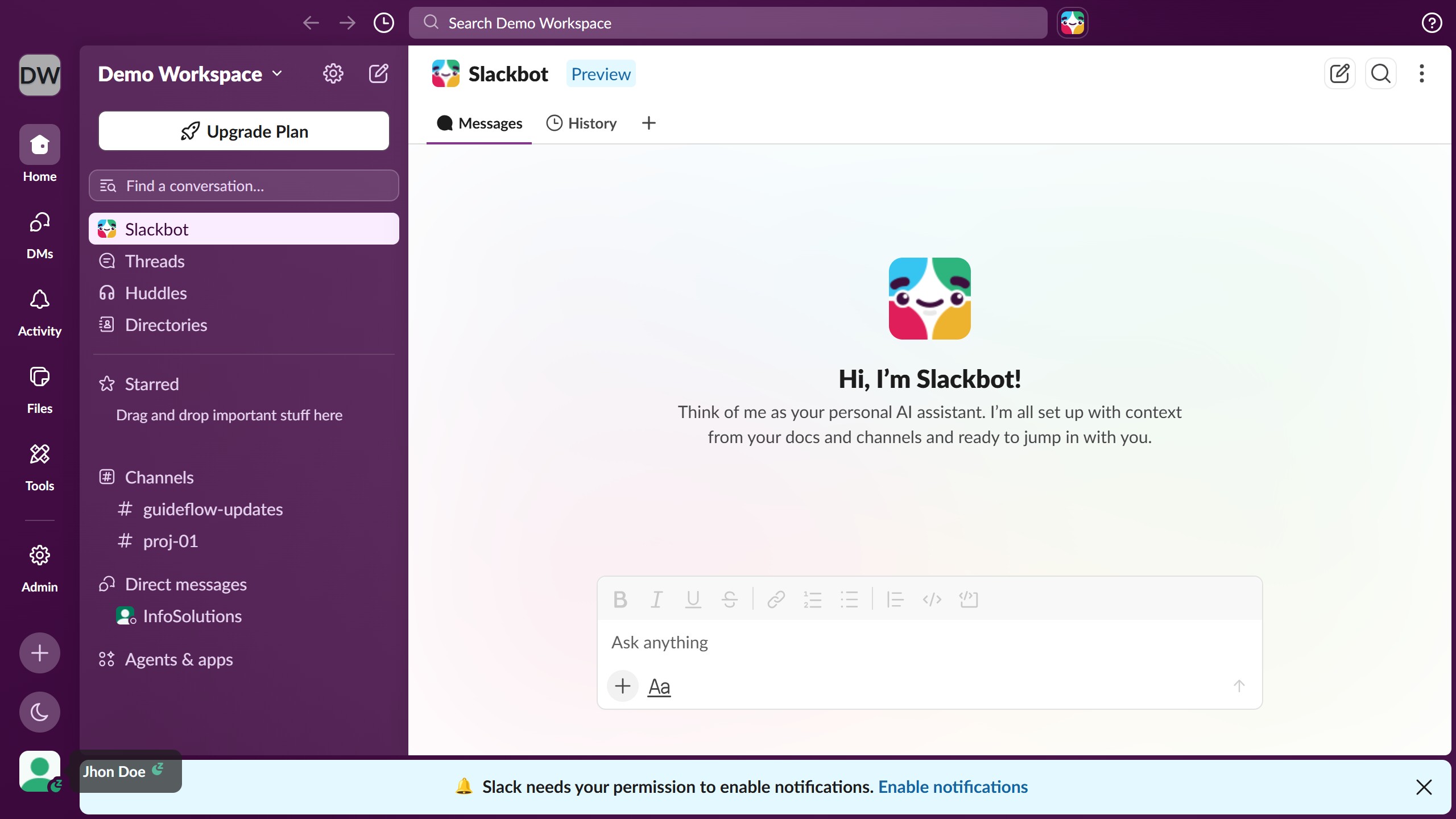
  1. First click on the profile icon in the bottom left sidebar
  2. Then click on "Preferences" option from the user menu
  3. Next click on "Appearance" option in the left sidebar menu of Preferences dialog
  4. Then click on "Slack themes" tab in the Appearance section
  5. Next scroll down and click on available theme options
  6. Then click on the close button (X) in the top right corner of the Preferences dialog
  7. Finally click on "Save Changes" button in the confirmation dialog

Create your own interactive guide with Guideflow

Why should you change Slack theme in Slack

Slack is a powerful communication platform designed to streamline teamwork and enhance productivity across teams.

Changing the theme in Slack is a delightful feature that adds a personal touch to your workspace, allowing you to customize the aesthetic to suit your preferences.

This feature not only enhances visual comfort by letting you select themes that are softer on the eyes, but it also sparks creativity by providing an environment that reflects your individuality.

Overall, personalizing your Slack theme can boost your mood and productivity, contributing to a more pleasant and motivating work experience.

Last update
March 16, 2026
Cursor MariaA cursor points to a button labeled "James."

Create your first demo in less than 30 seconds.