Here is how to manage downloading workflow form responses as an admin in slack
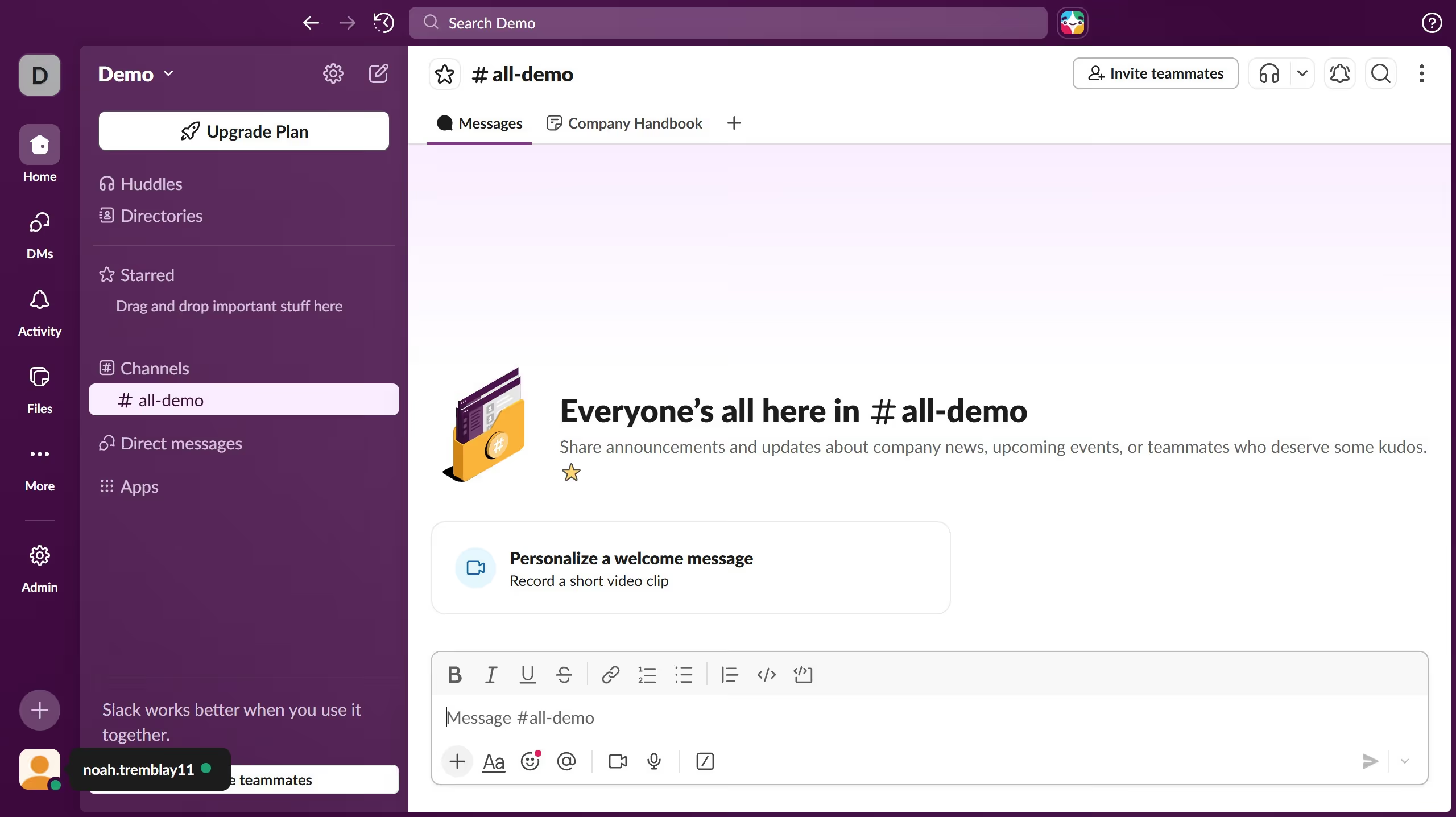
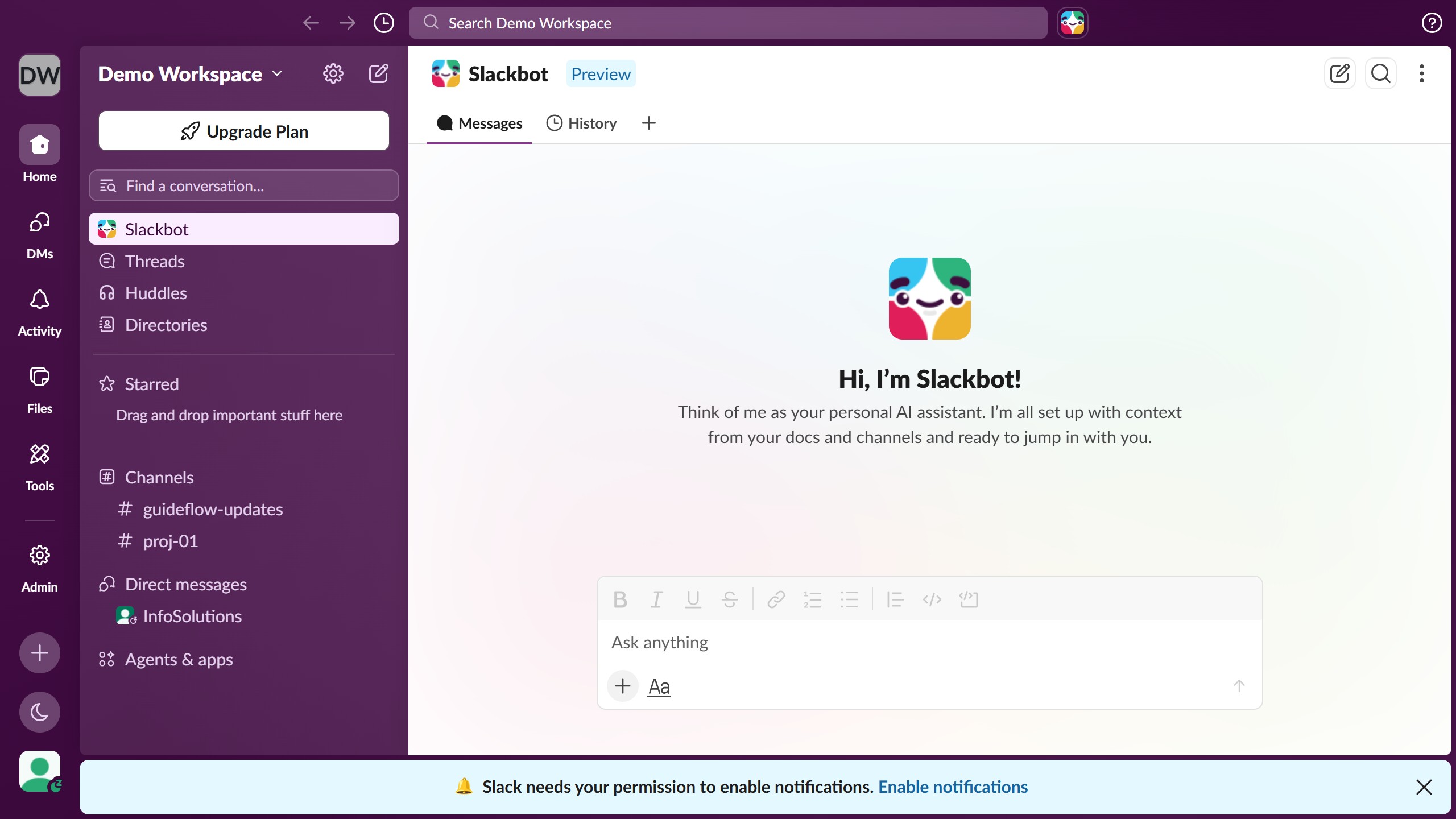
- First click on "Admin" button in the sidebar to access administrative settings
- Then click on "Workspace settings" option in the Admin Tools menu
- Next click on "Permissions" tab in the Settings & Permissions navigation
- Then scroll down and click on "Expand" button for the "Download workflow form responses" section
- After that, click on the checkbox labeled "Workflow Builder users can download form responses" to enable the setting
- Finally click on "Save" button to save the changes made to the workspace permissions