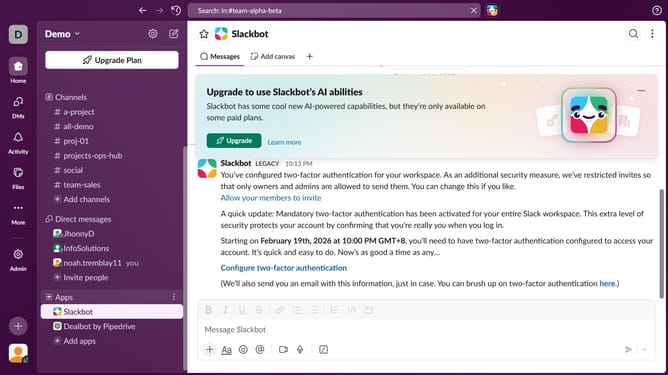
How to add an app to a channel in Slack
Here is how to add an app to a channel in slack
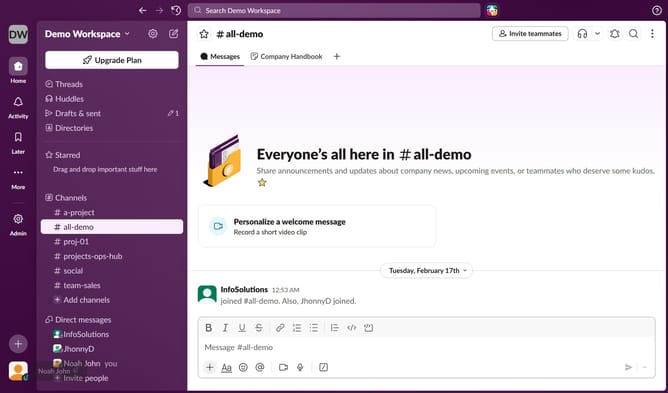
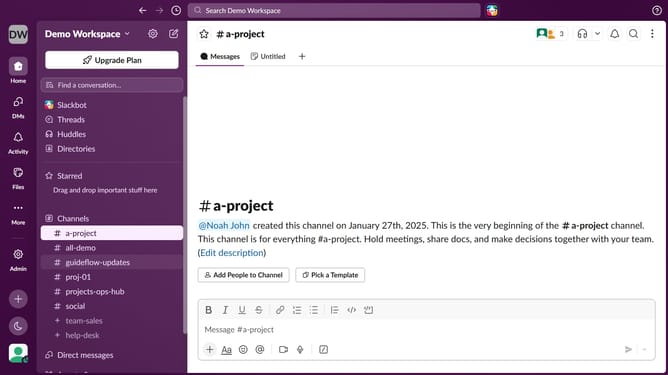
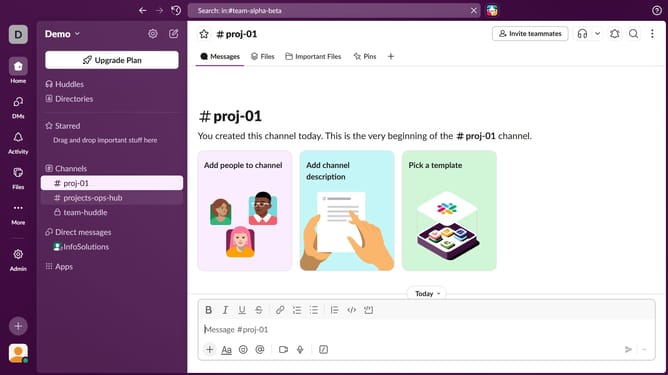
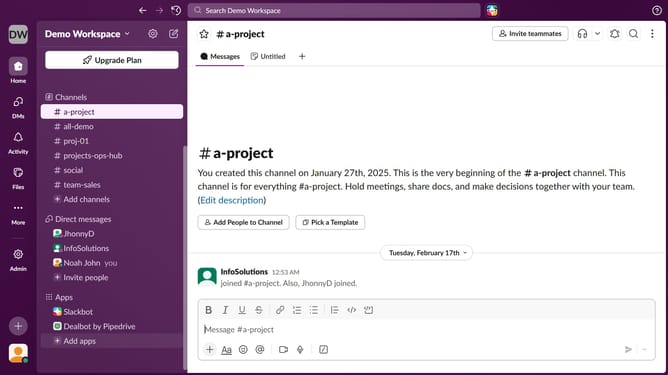
- First click on a channel from the "Channels" section in the left sidebar
- Then click on the three dots icon in the top right corner of the screen
- Next click on "Edit settings" in the channel details menu
- Then click on the "Agents & apps" tab
- After that click on the "Add Agent or App" button
- Then click on the "Add" button for "Dealbot by Pipedrive"
- Finally click on the close button to exit the popup
Why should you add an app to a channel in Slack
Slack is a robust platform designed to streamline team communication and collaboration.
Adding an app to a channel in Slack enhances productivity by integrating essential tools directly where team discussions happen. This feature bridges the gap between conversations and actions, ensuring all relevant resources are conveniently accessible.
By embedding apps into channels, teams can efficiently automate tasks, synchronize workflows, and maintain seamless coordination. This fosters a more dynamic and organized work environment, enabling teams to focus on achieving shared goals effortlessly.
Last update