Slack
Slack is a business communication platform that organizes team conversations into channels and direct messages.
Website
Industry
Collaboration
Share this article:

How to manage desktop session duration in Slack

Here is how to manage desktop session duration in slack

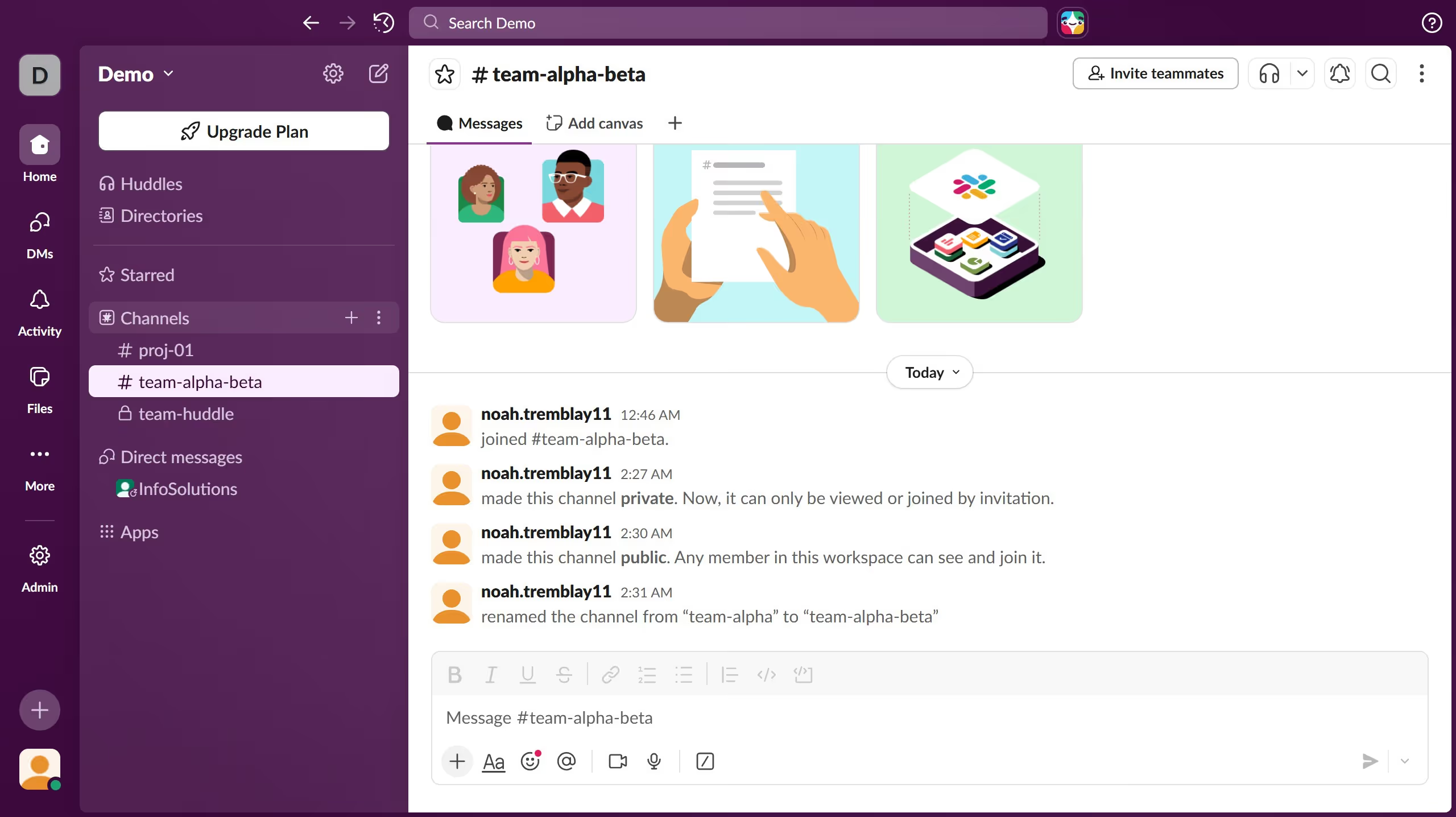
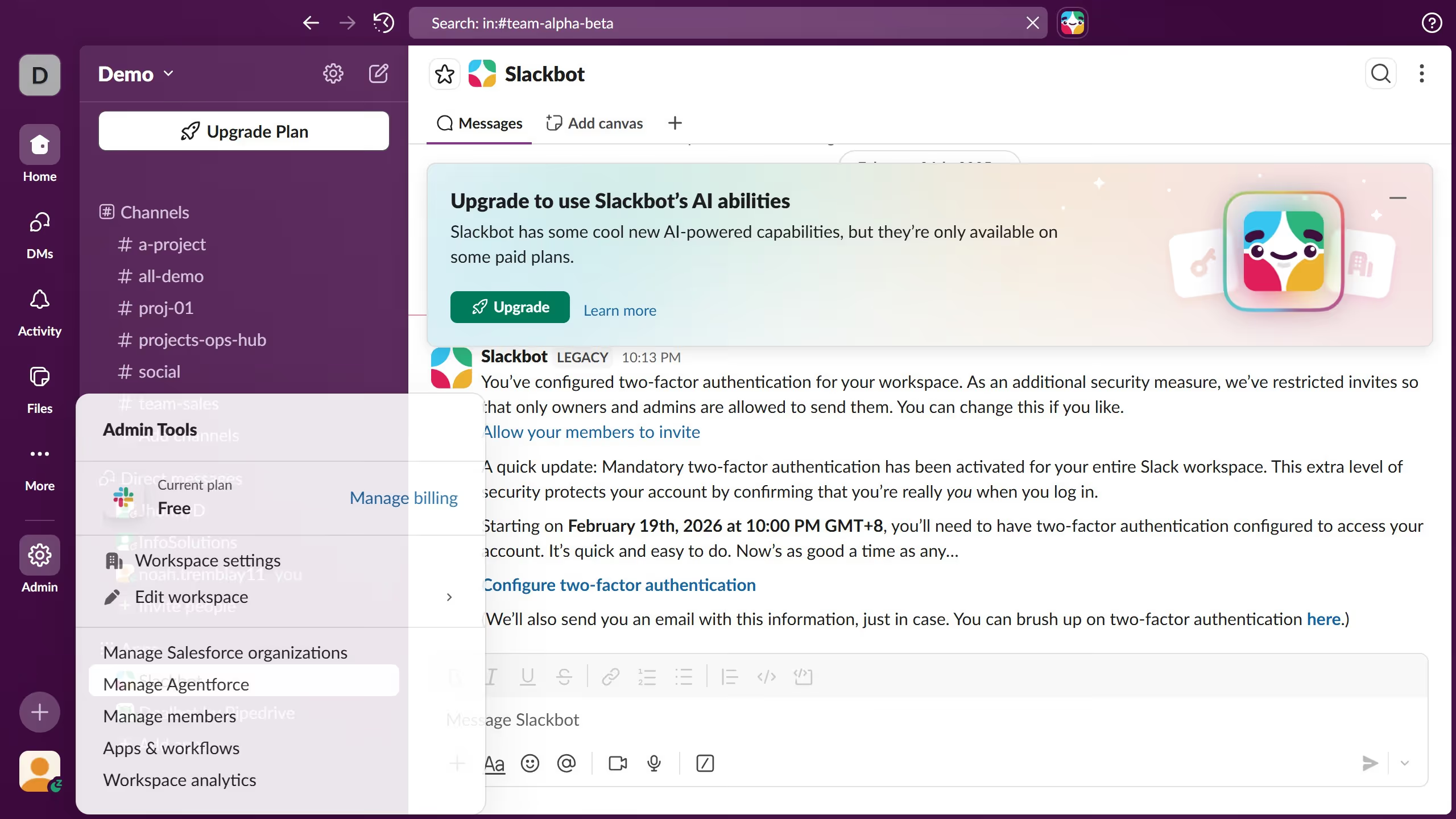
  1. First click on "Admin" button in the sidebar
  2. Then click on "Workspace settings" option in the Admin Tools menu
  3. Next click on "Security" option in the left sidebar
  4. Then click on "Edit" button next to Desktop session duration
  5. Next click on "Automatically log users out of desktop" checkbox
  6. Then select "On a set schedule (min every 12 hours)" radio button option
  7. Finally click on "Save" button to apply the changes

Create your own interactive guide with Guideflow

Why should you manage desktop session duration in Slack

Slack is a dynamic platform designed to boost productivity and streamline team communication.

Managing desktop session duration in Slack is a powerful feature that ensures security and efficient usage patterns.

This feature allows users to define how long their sessions remain active before being automatically signed out, adding a layer of security.

Moreover, it aids in maintaining an organized workflow by preventing unnecessary open sessions, contributing to a more controlled and secure working environment.

Last update
March 16, 2026
Cursor MariaA cursor points to a button labeled "James."

Create your first demo in less than 30 seconds.