Slack
Slack is a business communication platform that organizes team conversations into channels and direct messages.
Website
Industry
Collaboration
Share this article:

How to change a channel to private in Slack

Here is how to change a channel to private in slack

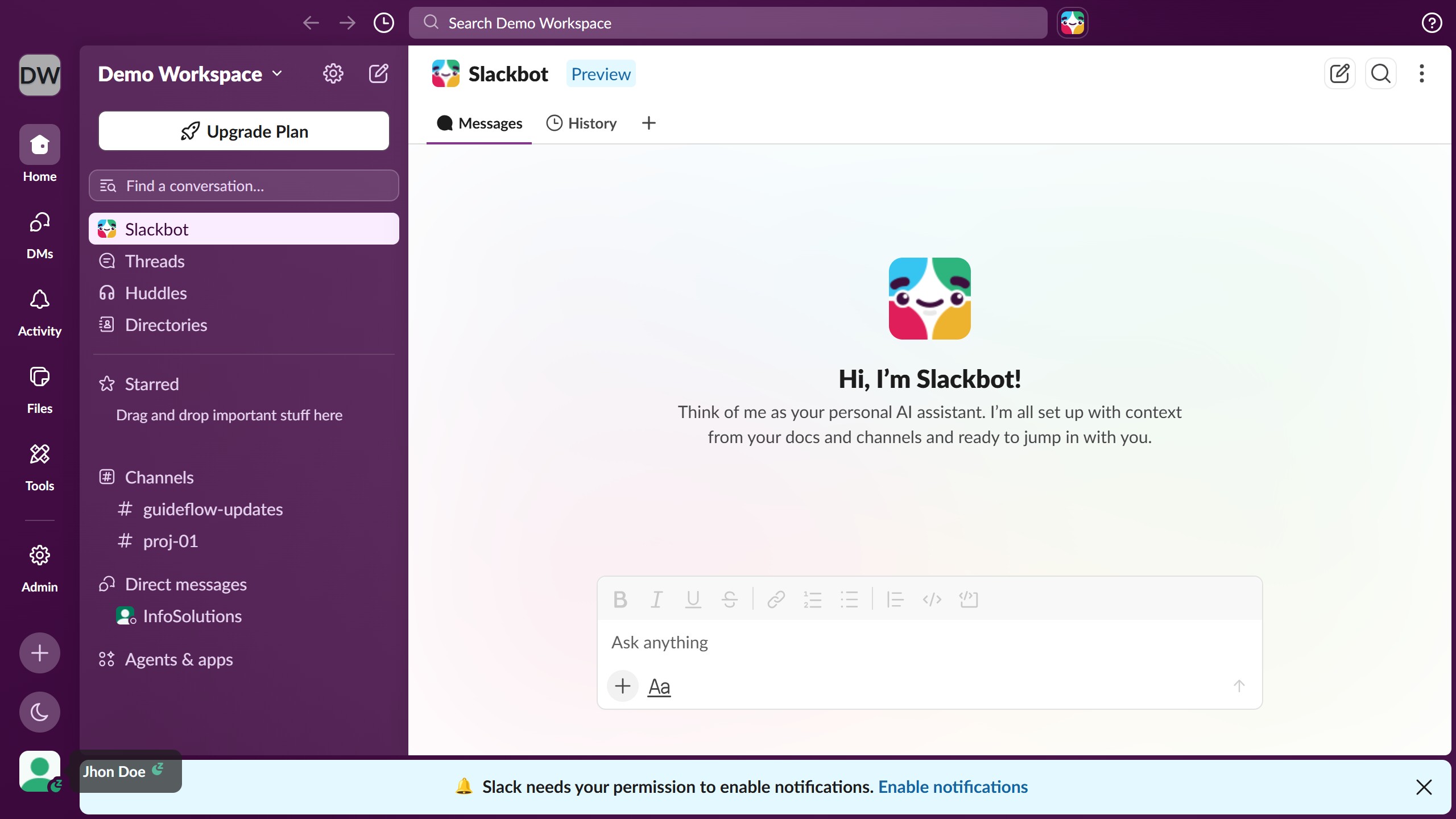
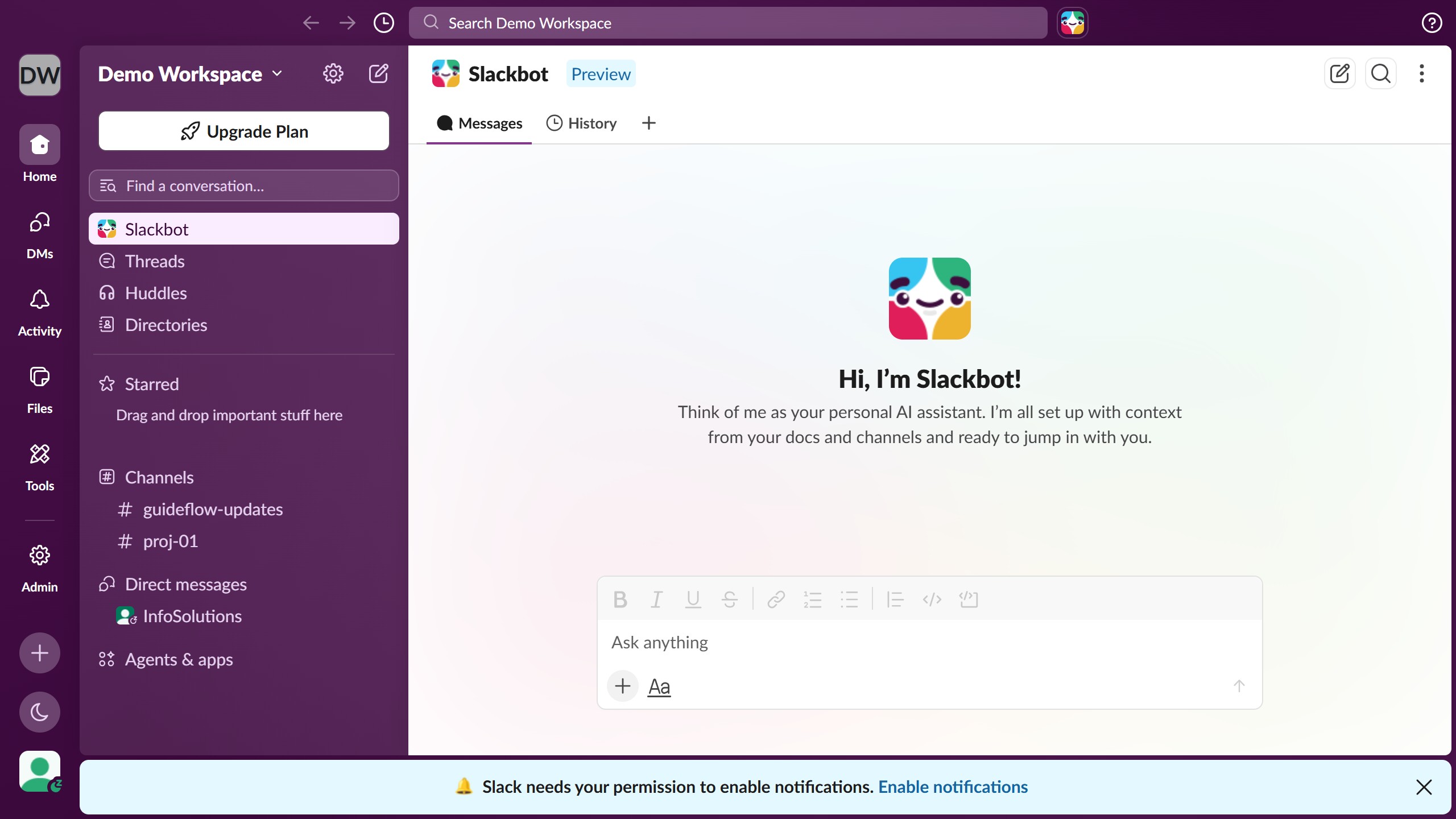
  1. First click on the channel name in the sidebar under Channels section
  2. Then click on the three-dot menu button in the top-right header area
  3. Next click on "Edit settings" option from the dropdown menu
  4. Then click on "Change to a private channel" button in the Settings section
  5. Finally click on "Change to Private" button in the confirmation dialog

Create your own interactive guide with Guideflow

Why should you change a channel to private in Slack

Slack is a powerful communication tool designed to streamline team collaboration and enhance productivity.

One of its prominent features allows users to transform a channel from public to private effortlessly.

Opting to change a channel to private can foster a secure environment for sensitive discussions, ensuring that only designated members have access.

This feature not only promotes confidentiality but also boosts team focus by minimizing off-topic distractions.

Last update
March 16, 2026
Cursor MariaA cursor points to a button labeled "James."

Create your first demo in less than 30 seconds.