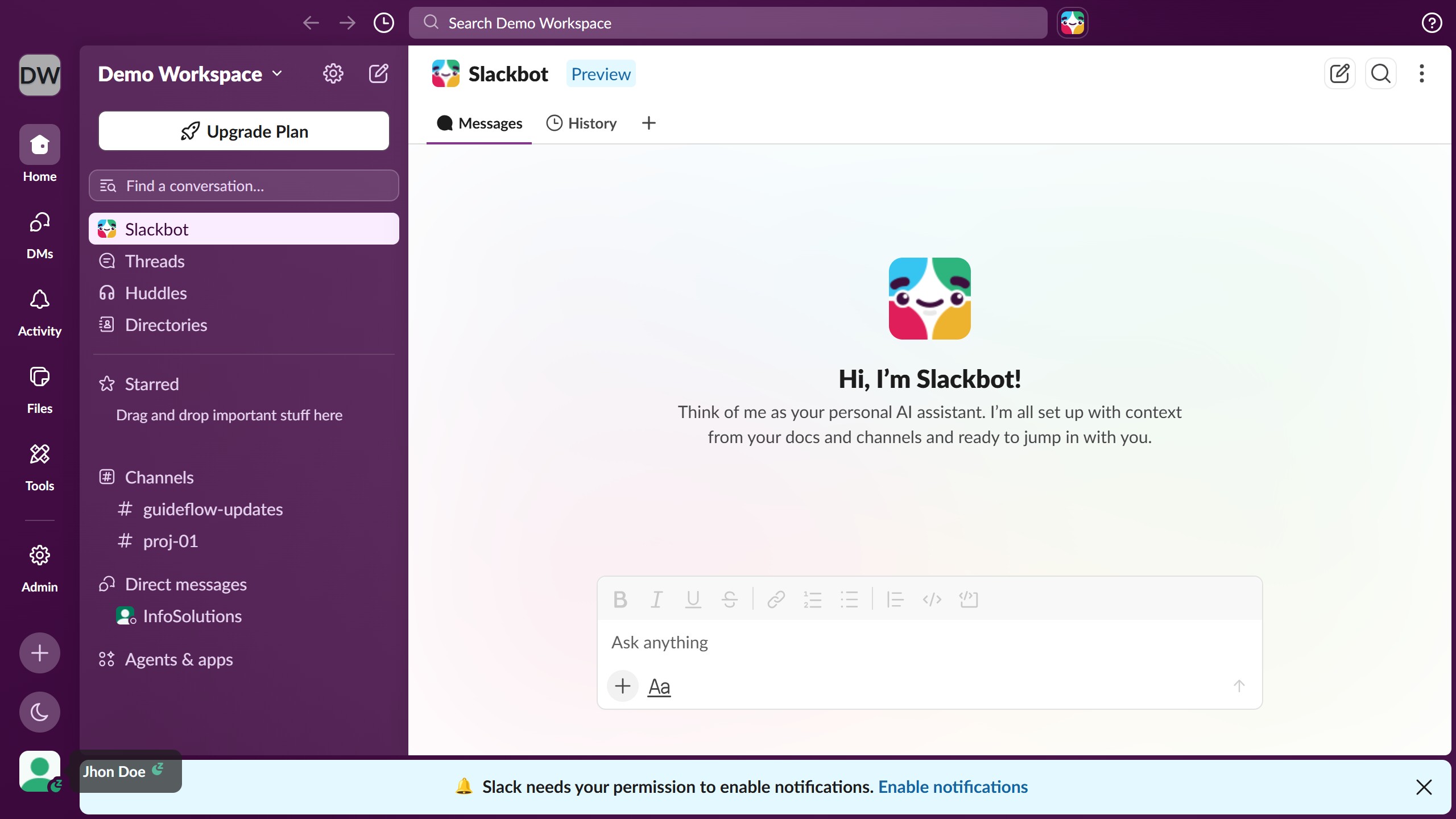
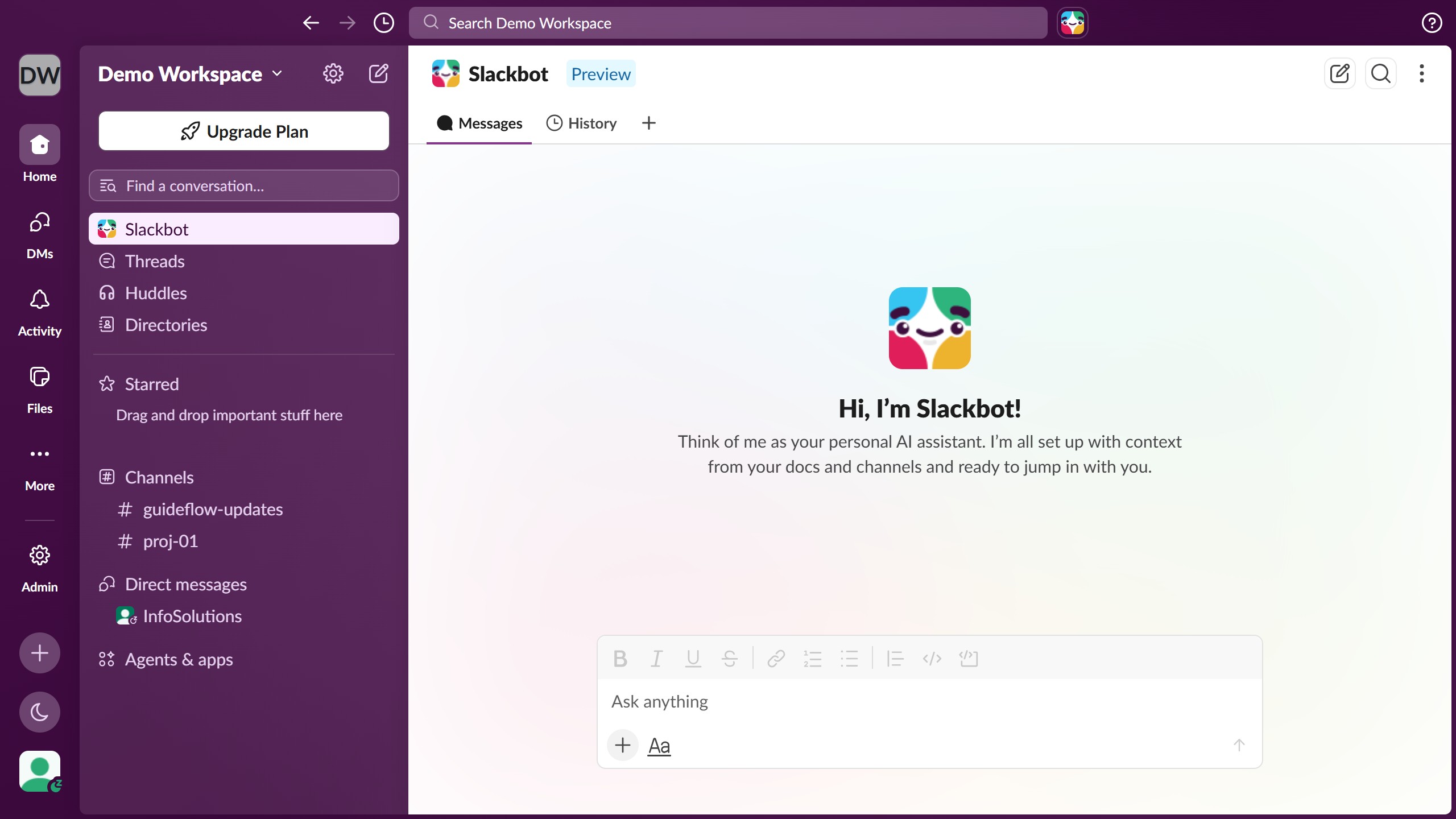
Here is how to mention a member in a channel in slack
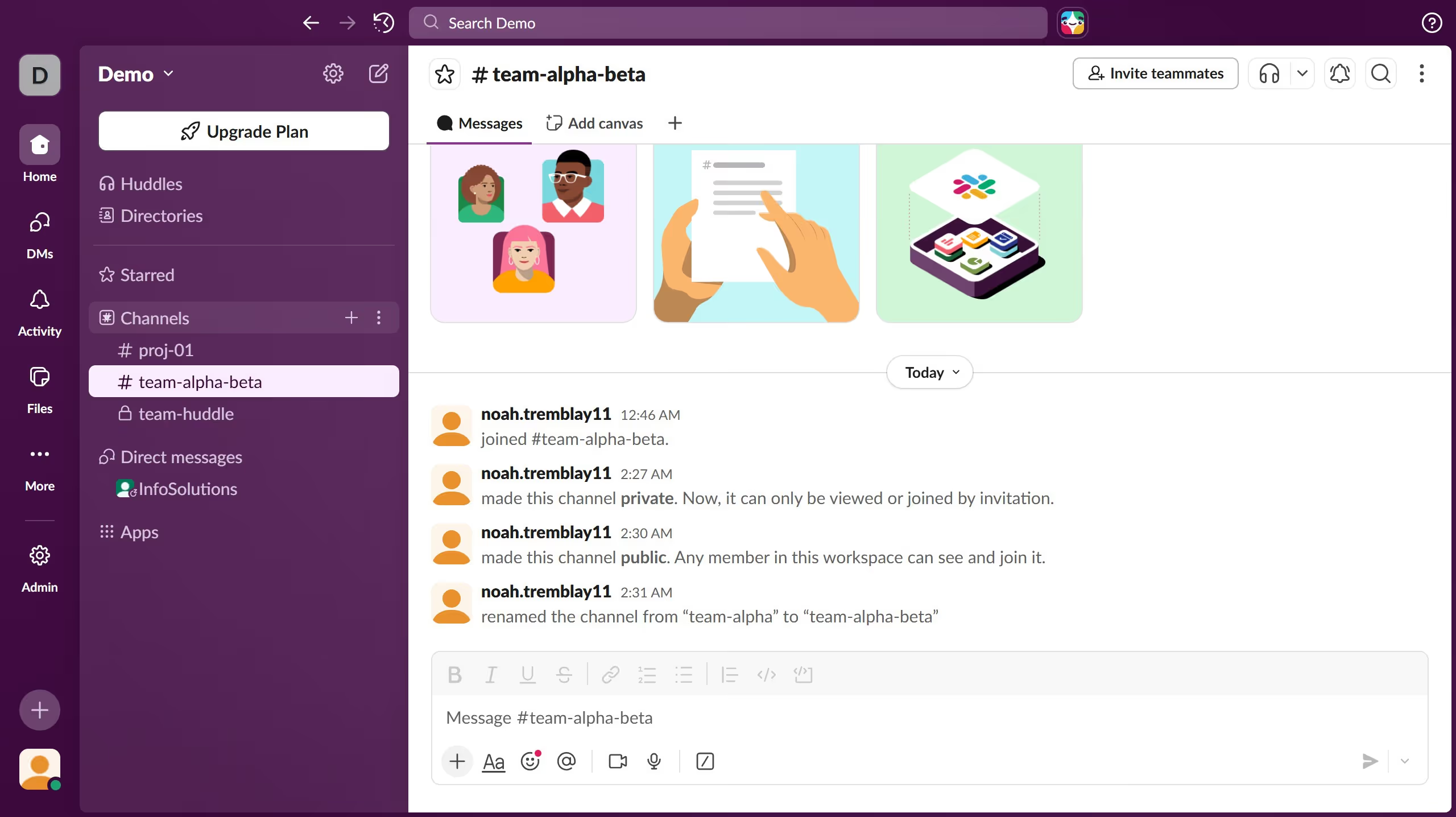
- First click on the channel name in the sidebar under the Channels section
- Then click on the message input field at the bottom of the main content area
- Next click on the "@" mention button in the message input toolbar to open the mention menu
- Finally click on the send button to send the message