Slack
Slack is a business communication platform that organizes team conversations into channels and direct messages.
Website
Industry
Collaboration
Share this article:

How to manage display names in a channel in Slack

Here is how to manage display names in a channel in slack

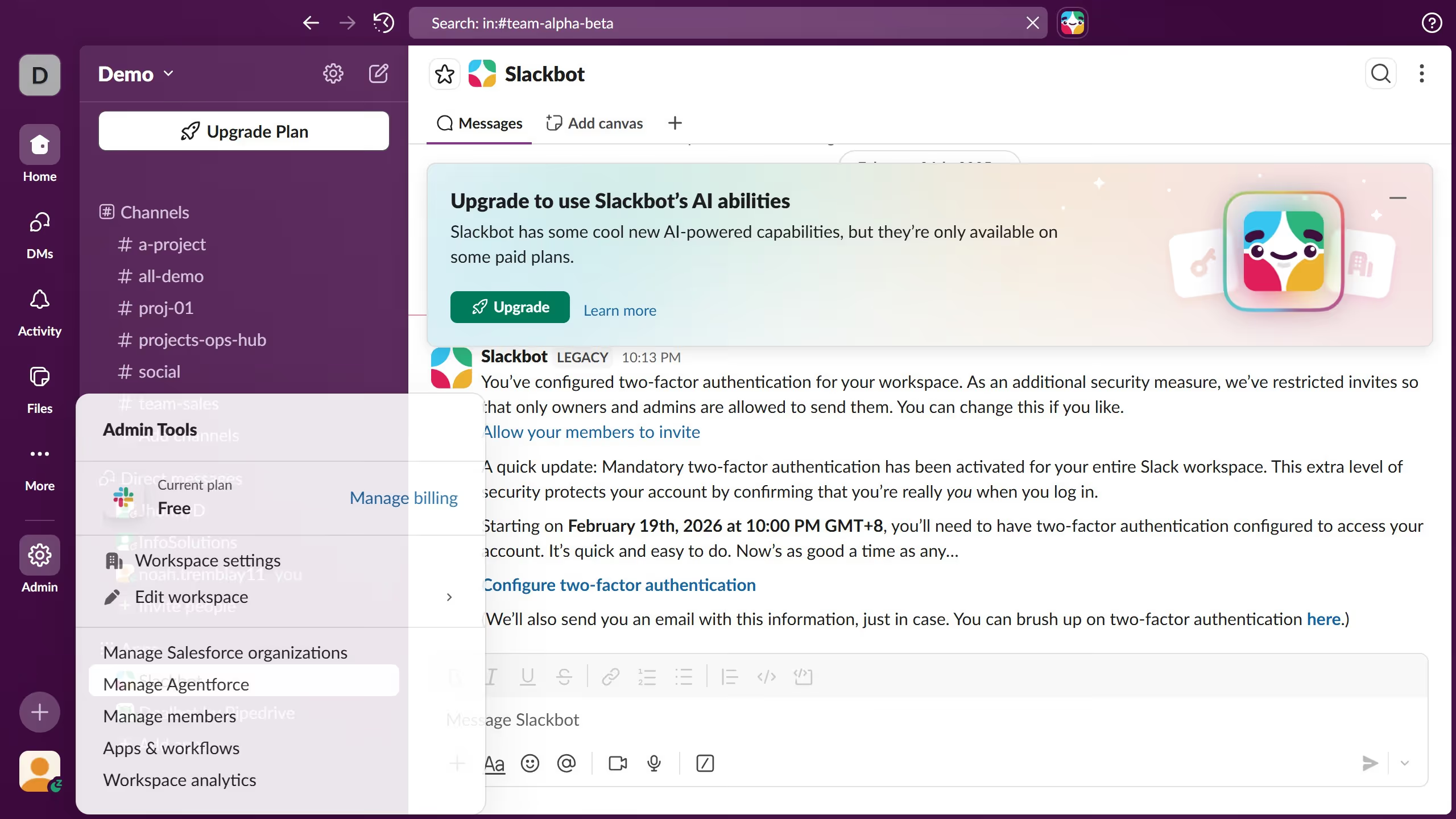
  1. First click on "Admin" button in the left sidebar
  2. Then click on "Workspace Settings" option in the Admin Tools menu
  3. Next scroll down the Settings & Permissions page
  4. Then click on "Expand" button next to Name Display section
  5. Next click on "Show full names instead of display names" checkbox
  6. Finally click on "Save" button to apply the changes

Create your own interactive guide with Guideflow

Why should you manage display names in a channel in Slack

Slack is a dynamic team collaboration tool designed to streamline communication and enhance productivity.

The ability to manage display names in a Slack channel offers users a seamless way to personalize their interaction space.

By customizing display names, team members can align with preferred identities, ensuring clear identification and fostering a sense of belonging.

This feature enhances team cohesion, simplifies user recognition, and promotes a more engaging and customized work environment.

Last update
March 16, 2026
Cursor MariaA cursor points to a button labeled "James."

Create your first demo in less than 30 seconds.