Slack
Slack is a business communication platform that organizes team conversations into channels and direct messages.
Website
Industry
Collaboration
Share this article:

How to add file in a new folder in Slack

Here is how to add file in a new folder in slack

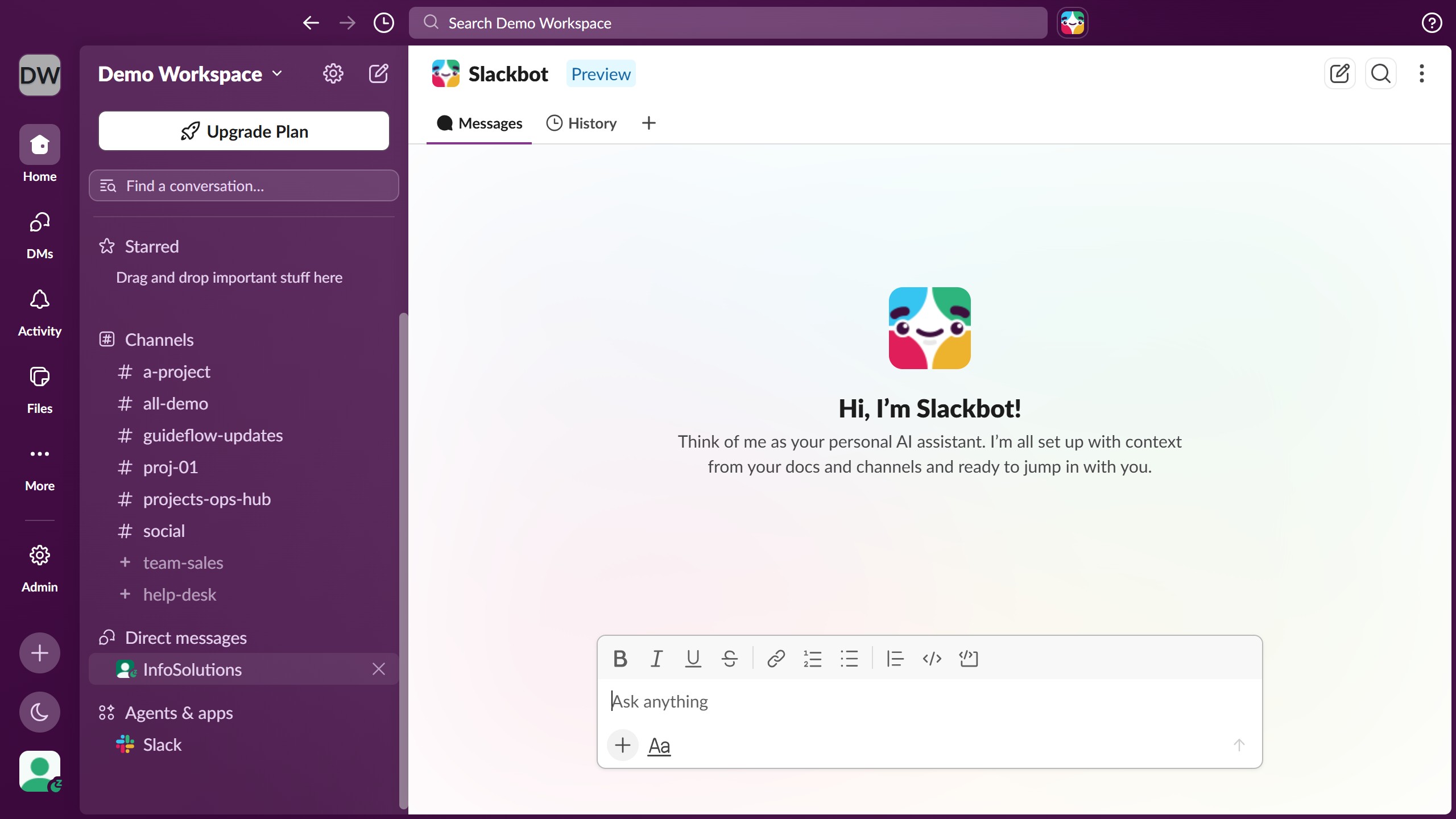
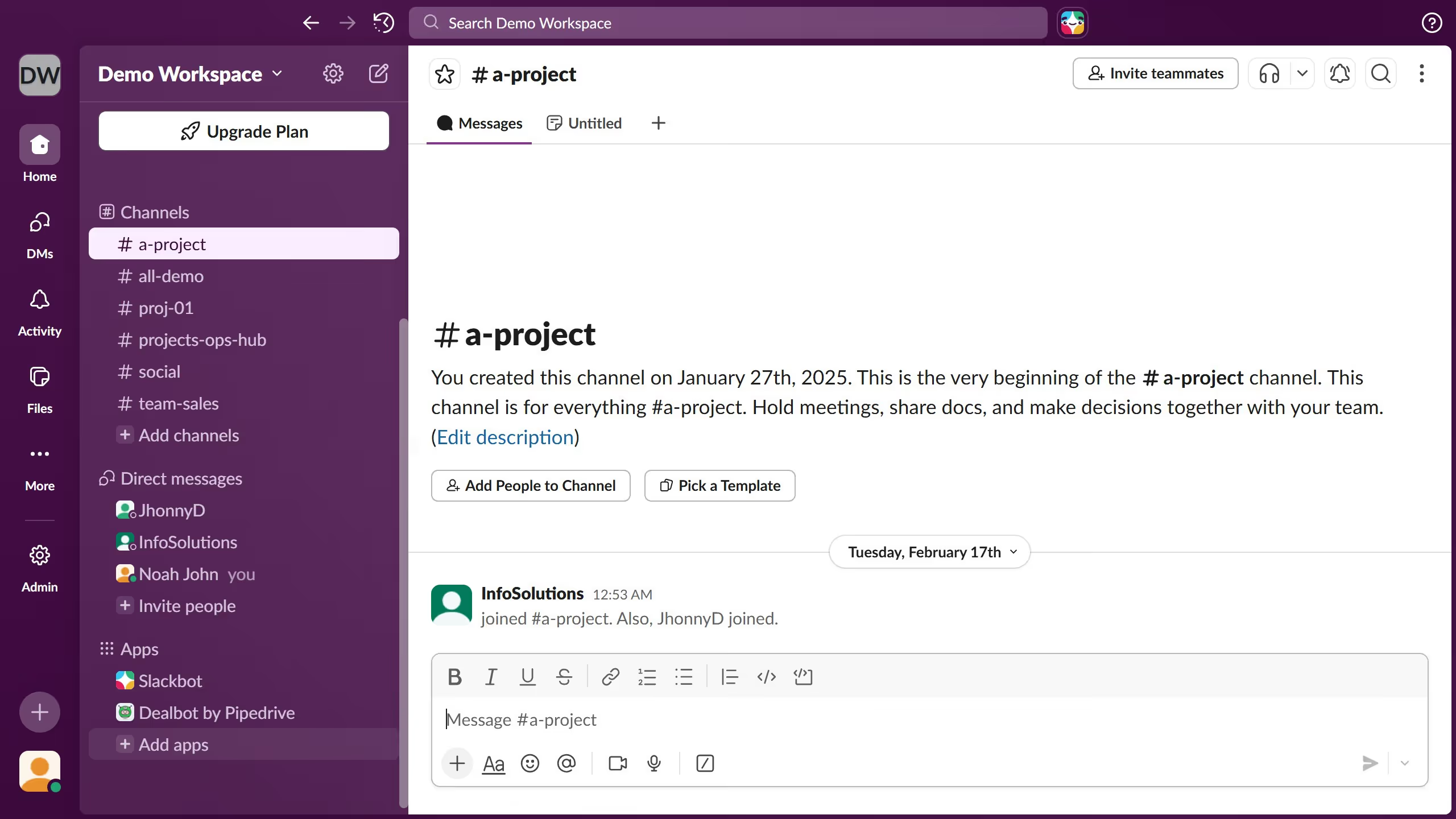
  1. First click on the channel name in the sidebar under the Channels section
  2. Then click on the file that you want to manage
  3. Then click on the three-dot menu button next to the file attachment in the message
  4. Next click on the "Add to folder" option from the dropdown menu
  5. Then click on the "New folder" option from the submenu
  6. Then type the new folder name in the Name field of the "Create a folder" dialog
  7. Finally click on the "Create" button to create the new folder

Create your own interactive guide with Guideflow

Why should you add file in a new folder in Slack

Slack is a dynamic collaboration hub designed to streamline communication and enhance productivity within teams.

Adding a file in a new folder in Slack offers a seamless way to organize and access important documents right within your workspace. This feature not only enhances organization but also simplifies the process of finding and sharing files.

By using folders, you can categorize files to align with specific projects or topics, making team collaboration more efficient. This streamlined approach ensures everyone has access to the latest resources, boosting overall productivity.

Last update
March 16, 2026
Cursor MariaA cursor points to a button labeled "James."

Create your first demo in less than 30 seconds.