Slack
Slack is a business communication platform that organizes team conversations into channels and direct messages.
Website
Industry
Collaboration
Share this article:

How to edit workspace name as an admin in Slack

Here is how to edit workspace name as an admin in slack

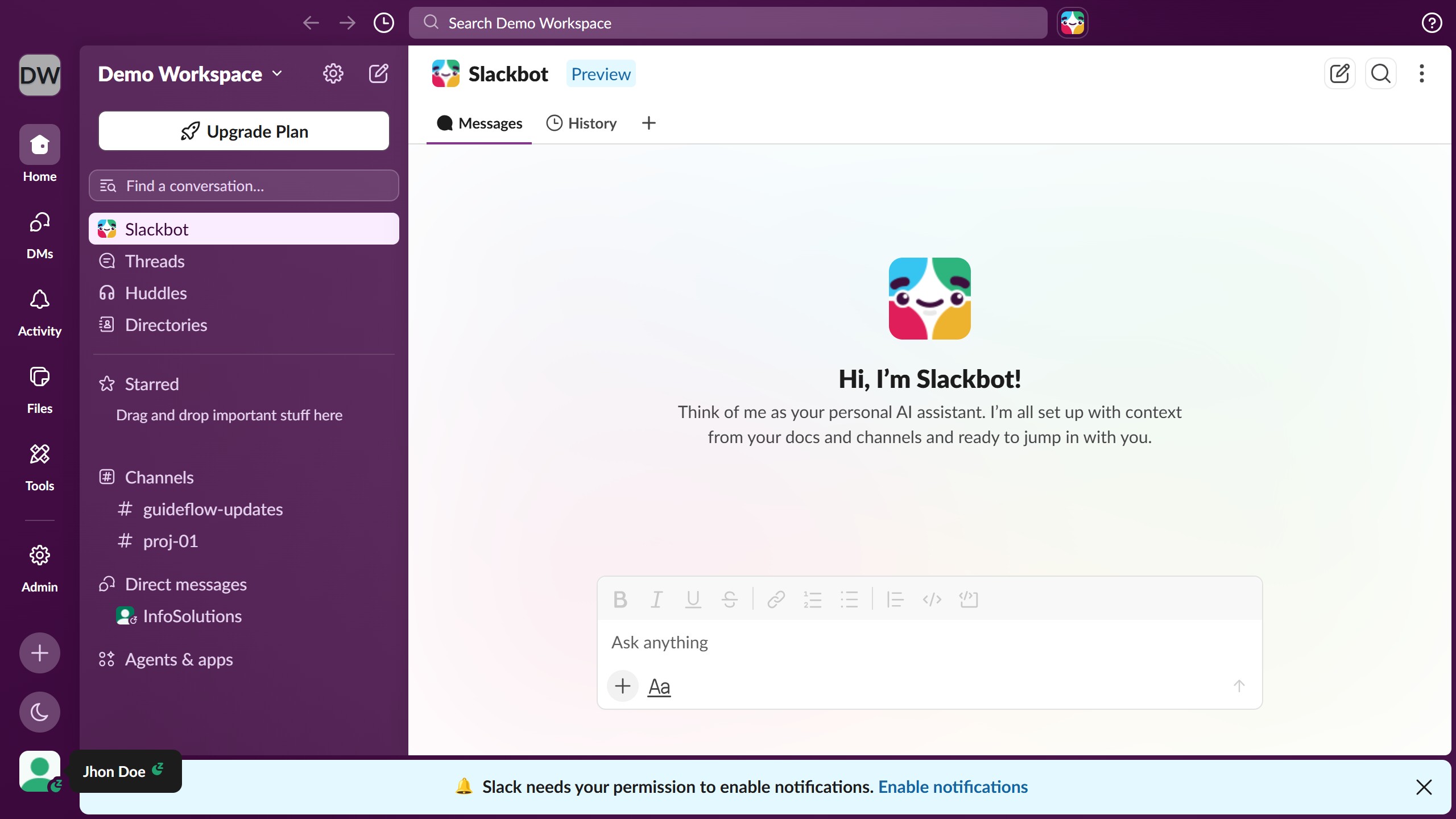
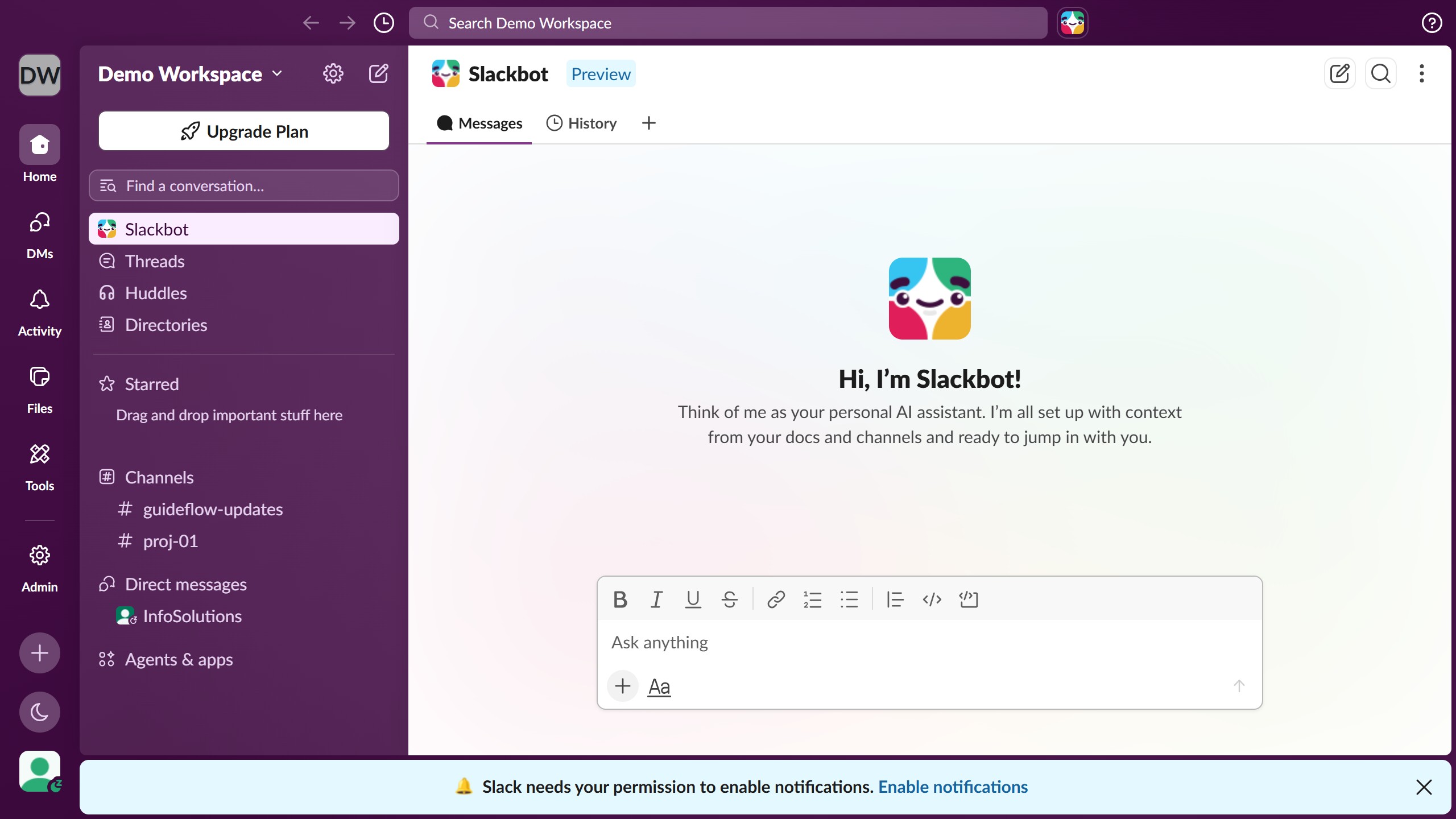
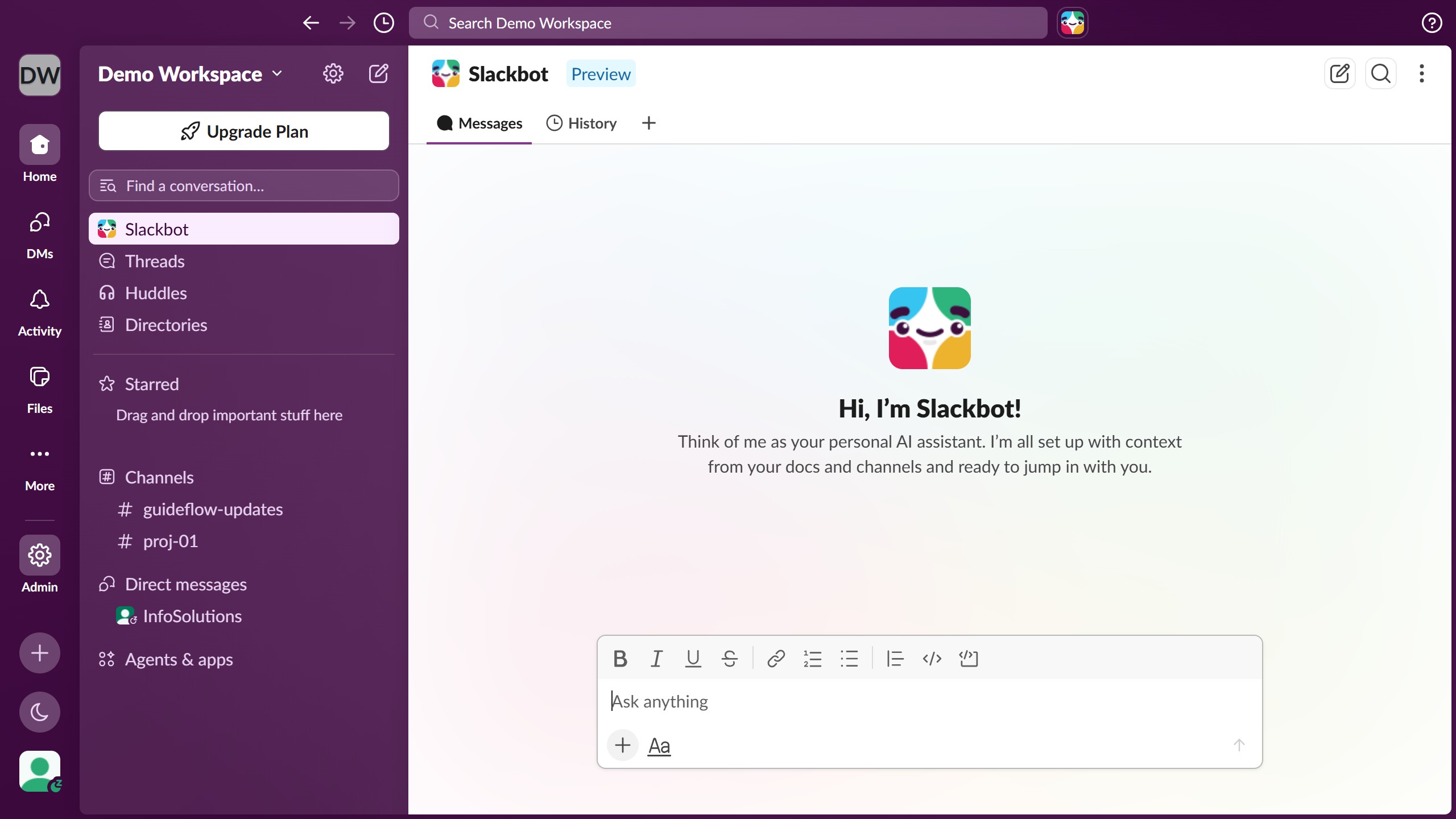
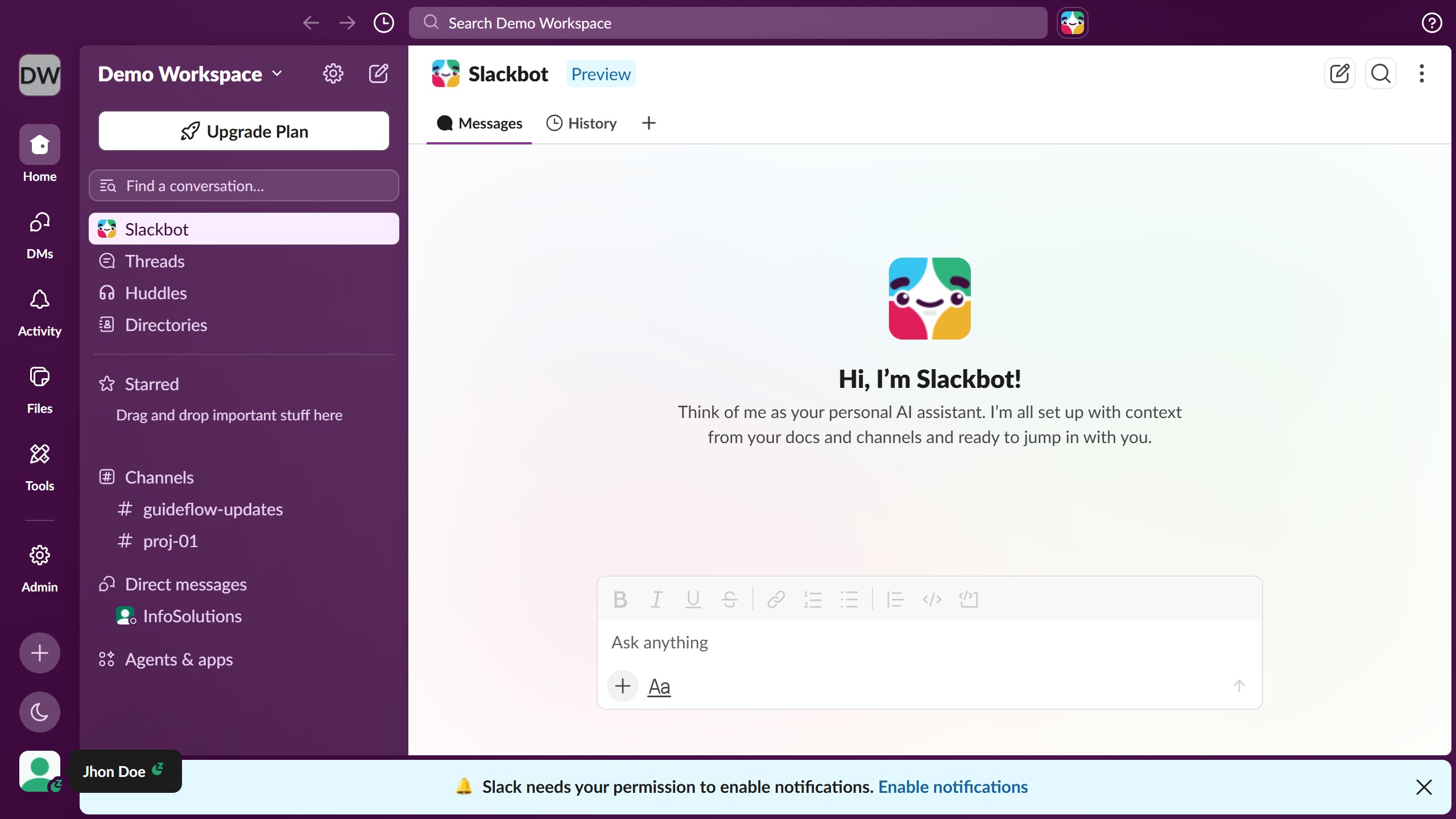
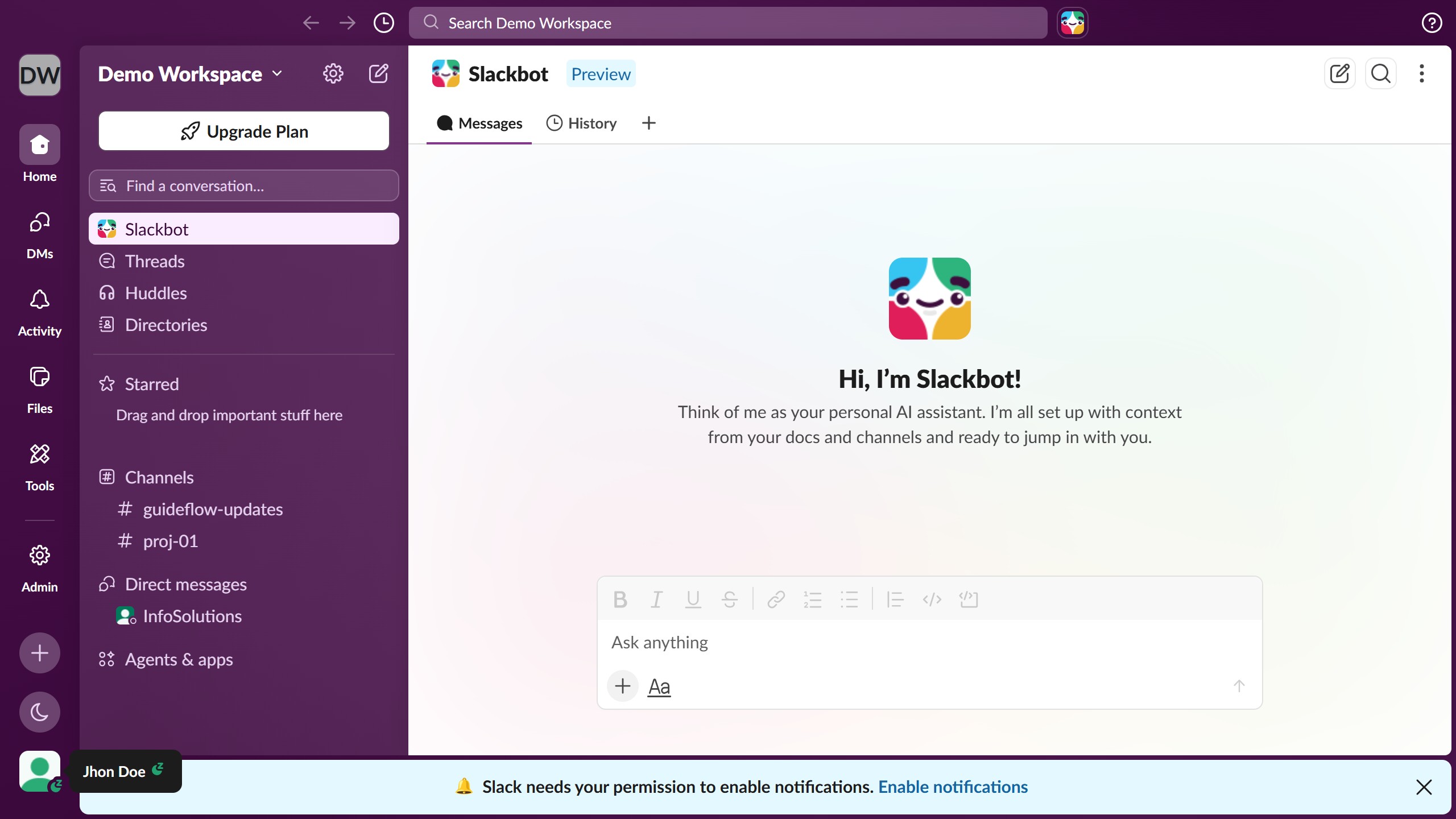
  1. First click on the "Admin" button in the left sidebar to access administrative settings
  2. Then click on "Edit workspace" option in the Admin Tools menu
  3. Next click on "Name and URL" option in the workspace settings submenu
  4. Then click on the "Workspace name" text field and modify the workspace name
  5. Finally click on the "Save" button to confirm the workspace name changes

Create your own interactive guide with Guideflow

Why should you edit workspace name as an admin in Slack

Slack is a transformative platform designed for seamless team communication and collaboration.

As an admin, having the flexibility to edit a workspace name in Slack ensures that your team's online environment accurately reflects your current branding or organizational changes.

This feature is crucial for maintaining consistency in team identity, helping users easily navigate and feel connected within the workspace.

Ultimately, the ability to update a workspace name reinforces an organized and professional atmosphere, enhancing team cohesion and productivity.

Last update
March 16, 2026
Cursor MariaA cursor points to a button labeled "James."

Create your first demo in less than 30 seconds.