Here is how to manage adding alt text in slack
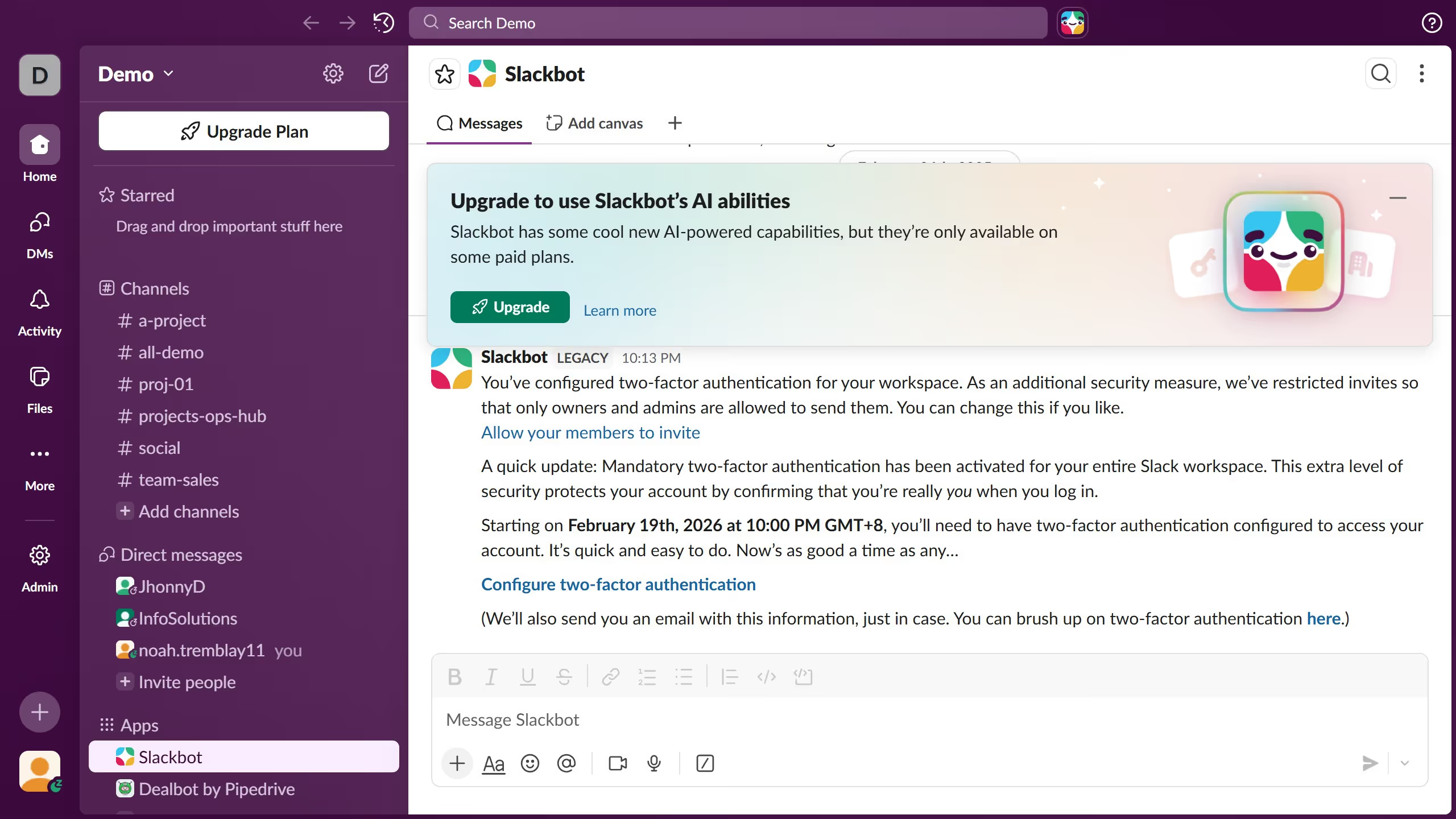
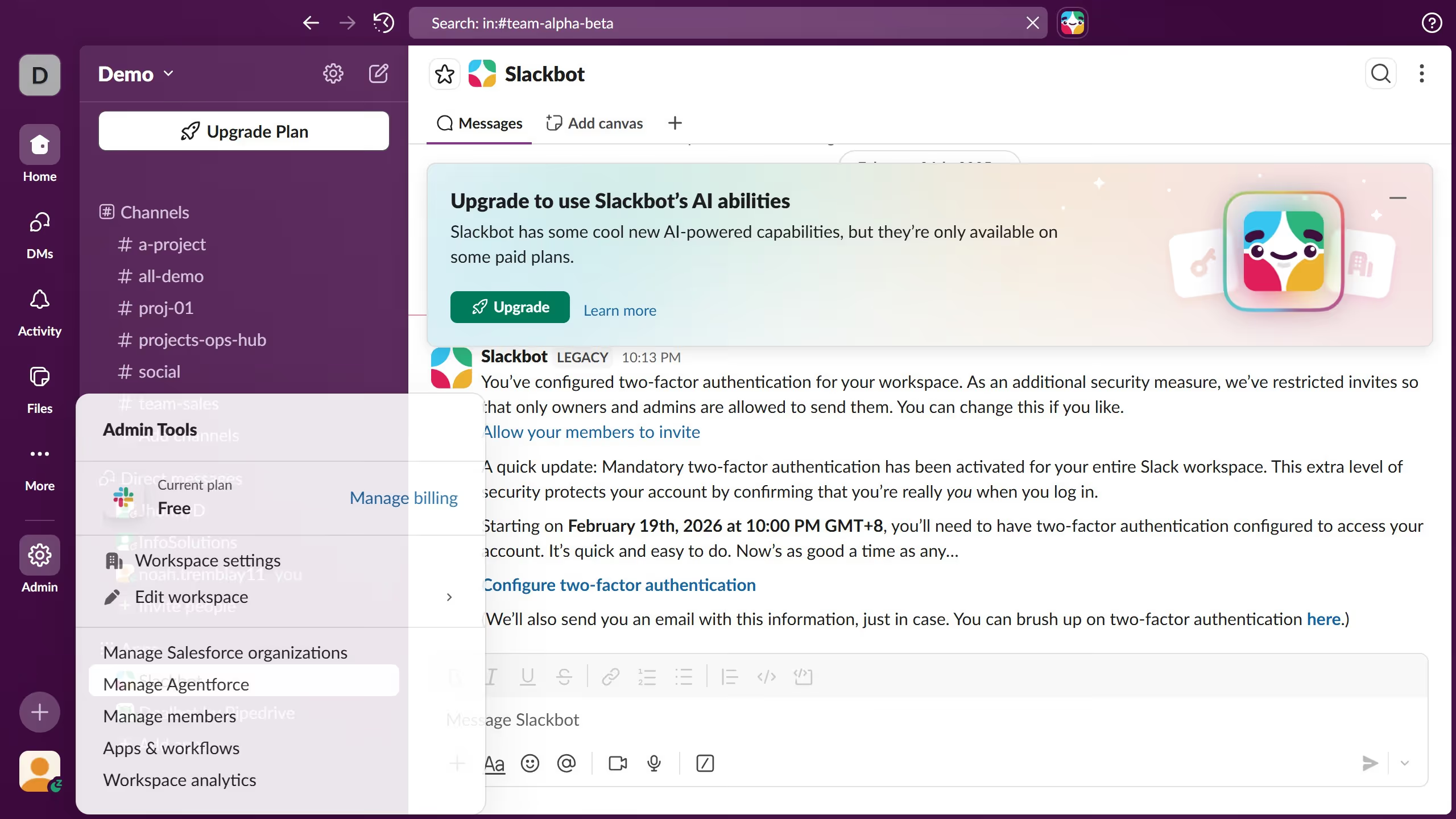
- First click on "Admin" button in the left sidebar
- Then click on "Workspace Settings" option in the Admin Tools menu
- Next click on "Expand" button for the "Prompt Users to Add Alt Text" section
- Then select the "Always prompt users to add alt text when attaching images" radio button option
- Finally click on "Save" button to save the changes