Slack
Slack is a business communication platform that organizes team conversations into channels and direct messages.
Website
Industry
Collaboration
Share this article:

How to mark yourself active with a status in Slack

Here is how to mark yourself active with a status in slack

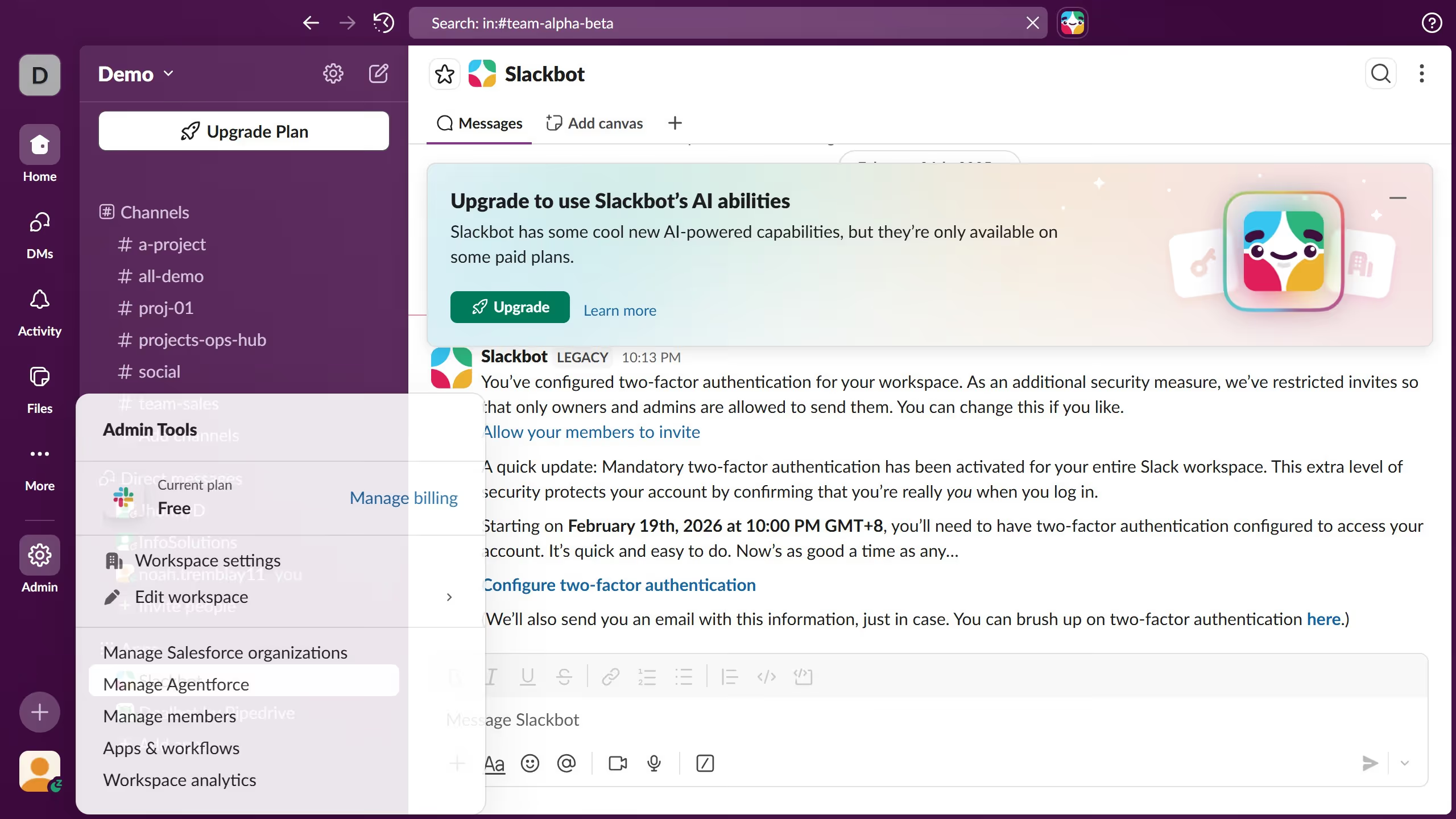
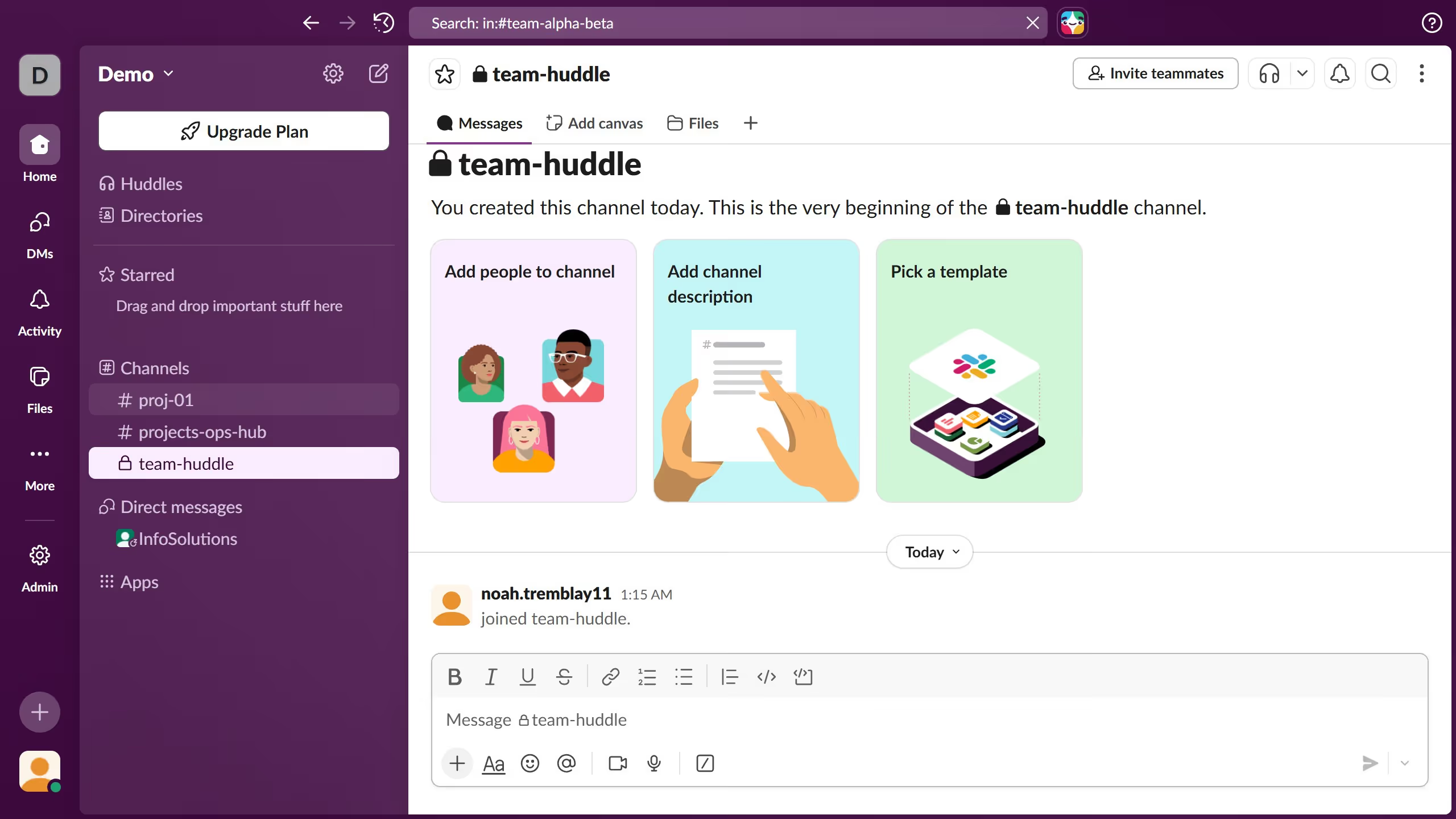
  1. First click on the profile icon in the bottom left sidebar
  2. Then click "Set yourself as active"
  3. Confirm the green dot indicator appears on your profile and click again the profile icon
  4. Then click the status input field
  5. Then modify the status text in the status input field
  6. Finally click on the "Save" button to confirm the status change

Create your own interactive guide with Guideflow

Why should you mark yourself active with a status in Slack

Slack is a dynamic communication platform designed to streamline team collaboration and productivity.

Marking yourself active with a status in Slack allows team members to know when you are available for collaboration and communication. This feature enhances transparency by giving colleagues a clear indication of your current work mode and availability.

Using a status fosters efficient teamwork and encourages timely interactions, ensuring that project discussions remain seamless and operations run smoothly.

Last update
March 16, 2026
Cursor MariaA cursor points to a button labeled "James."

Create your first demo in less than 30 seconds.