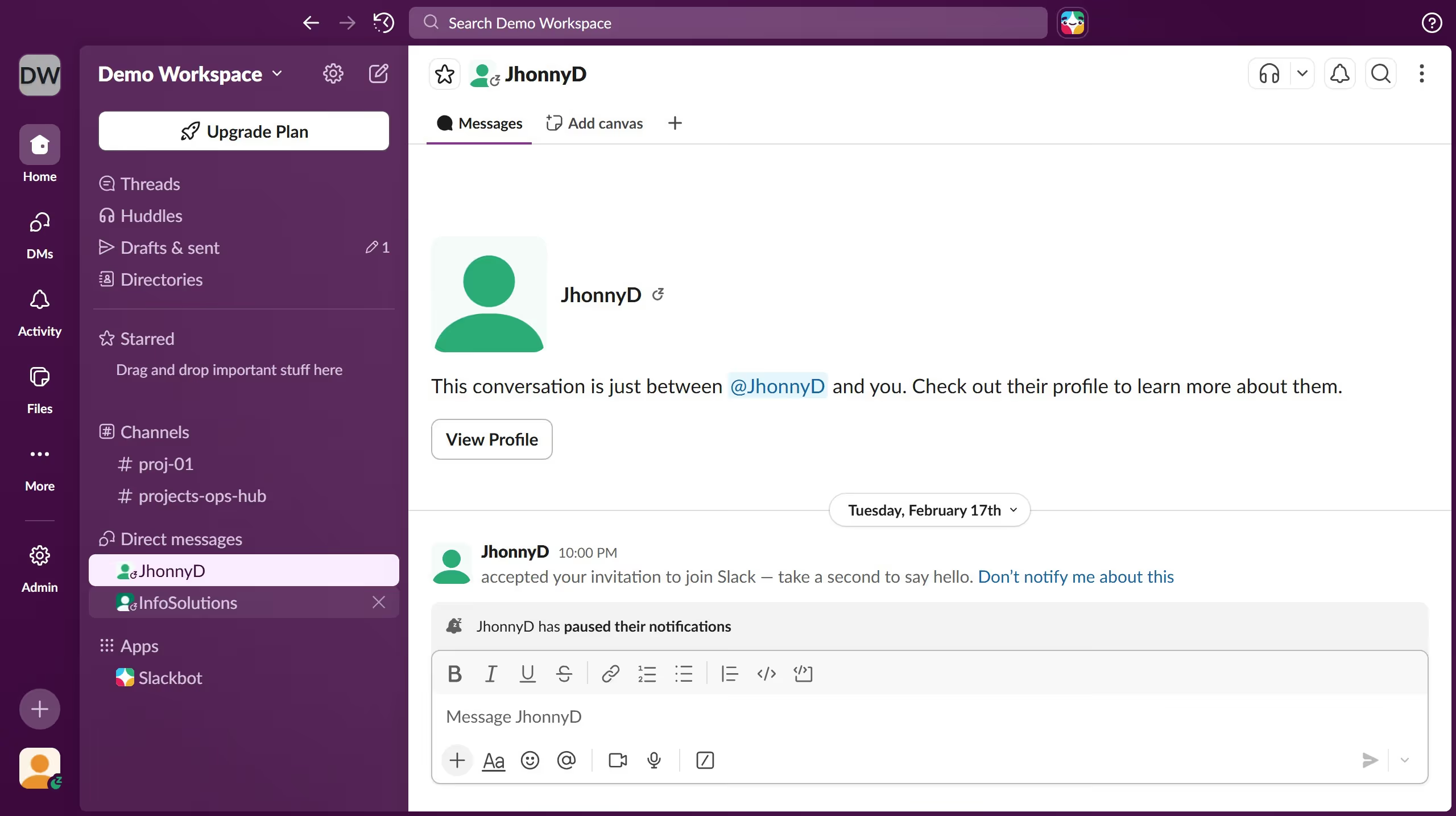
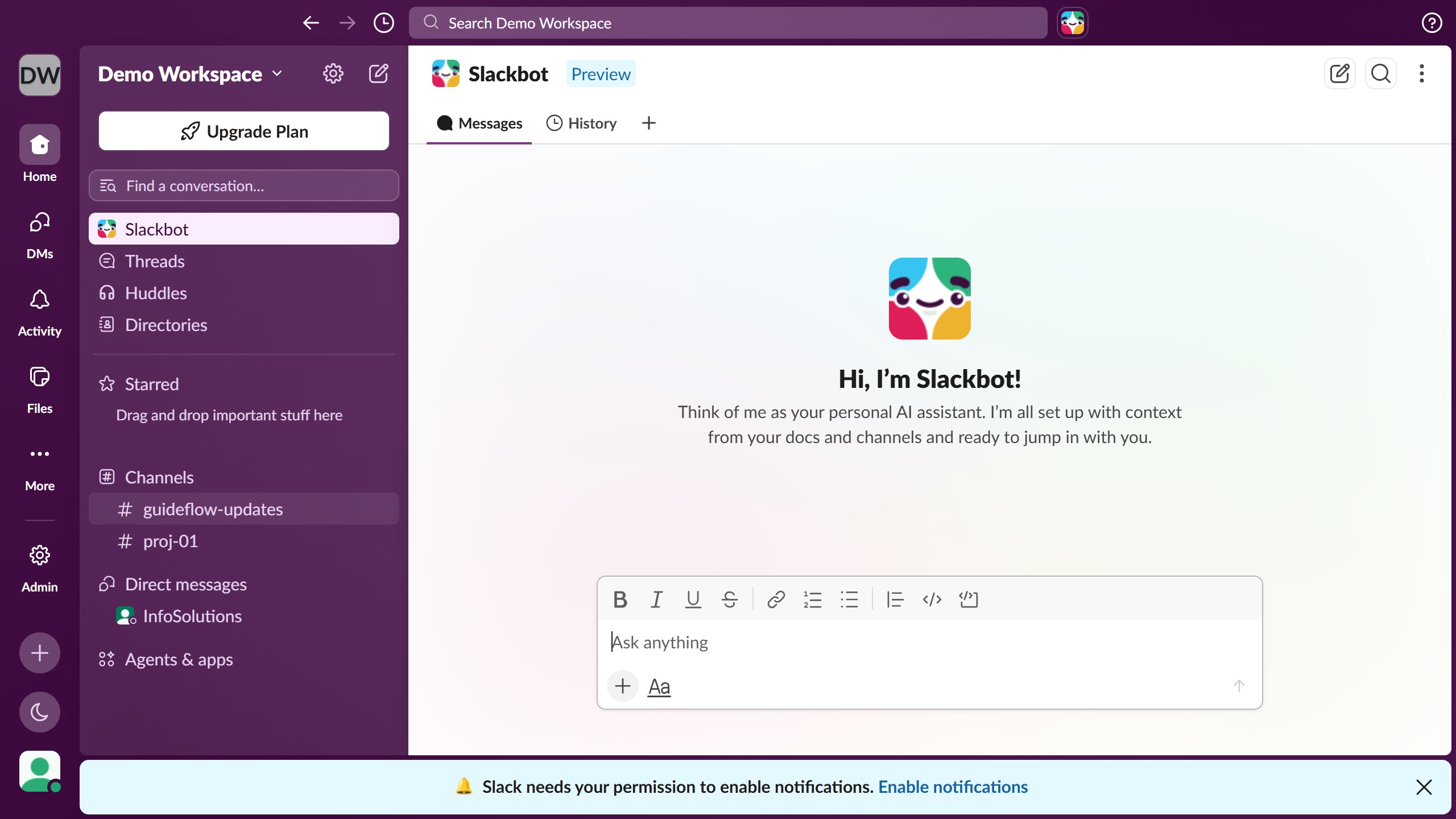
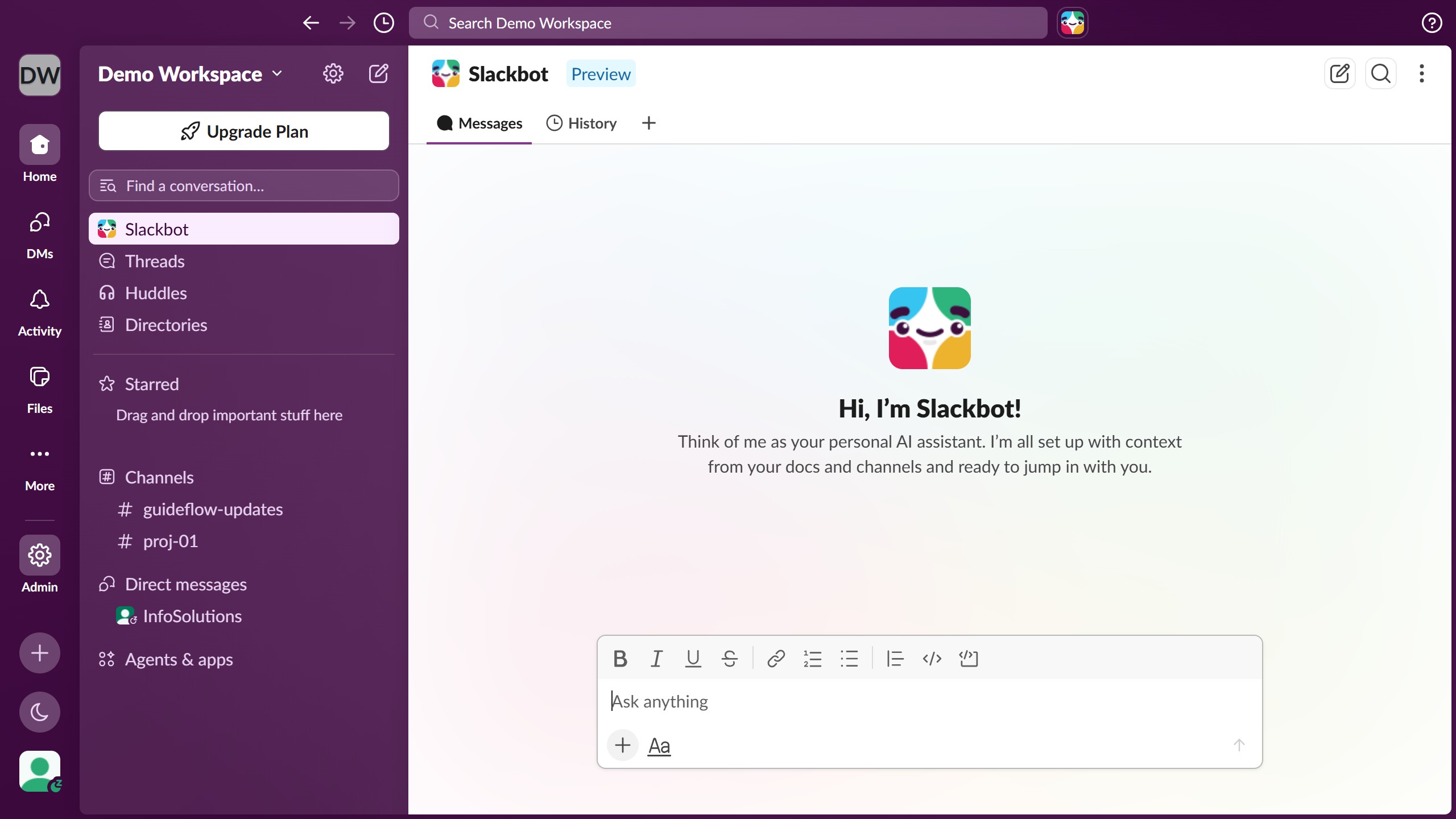
Here is how to set a status for this week in slack
- First click on the profile section in the bottom left sidebar to open the user menu
- Then select "Update your status" option from the profile menu
- Next click on a status option from the status list in the dialog
- Then click on the dropdown arrow to set status duration
- Next select the "This week" option from the dropdown menu
- Finally click on "Save" button to confirm the status change