How to enable Slack Connect for channels in Slack
Here is how to enable slack connect for channels in slack
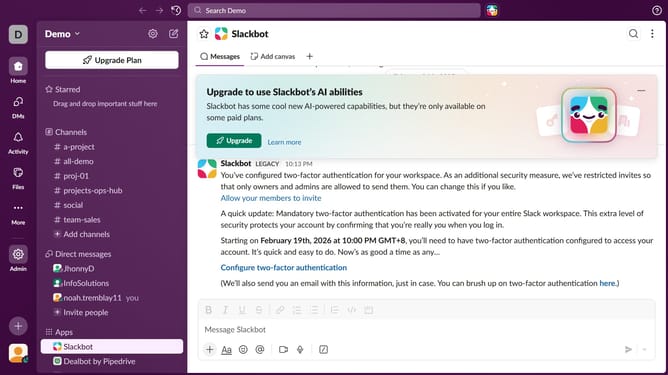
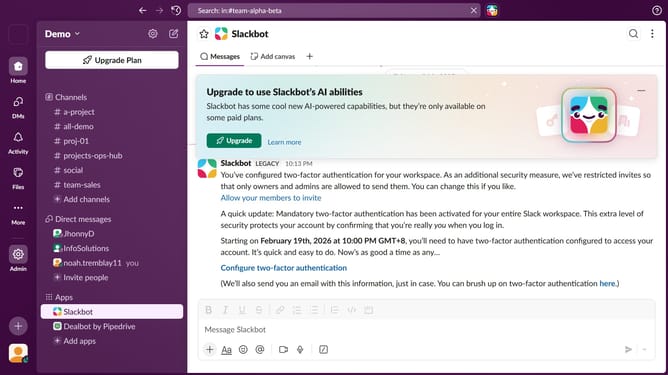
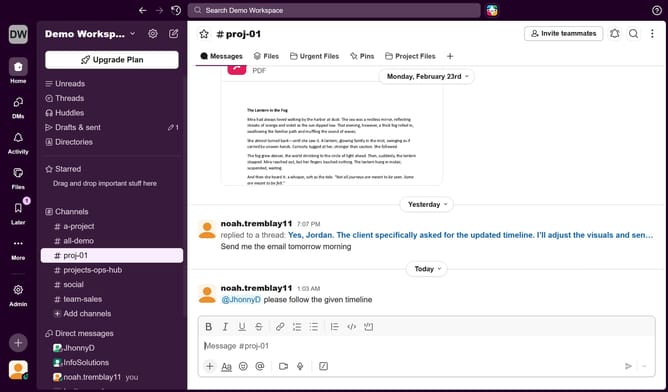
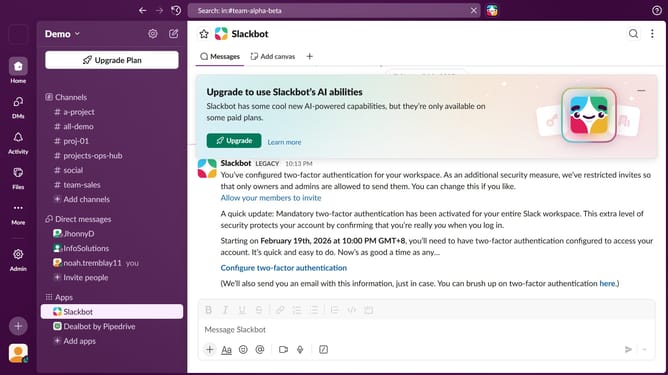
- First click on "Admin" button in the sidebar
- Then click on "Workspace Settings" link
- Next click on the "Permissions" tab
- Finally click on the "Expand" button
Why should you enable Slack Connect for channels in Slack
Slack is a powerful communication platform that brings teams together to collaborate more efficiently.
By enabling Slack Connect for channels, you can extend your workspace to include external partners, fostering seamless communication.
This feature allows for a more integrated workflow, enabling you to manage partnerships as smoothly as internal projects.
Utilizing Slack Connect not only enhances productivity but also encourages transparent and open collaboration, ensuring everyone stays aligned and informed.
Last update