Slack
Slack is a business communication platform that organizes team conversations into channels and direct messages.
Website
Industry
Collaboration
Share this article:

How to manage canvas settings in Slack

Here is how to manage canvas settings in slack

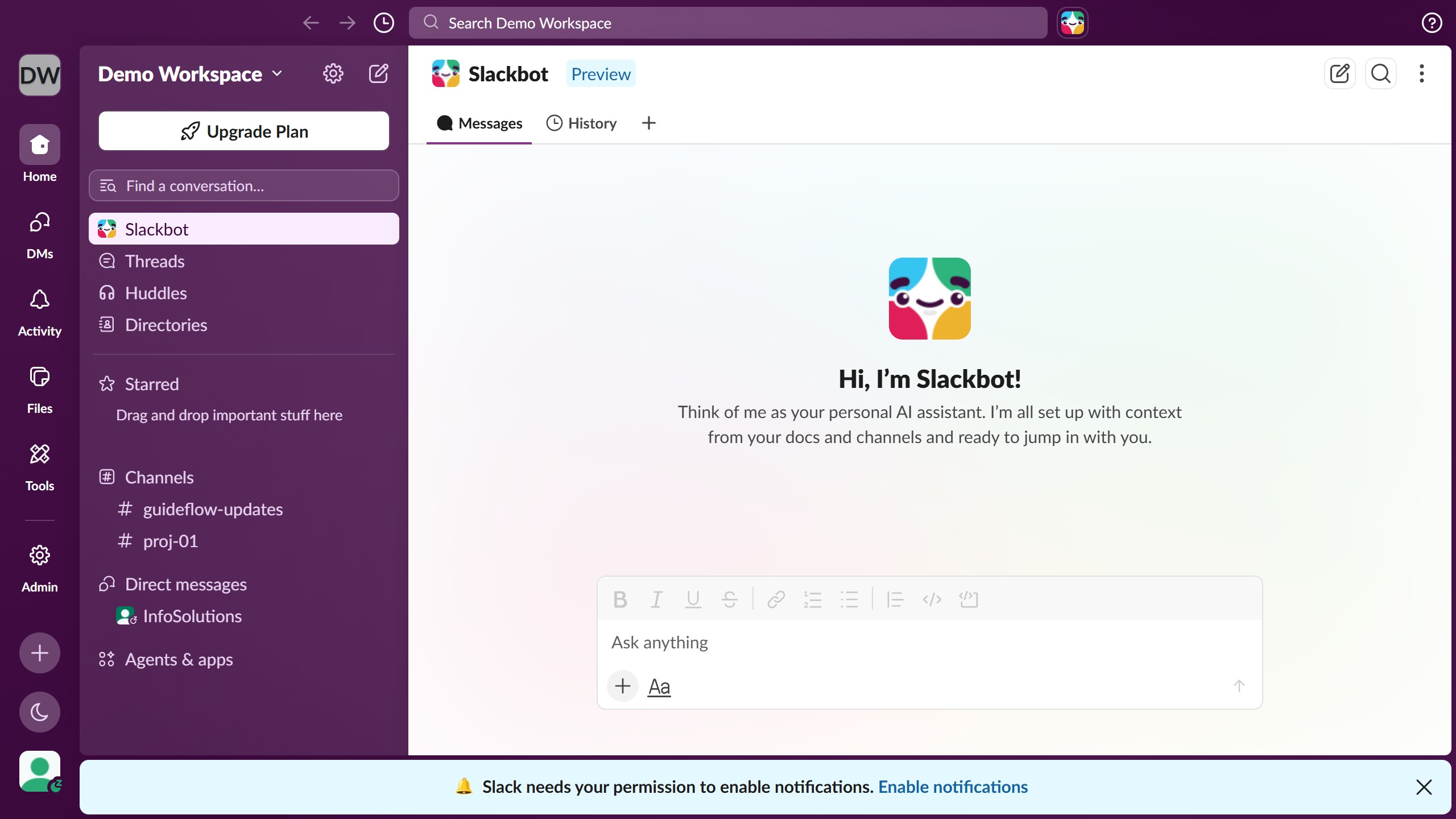
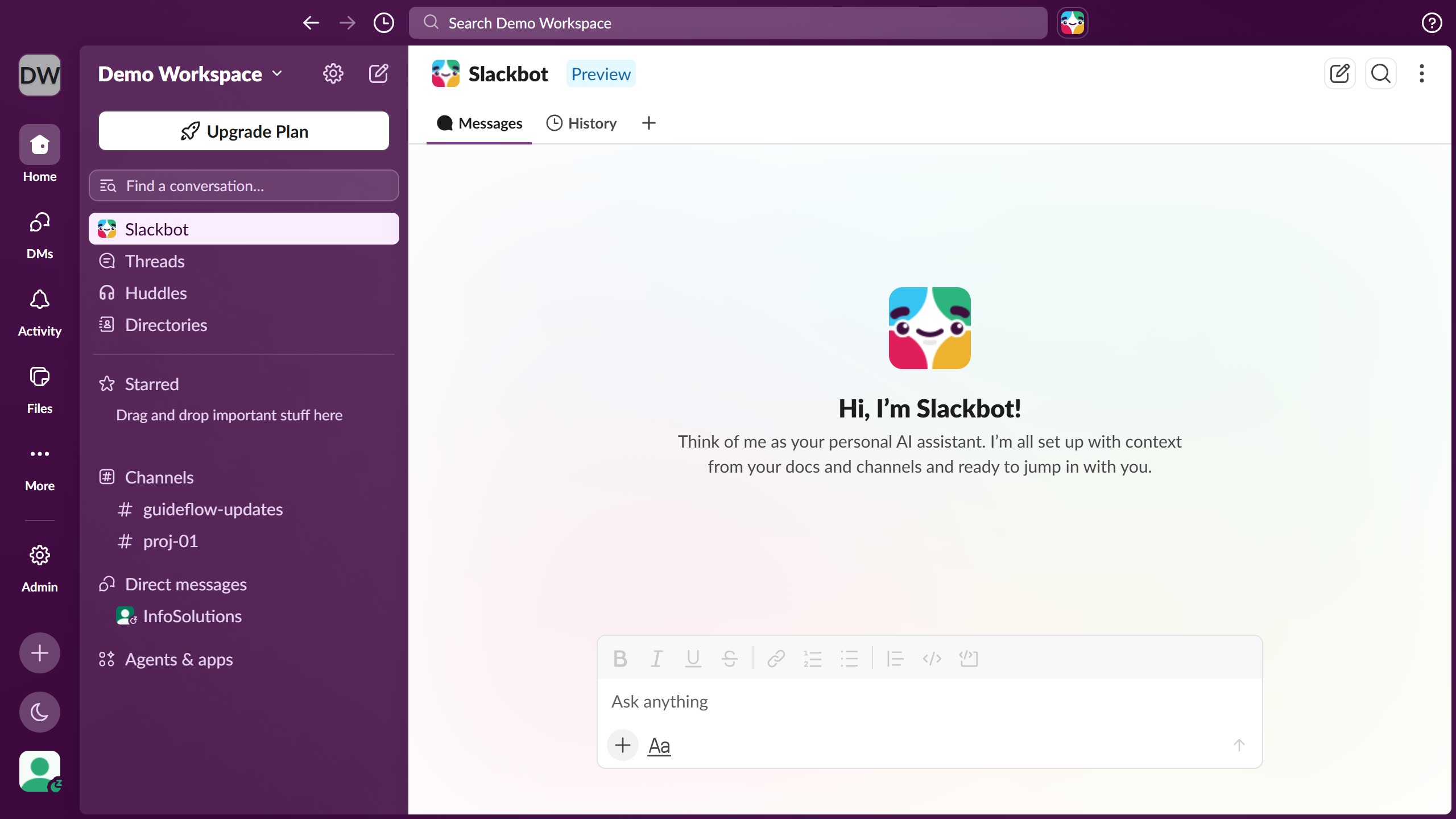
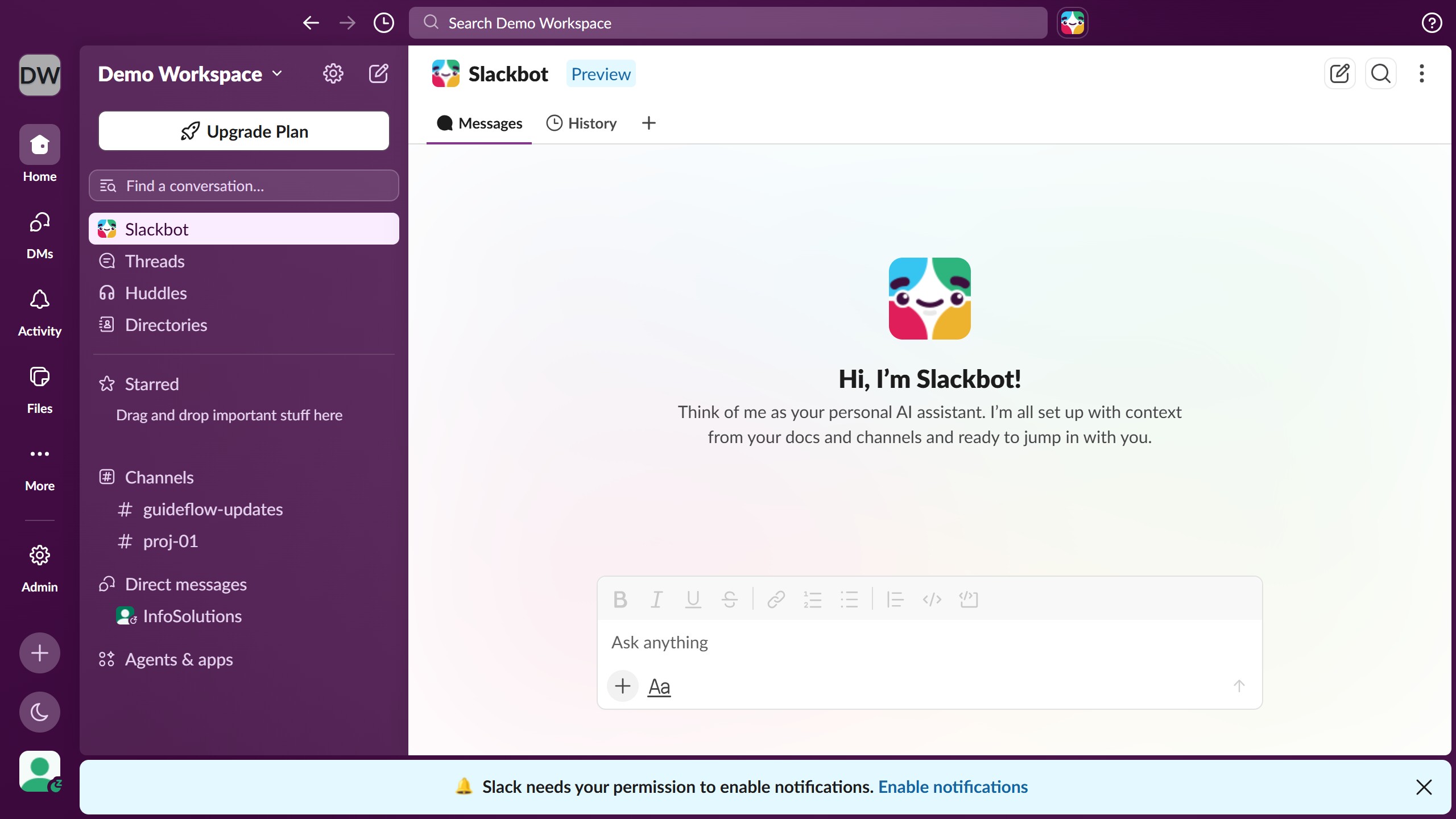
  1. First click on "Admin" in the left sidebar to open the admin menu
  2. Then click on "Workspace settings" option in the Admin Tools menu
  3. Next click on "Expand" button next to the "Canvases" section to reveal canvas settings
  4. Then check the "Show canvas version history and allow restoration" checkbox to disable this feature
  5. Finally click on "Save" button to confirm and save the canvas settings changes

Create your own interactive guide with Guideflow

Why should you manage canvas settings in Slack

Slack is an innovative collaboration tool designed to streamline team communication and enhance productivity.

Managing canvas settings in Slack allows users to customize and organize workspaces efficiently, making project management smoother and more intuitive.

This feature empowers teams to tailor their environments, improve visibility on tasks, and ensure seamless navigation through ongoing projects.

The ability to adjust canvas settings enhances user experience, offering a personalized touch that aligns with individual or team preferences for optimal workflow.

Last update
March 16, 2026
Cursor MariaA cursor points to a button labeled "James."

Create your first demo in less than 30 seconds.