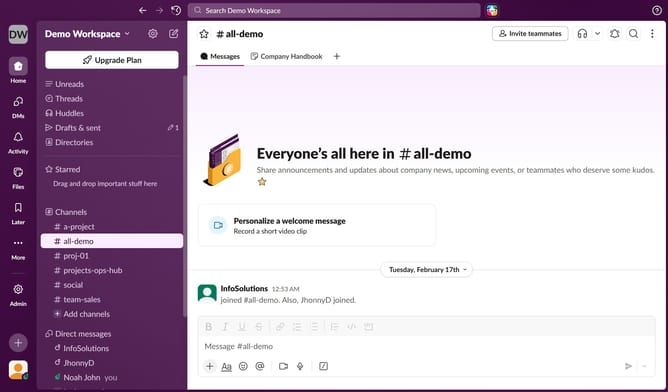
How to enable mobile notification of summarized activity after 2 weeks on inactivity in Slack
Here is how to enable mobile notification of summarized activity after 2 weeks on inactivity in slack
- First click on the user profile icon in the left sidebar
- Then click on "Preferences" in the user menu
- Next, click on the "Notifications" tab in the Preferences sidebar
- Then check the box next to "If I'm not active for more than 2 weeks, send me a mobile notification, summarizing activity I've missed"
- Finally click on the close button to exit the Preferences window
Why should you enable mobile notification of summarized activity after 2 weeks on inactivity in Slack
Slack is a dynamic communication platform designed to enhance productivity and collaboration among teams.
The feature to enable mobile notifications of summarized activity after two weeks of inactivity in Slack helps you stay updated seamlessly.
This feature is perfect for busy individuals who occasionally step away from work but still want to stay in the loop with team activities.
By summarizing key updates, it ensures you don't miss important discussions, enhancing ease and clarity in tracking ongoing projects.
Last update