Slack
Slack is a business communication platform that organizes team conversations into channels and direct messages.
Website
Industry
Collaboration
Share this article:

How to manage huddle notification sound in Slack

Here is how to manage huddle notification sound in slack

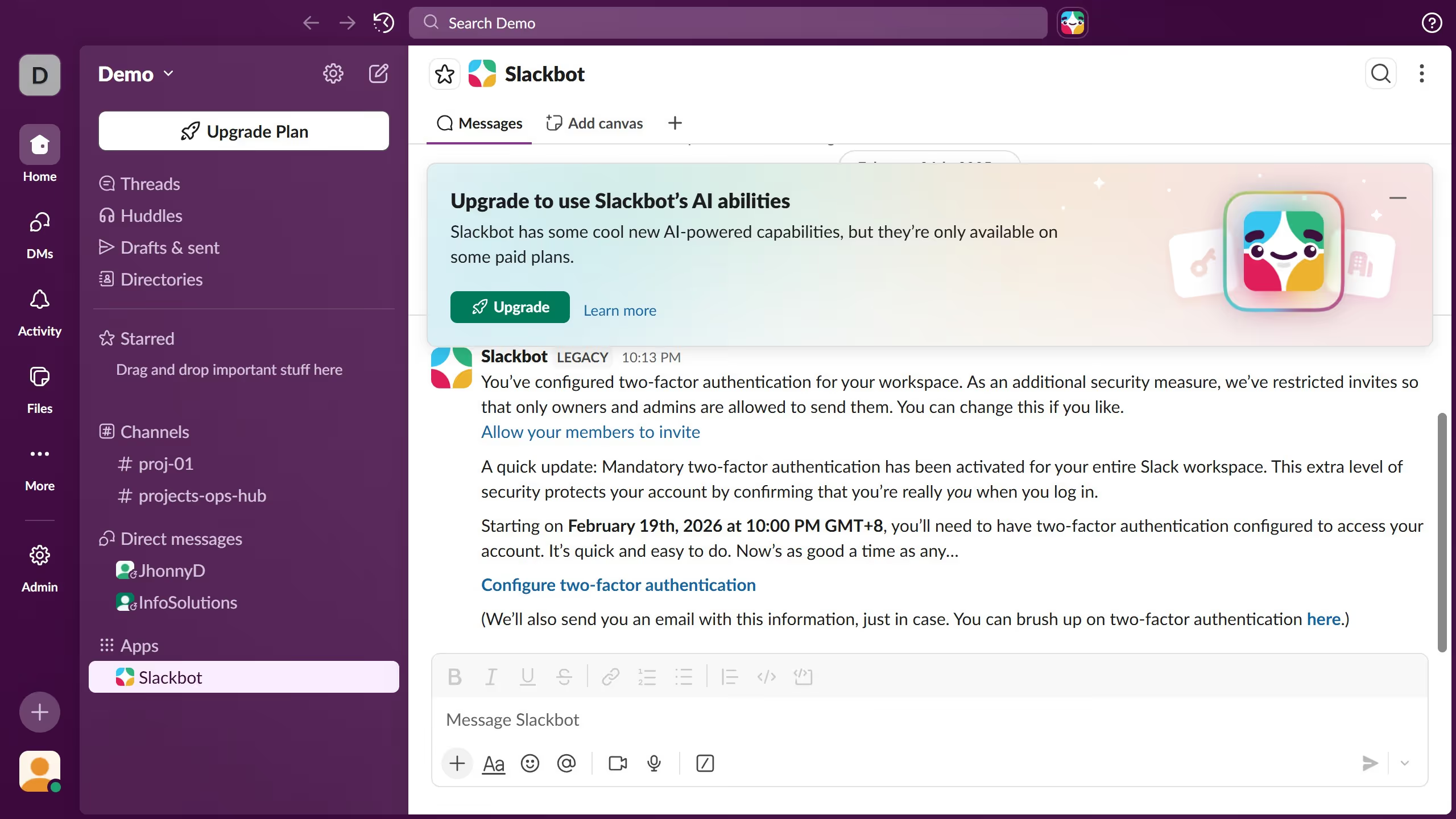
  1. First click on the user profile button in the bottom left corner of the sidebar
  2. Then click on the "Preferences" option from the dropdown menu
  3. Next scroll down the Notifications section in the Preferences modal
  4. Then click on the "Notification sound (huddles)" dropdown menu
  5. Next select an option from the notification sound dropdown
  6. Finally click on the close button in the top right corner of the Preferences modal

Create your own interactive guide with Guideflow

Why should you manage huddle notification sound in Slack

Slack is a powerful collaborative tool designed to streamline communication within teams.

Managing huddle notification sounds in Slack enhances your focus by allowing you to customize alerts according to your preferences.

This feature ensures you are promptly informed of essential discussions without unnecessary distractions. It provides flexibility, enabling you to prioritize notifications specific to your needs.

Ultimately, optimizing these sound settings fosters a more attentive and organized work environment, aligning perfectly with your communication workflow.

Last update
March 16, 2026
Cursor MariaA cursor points to a button labeled "James."

Create your first demo in less than 30 seconds.