Slack
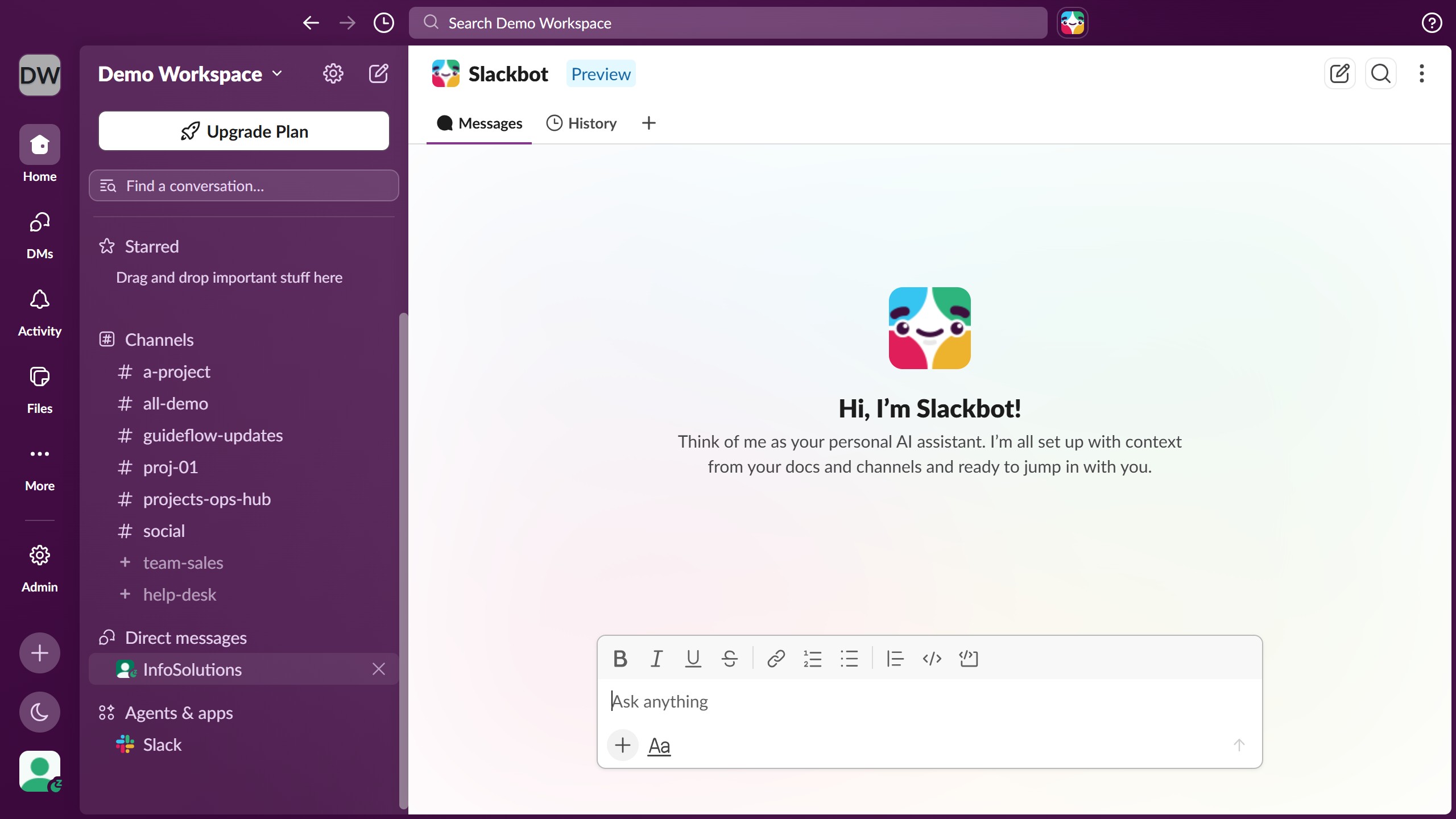
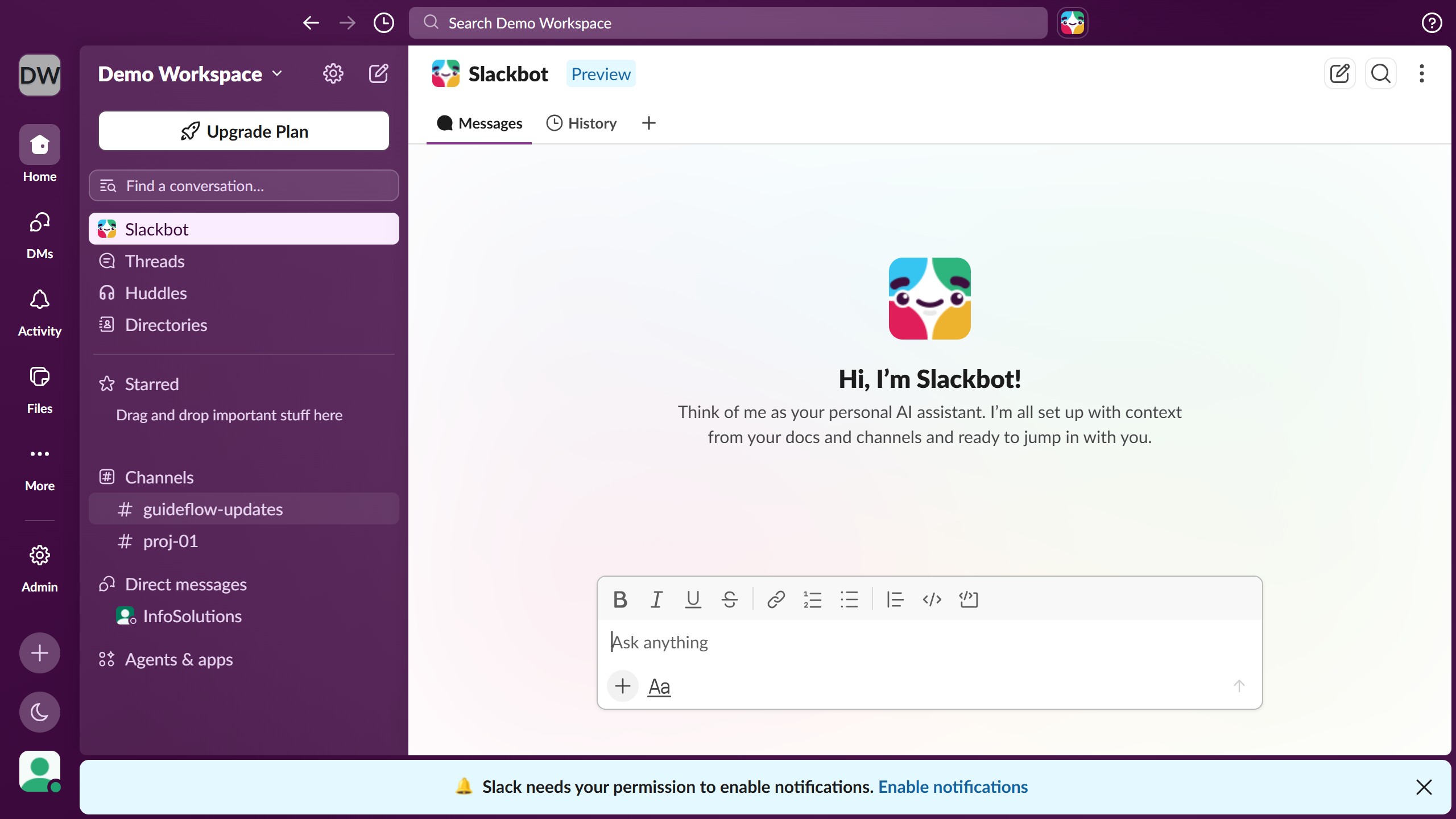
Slack is a business communication platform that organizes team conversations into channels and direct messages.
Website
Industry
Collaboration
Share this article:

How to set a status duration in Slack

Here is how to set a status duration in slack

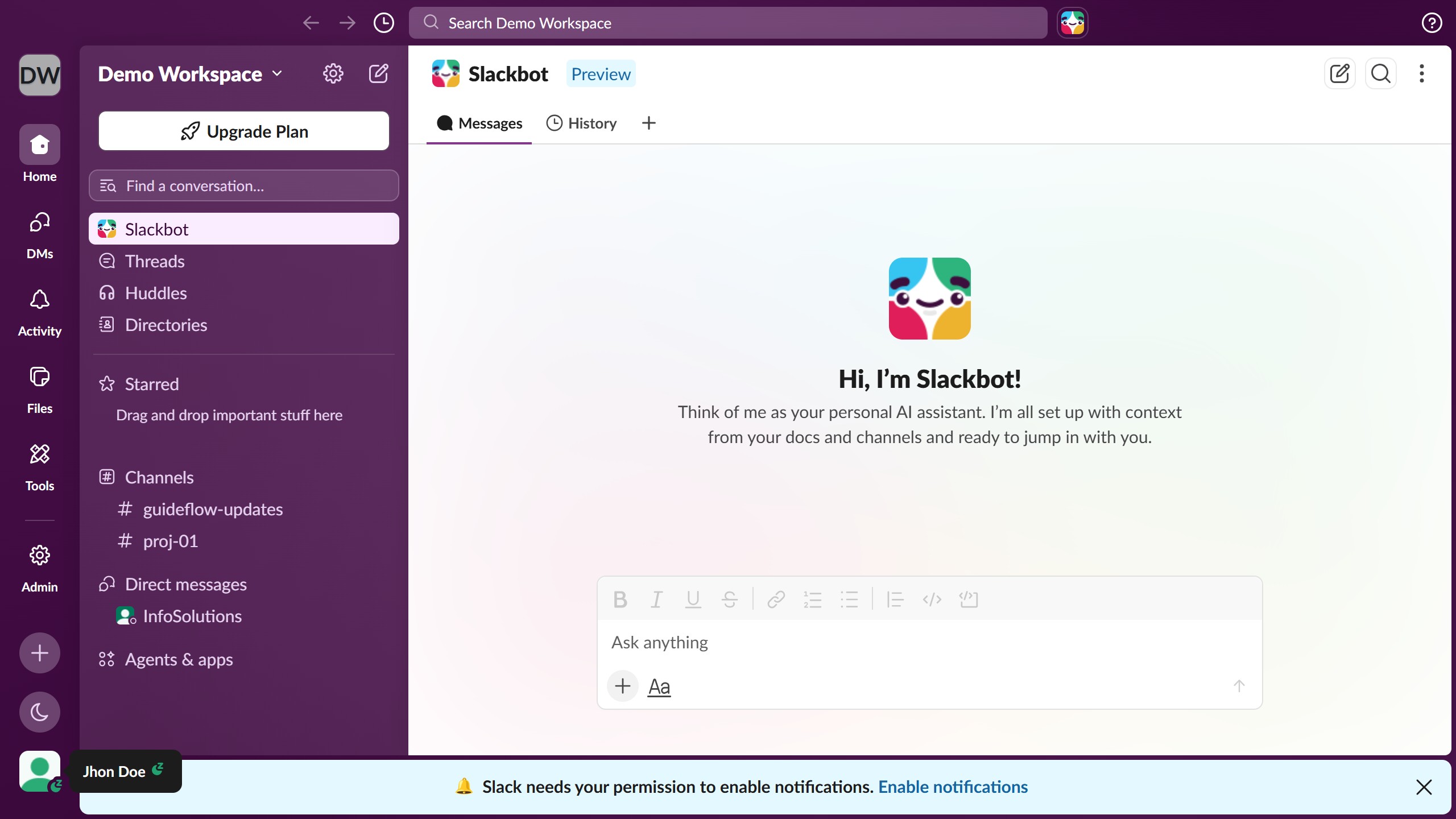
  1. First click on the user profile menu in the sidebar
  2. Then click on "Update your status" option in the profile menu
  3. Next select a status from the status options list
  4. Then click on the dropdown arrow icon to change the time duration
  5. Then select a time from the time duration dropdown menu
  6. Finally click on the "Save" button to save the status changes

Create your own interactive guide with Guideflow

Why should you set a status duration in Slack

Slack is a versatile communication platform designed to streamline team collaboration in real-time.

The ability to set a status duration in Slack allows users to communicate their availability effortlessly. By setting specific times, team members can signal when they're busy, in a meeting, or away, ensuring smooth workflow management.

This feature enhances productivity by reducing unnecessary disruptions, helping teams to stay focused and informed about each other’s schedules.

Ultimately, setting status durations fosters a more efficient and considerate work environment.

Last update
March 16, 2026
Cursor MariaA cursor points to a button labeled "James."

Create your first demo in less than 30 seconds.