How to notify everyone when a new teammate joins in Slack
Here is how to notify everyone when a new teammate joins in slack
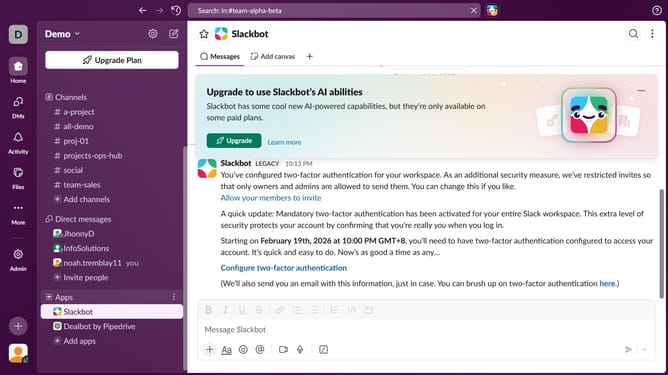
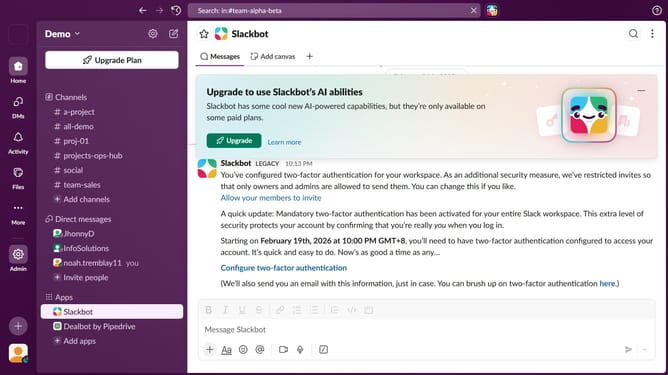
- First click on the "Admin" button in the left sidebar
- Then select "Workspace Settings" from the Admin Tools menu
- In the Settings & Permissions screen, click on the "Settings" tab
- Click on the "Expand" button to reveal more settings
- Check the "Notify everyone when a new teammate joins" checkbox
- Finally click on the "Save" button
Why should you notify everyone when a new teammate joins in Slack
Slack serves as a digital workspace designed to centralize and streamline team communication.
One of its valuable features is the ability to notify everyone when a new teammate joins. This ensures that every team member is aware of the new addition, fostering an inclusive environment right from the start.
Using this notification feature promotes immediate engagement and helps the new member feel welcomed. It also encourages timely collaboration, reinforcing a sense of community and unity within the team.
Last update